What Does F7 Mean on a Washing Machine?
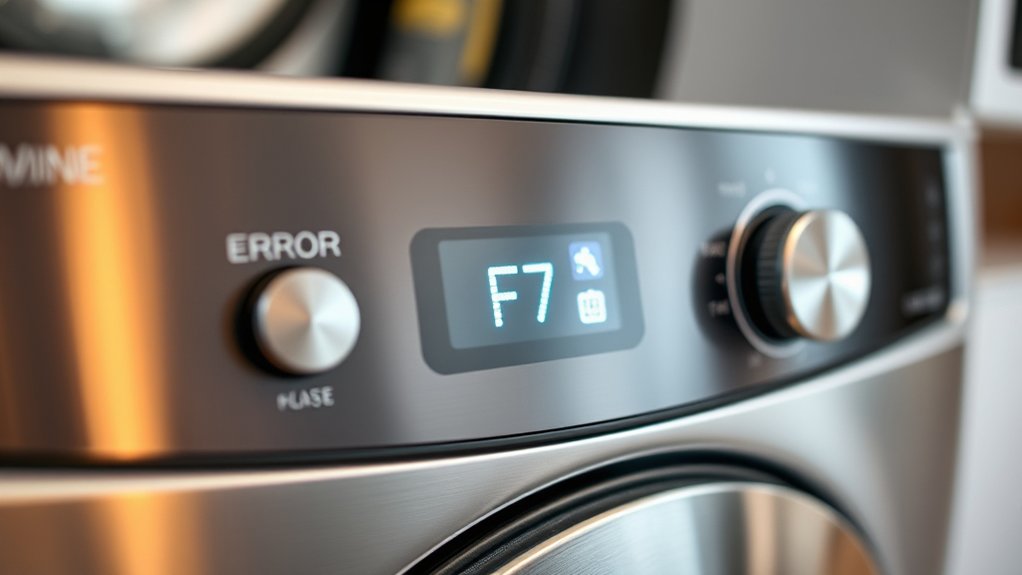
The F7 error on your washing machine indicates a drainage problem that prevents the cycle from finishing properly. This common issue often occurs due to a clogged drain hose, a blocked pump filter, a faulty pump motor, or sensor malfunctions.
Understanding what F7 means on a washing machine can help you quickly identify and address these drainage faults.
You’ll want to check the hoses and filters first, clearing any blockages that might be causing the error. Resetting the machine after cleaning can sometimes resolve the problem.
If the F7 error continues to appear, further troubleshooting or professional assistance may be necessary.
Keep reading to discover effective ways to solve and prevent this issue from recurring.
Key Takeaways
- The F7 error indicates a water drainage problem in the washing machine during the cycle.
- Common causes include clogged drain hoses, faulty pump motors, or sensor malfunctions.
- This error prevents cycle completion and can affect spinning performance.
- Inspect and clean the drain hose, pump filter, and ensure proper pump operation to fix it.
- If the error persists after troubleshooting, contacting a technician is recommended.
What Does the F7 Error Code Mean on Your Washing Machine?
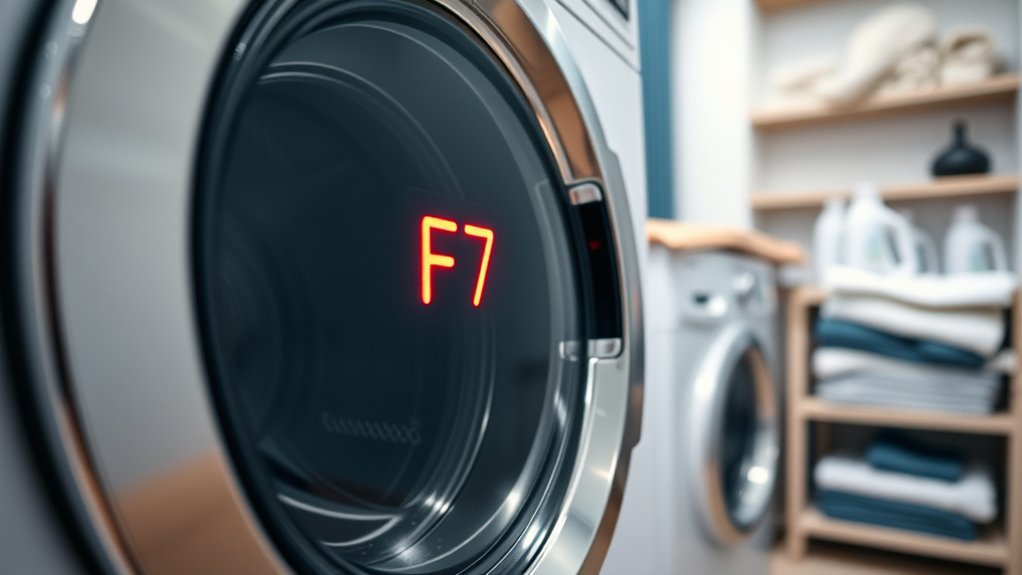
What does the F7 error code mean on your washing machine? It usually indicates a problem related to the machine’s water drainage system. When you see this code, your washer is signaling that it can’t drain water properly.
This could affect the machine’s ability to complete cycles or spin correctly. The F7 error acts as a warning so you can address the issue before it worsens or causes damage. It’s important to recognize that this code is specific to drainage problems and doesn’t relate to other functions like water filling or door locking.
Knowing what this code means helps you respond quickly, ensuring your washer gets back to working smoothly without unnecessary delays or repairs.
What Causes the F7 Error Code to Appear?
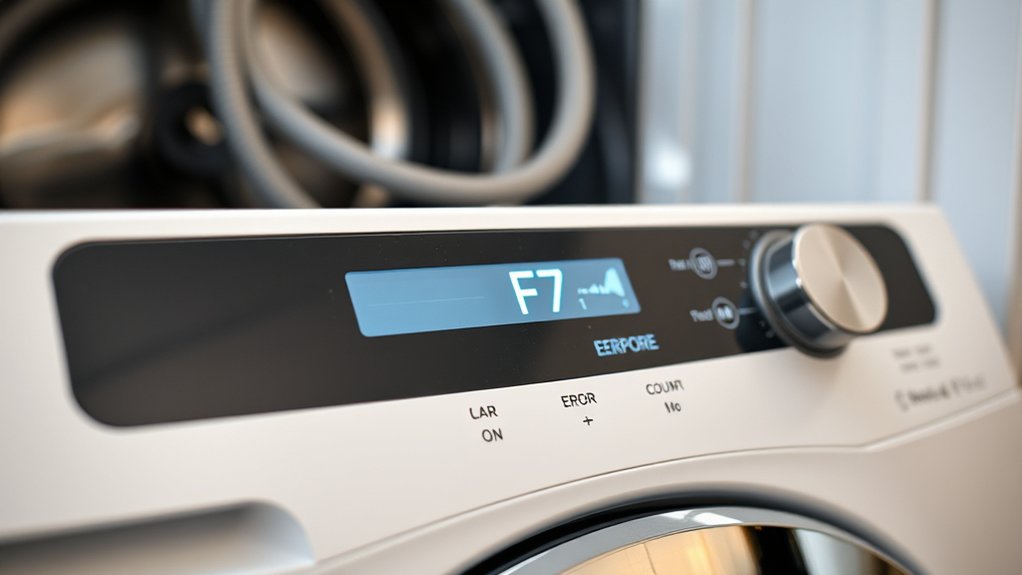
When your washing machine displays the F7 error code, it signals a problem with water drainage, but several specific issues can trigger this alert. First, a clogged drain hose or pump filter often causes water to back up, preventing proper drainage. You might also face a faulty drain pump motor, which can’t push water out efficiently.
Sometimes, kinks or blockages in the drain hose restrict flow, leading to this error. Additionally, your washing machine’s water level sensor might be malfunctioning, giving false signals that water isn’t draining. Finally, improper installation, like an incorrectly positioned drain hose, can cause drainage issues.
Identifying the exact cause helps you address the problem quickly and avoid further damage.
How to Reset Your Washing Machine After an F7 Error
If your washing machine shows the F7 error, the first step is to power cycle it by unplugging and plugging it back in. Next, check the door lock to make sure it resets properly.
Finally, restart the control board to clear the error and get your machine running again.
Power Cycle Procedure
Wondering how to fix your washing machine after encountering an F7 error? The power cycle procedure is a simple way to reset your machine and clear minor glitches. First, turn off the washing machine and unplug it from the power outlet.
Leave it unplugged for about 5 minutes to allow the internal electronics to fully reset. During this time, you can inspect the drum and hoses for any visible obstructions or issues. After waiting, plug the machine back in and switch it on.
This process often clears the error and restores normal function. If the F7 error persists, you might need to explore other troubleshooting steps, but power cycling is a good first move to try before calling for service.
Door Lock Reset
How can you reset your washing machine after an F7 error related to the door lock? First, make sure the door is properly closed and latched. Sometimes, the lock sensor doesn’t engage fully, triggering the error.
Next, unplug your machine from the power source and wait about five minutes to let the system reset. Then, plug it back in and try to start a cycle.
If the error persists, check the door lock mechanism for any visible damage or debris blocking it. Cleaning the lock area with a soft cloth might help. You can also try pressing and holding the door lock button (if your model has one) for a few seconds to manually reset the lock.
This usually clears the F7 error related to door lock issues.
Control Board Restart
After addressing the door lock, the next step to clear an F7 error involves restarting the washing machine’s control board. To do this, unplug your washing machine from the power source and wait about one to five minutes. This pause lets the control board fully reset.
Once the time has passed, plug the machine back in and turn it on. This simple reboot often clears temporary glitches causing the F7 error. If your model has a reset button, press it instead, following the manufacturer’s instructions.
After restarting, run a test cycle to see if the error persists. If it does, the control board might need professional inspection or replacement. But in many cases, a restart solves the issue quickly and gets your washer running smoothly again.
How to Check for Drainage Problems Causing the F7 Error
Checking for drainage problems is essential when your washing machine displays the F7 error, as it often indicates water isn’t draining properly. Start by inspecting the drain hose for kinks or clogs.
Next, check the drain pump filter for debris that might block water flow. Finally, verify the drain pipe isn’t clogged or obstructed.
| Step | What to Check | What to Do |
|---|---|---|
| Drain Hose | Kinks, bends, or blockages | Straighten or clear clogs |
| Pump Filter | Debris or lint buildup | Clean out filter |
| Drain Pipe | Obstructions or blockages | Remove any blockages |
| Water Level | Excess water after cycle ends | Confirm pump operation |
Following these steps helps you identify drainage issues causing the F7 error.
How to Fix Water Inlet Problems Causing the F7 Error
If your washing machine shows the F7 error, it might be struggling to fill with water properly. First, check the water supply valves to verify they’re fully open. Next, inspect the inlet hoses for any kinks or blockages that could restrict water flow.
Detach the hoses and clean the inlet filters inside the washing machine where the hoses connect—these can get clogged with debris over time. If the filters are clear, test the water pressure; low pressure can trigger the error. Also, examine the water inlet valve for signs of damage or electrical failure.
If you find any issues, replacing the valve might be necessary. Addressing these water inlet problems usually resolves the F7 error and gets your washer filling correctly again.
How to Inspect Your Washing Machine Pump for the F7 Error
Start by locating the washing machine pump, usually found near the bottom behind a panel. Once you have access, check for any blockages like lint, coins, or small debris that could be causing the F7 error.
Clearing these obstructions can often restore proper pump function.
Locating The Pump
Where exactly is the pump located in your washing machine? Usually, you’ll find it near the bottom, as it handles draining water. To locate it:
- Unplug the machine and pull it away from the wall for easier access.
- Remove the lower access panel on the front or back, depending on your model.
- Look for a small motor with hoses connected; this is the pump.
Once located, you can inspect it for any visible signs of damage or wear. Knowing where the pump sits helps you troubleshoot the F7 error more effectively.
Checking For Blockages
After locating the pump, the next step is to check for any blockages that might be causing the F7 error. Start by removing the pump filter cover carefully. You might find lint, small clothing items, or debris stuck inside.
Use a flashlight to get a better look. Clear out any visible obstructions by hand or with a soft tool. Next, inspect the pump impeller to verify it spins freely; if it’s jammed, gently free it without forcing.
Also, check the hoses connected to the pump for clogs or kinks that could restrict water flow. Once you’ve removed all blockages, reassemble the parts securely. Run a short cycle to see if the F7 error clears up, confirming your pump is now working properly.
When to Call a Technician for Persistent F7 Error Problems
If your washing machine keeps showing the F7 error despite your troubleshooting efforts, it’s time to call a technician. Persistent F7 errors often indicate a deeper mechanical or electrical issue that requires professional attention. Don’t risk causing more damage by attempting complex repairs yourself.
Persistent F7 errors signal serious issues best handled by a professional technician to avoid further damage.
Here’s when you should contact a technician:
- The F7 error returns immediately after resets or cleaning.
- You notice unusual noises or vibrations alongside the error.
- The machine fails to complete cycles or drains improperly.
A qualified technician can accurately diagnose and fix internal faults such as sensor failures or motor problems. Acting promptly helps prevent costly repairs and extends your washer’s lifespan.
Tips to Prevent the F7 Error From Happening Again
When a technician resolves your F7 error, taking steps to prevent it from returning saves you time and money. First, avoid overloading your washing machine, as too many clothes strain the motor and sensors.
Next, clean the drum and filter regularly to prevent blockages and buildup that can trigger errors. Use the right detergent amount to avoid excess suds, which may interfere with sensor readings. Also, make sure the machine is level on the floor to prevent imbalance issues.
Inspect hoses and connections periodically for leaks or damage. Finally, run maintenance cycles as recommended in your manual. By following these tips, you’ll reduce the chances of seeing the F7 error again and keep your washer running smoothly for years.
Frequently Asked Questions
Can the F7 Error Damage My Washing Machine Permanently?
No, the F7 error won’t permanently damage your washing machine if you address it quickly.
Ignoring it, though, can lead to more serious issues. So, fix the problem as soon as you see the error.
Is the F7 Error Common in All Washing Machine Brands?
You won’t find the F7 error lurking in every brand’s shadows; it’s more like a signature glitch for specific models.
Does the F7 Error Affect the Washing Cycle Duration?
Yes, the F7 error can extend your washing cycle duration because it signals a problem, often with water drainage or sensors. Your machine might pause or repeat steps, making the entire cycle take longer than usual.
This interruption causes delays as the washer attempts to resolve the issue or alerts you to it. Consequently, the overall washing time increases until the error is addressed.
Can Using Different Detergents Prevent the F7 Error?
Think of detergents as keys—using different ones won’t prevent the F7 error if the issue lies elsewhere. You should focus on cleaning filters and checking hoses to keep your washing machine running smoothly without interruptions.
Are There Smartphone Apps to Diagnose Washing Machine Errors?
Yes, you can use smartphone apps to diagnose washing machine errors. Many brands offer apps that connect via Wi-Fi or Bluetooth, letting you troubleshoot issues, get error code explanations, and even schedule maintenance right from your phone.
Conclusion
Dealing with the F7 error on your washing machine can feel like trying to untangle a stubborn knot—frustrating but fixable. Just like a tangled necklace, checking drainage, water inlet, and pump issues step-by-step helps you find the snag.
Remember, about 70% of these errors are resolved with simple resets or cleaning. So, take your time, follow the steps, and if it still won’t budge, don’t hesitate to call a pro for help. Understanding what does F7 mean on a washing machine can save you time and stress.