How Does a Roomba Vacuum Cleaner Work Step by Step?
A Roomba vacuum cleaner works by using advanced sensors and smart navigation technology to efficiently clean your floors. It starts by scanning your room to map the layout and identify furniture or obstacles. This initial scan helps the Roomba plan an effective cleaning path tailored to your space.
The device moves in a systematic pattern, smoothly adjusting around items while edge sensors enable it to clean corners and areas under furniture. Its rotating brushes and powerful suction work together to pull up dirt and debris from various floor types.
When the battery runs low, the Roomba automatically returns to its docking station to recharge. With multiple cleaning modes and adaptive performance, it ensures your floors stay spotless every day.
Discover how this intelligent vacuum adapts and maintains peak efficiency as it cleans.
Key Takeaways
- Roomba maps the room layout using infrared, optical, and bump sensors to identify furniture, walls, and obstacles.
- It plans an efficient cleaning path, adapting in real-time to changes and avoiding obstacles and cliffs.
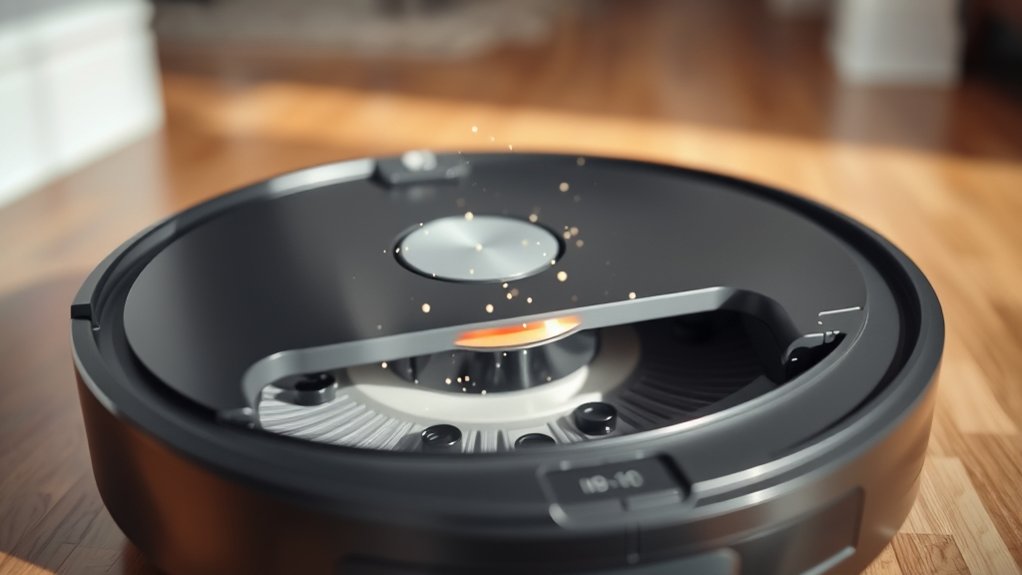
- Side and main brushes loosen and sweep dirt to the suction area, where powerful suction collects debris into a dustbin.
- The robot cleans edges and under furniture, adjusting movement to cover hard-to-reach spots and prevent falls.
- After cleaning or low battery, Roomba returns to its dock to recharge for the next cycle.
How a Roomba Navigates Your Home
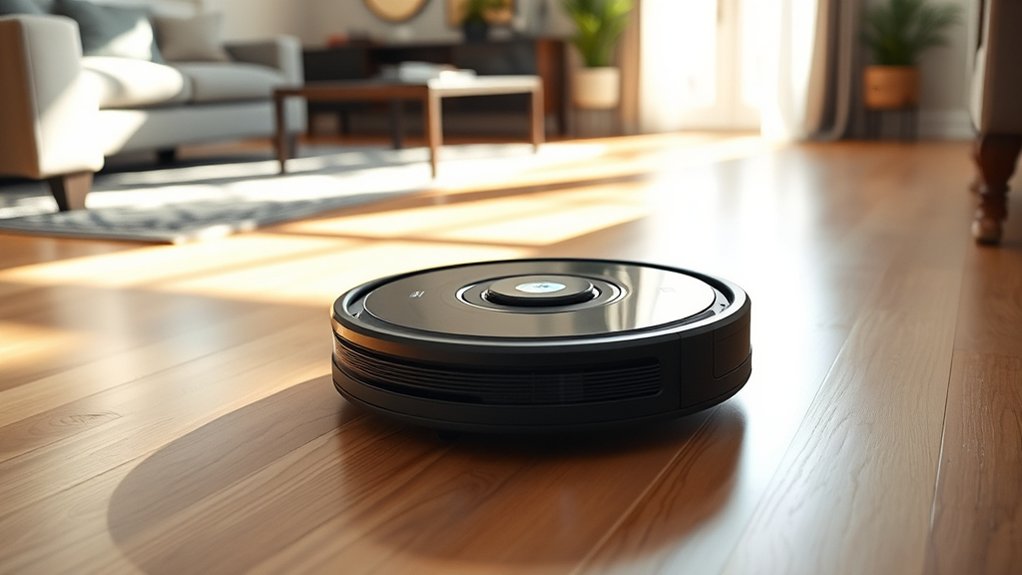
Although it may seem like magic, your Roomba uses a combination of sensors and algorithms to navigate your home efficiently. When you set it loose, it starts by mapping the room’s layout, understanding where furniture and walls are. It moves in systematic patterns, covering every corner without missing spots or repeating areas unnecessarily.
If it encounters obstacles, it adjusts its path smoothly without getting stuck. You’ll notice it cleans along edges and under furniture, reaching places that are hard for you to access. Its navigation lets it clean multiple rooms in one session, even returning to its dock when the battery runs low.
This smart navigation saves you time and effort, making your cleaning routine much easier.
How Roomba’s Sensors Help It Move Smartly
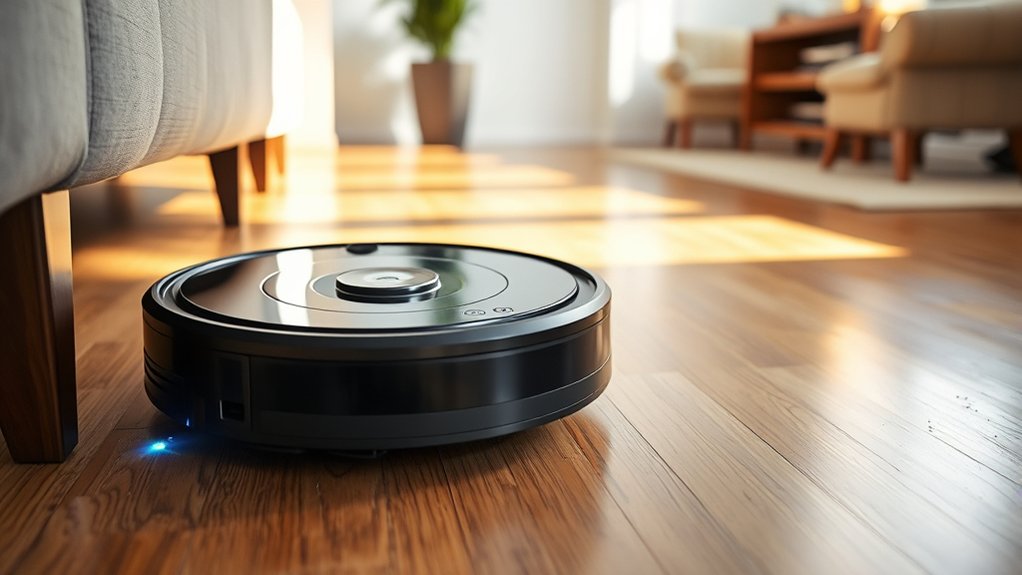
Your Roomba’s ability to navigate smoothly comes down to the advanced sensors it uses to understand its surroundings. These sensors constantly gather data about floor types, edges, and room layouts, allowing the Roomba to adjust its cleaning patterns efficiently. For example, cliff sensors prevent it from falling down stairs, while floor sensors help it shift seamlessly from carpets to hard floors.
The Roomba also uses internal sensors to track its position and map the space, so it covers every area without unnecessary repetition. This smart sensor system means your Roomba moves with purpose, cleaning methodically instead of randomly. By relying on real-time feedback, it adapts to your home’s unique layout, making sure it cleans thoroughly and efficiently every time you set it loose.
How Roomba Detects and Avoids Obstacles
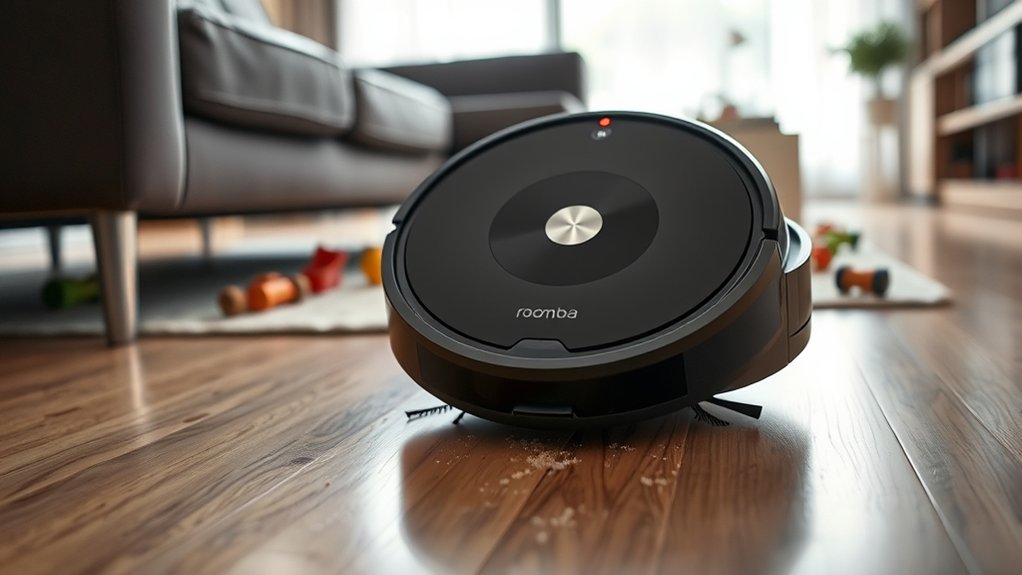
You’ll notice Roomba uses multiple sensors to detect obstacles in its path. It actively avoids collisions by adjusting its route and carefully plans its navigation.
Let’s explore how these systems work together to keep your floors clean without bumping into things.
Sensors Used For Detection
How does a Roomba navigate around your home without bumping into furniture or falling down stairs? It relies on a combination of sensors designed to detect its surroundings. Infrared sensors help it sense walls and objects by measuring reflected light, allowing the Roomba to slow down or change direction before a collision.
Cliff sensors, located underneath, detect sudden drops like stairs by identifying changes in floor height, preventing falls. Additionally, bump sensors physically register contact with objects, signaling the Roomba to back up and adjust its path. Some models also use optical sensors to map the room and improve navigation.
Together, these sensors provide real-time data, enabling your Roomba to clean efficiently while avoiding obstacles and hazards throughout your home.
Obstacle Avoidance Techniques
Although Roomba’s sensors gather crucial information about its surroundings, it actively uses obstacle avoidance techniques to navigate smoothly without getting stuck or causing damage. When it senses an object, Roomba slows down to reduce impact. Its bump sensors detect light contact, prompting it to reverse slightly and change direction.
Infrared and optical sensors help it recognize obstacles before collision, allowing it to steer clear. Additionally, Roomba uses cliff sensors to avoid falling down stairs or ledges. These combined techniques guarantee it moves efficiently around furniture, walls, and other household items.
Navigation And Path Planning
Where does Roomba decide to go next as it cleans your home? It relies on smart navigation and path planning to cover every inch efficiently.
Here’s how it detects and avoids obstacles while mapping its route:
- Sensors Scan the Environment: Roomba uses infrared and cliff sensors to detect walls, furniture, and drops, ensuring it doesn’t bump or fall.
- Mapping and Memory: Advanced models create a virtual map of your rooms, remembering cleaned areas and obstacles to optimize its path.
- Adaptive Path Planning: It calculates the best route in real-time, adjusting to new obstacles or changes in your space, so it cleans thoroughly without getting stuck.
How Roomba Plans Its Cleaning Path
Before your Roomba starts cleaning, it carefully maps out the room to guarantee it covers every inch efficiently. It uses sensors and cameras to identify obstacles, furniture, and walls, creating a virtual floor plan.
Based on this map, Roomba chooses the best route, avoiding missed spots and wasted time.
Here’s how Roomba plans its cleaning path step-by-step:
| Step | Description |
|---|---|
| 1. Scan Environment | Uses sensors to detect room layout |
| 2. Identify Obstacles | Maps furniture and walls |
| 3. Create Floor Plan | Builds a virtual map of the area |
| 4. Plan Route | Calculates efficient cleaning path |
| 5. Adjust in Real-Time | Adapts path to new obstacles or changes |
This systematic planning ensures thorough, efficient cleaning every time.
How Roomba’s Brushes and Suction Pick Up Dirt
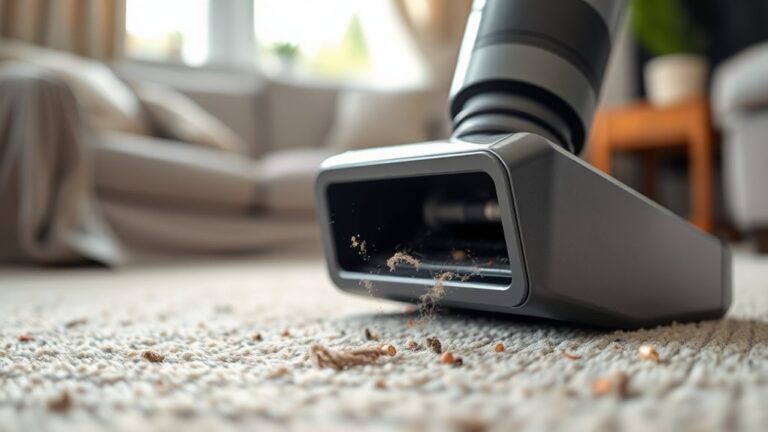
When your Roomba moves across the floor, its brushes and suction work together to lift dirt and debris from various surfaces. First, the side brush sweeps dirt from edges and corners toward the center.
Next, the main roller brushes agitate and loosen dirt embedded in carpets or stuck on hard floors. Finally, the powerful suction draws all the loosened debris into the vacuum’s intake.
Here’s how this process works in three steps:
- Side brush targets hard-to-reach spots like baseboards and corners.
- Dual multi-surface brushes rotate to lift dirt from different floor types.
- Suction funnels the debris into the dustbin for collection.
This coordinated action ensures your Roomba efficiently cleans every nook and cranny.
What Happens Inside Roomba’s Dustbin and Filter
When your Roomba picks up dirt, it funnels everything into the dustbin where debris is stored until you empty it. The filter then traps fine dust and allergens to keep the air cleaner.
To keep your Roomba working well, you’ll want to clean both the dustbin and filter regularly.
Dustbin Collection Process
How exactly does your Roomba handle the dirt and debris it picks up? Once the vacuum suctions up particles, everything funnels into its dustbin. Inside, the process is simple yet effective:
- Dirt and debris enter the dustbin through a narrow opening, preventing larger objects from clogging the system. The dustbin’s shape and airflow design keep particles compacted, maximizing capacity without losing suction power.
- As debris accumulates, a built-in mechanism ensures it stays contained, ready for easy disposal.
This design means you don’t have to worry about dirt escaping or frequent emptying during a cleaning cycle. The dustbin collects efficiently, making sure your Roomba stays ready for the next job.
Filter Functionality Explained
Once dirt and debris settle into the dustbin, the Roomba relies on its filter to trap fine particles and allergens that could escape back into your home. Inside the dustbin, the filter acts as a barrier, capturing dust, pollen, pet dander, and microscopic allergens. As the vacuum pulls air through, the filter traps these tiny particles, preventing them from recirculating.
This process improves your home’s air quality and keeps your environment healthier. The filter’s design maximizes airflow while maintaining efficient filtration, so suction power stays strong. By understanding this, you can appreciate how the Roomba not only cleans surfaces but also helps reduce airborne irritants, making it a smart choice for allergy sufferers or anyone wanting a cleaner living space.
Maintenance and Cleaning Tips
To keep your Roomba running efficiently, you need to regularly empty the dustbin and clean the filter. Inside the dustbin, dirt, hair, and debris accumulate, which can reduce suction power if not cleared. The filter traps fine particles, preventing them from escaping back into your air.
Follow these maintenance tips to extend your Roomba’s lifespan:
- Empty the dustbin after every cleaning cycle to avoid clogging.
- Remove and tap the filter gently over a trash can weekly to clear dust buildup.
- Replace the filter every 2-3 months, or sooner if it looks worn or damaged.
Consistent care guarantees your Roomba maintains peak performance and keeps your home clean.
How Roomba Handles Different Floor Types
Wondering how your Roomba adjusts when it moves from hardwood to carpet? It uses built-in sensors to detect floor types and automatically adapts its cleaning method. On hardwood or tile, Roomba uses a gentle suction mode to pick up dust and debris without scratching surfaces.
When it senses carpet fibers, it boosts suction power to deep-clean dirt trapped within. Its multi-surface brushes also adjust their speed and pressure to effectively agitate different textures. This smooth changeover means you don’t have to change any settings or worry about Roomba missing spots.
Whether it’s smooth floors or thick rugs, your Roomba intelligently modifies its cleaning approach to guarantee every area gets the right level of care and attention during its run.
How Roomba Knows When to Recharge and Returns to Base
Although your Roomba works independently, it constantly monitors its battery level to know when it’s time to recharge. When the battery runs low, it triggers a return sequence to find its charging base. Here’s how it works:
- Battery Monitoring: Roomba tracks its power and predicts when it needs a recharge to avoid dying mid-clean.
- Navigation to Base: Using infrared signals or a home map, it locates the charging dock.
- Docking: Roomba aligns itself precisely with the charging contacts to start recharging efficiently.
This process guarantees your Roomba never gets stranded without power, so it’s always ready for the next cleaning session. You don’t have to worry about manually docking it or interrupting its work.
Setting Up Your Roomba for the First Time
How do you get your Roomba ready to tackle its first cleaning job? Start by charging it fully on its Home Base. Clear the floor of cables and small objects to prevent interruptions.
Place the Home Base against a wall in an open area for easy access. Next, power on your Roomba and run a short test clean to check its navigation and suction.
| Step | Action | Tip |
|---|---|---|
| 1 | Charge Roomba | Use the original charger |
| 2 | Clear cleaning area | Remove cords and fragile items |
| 3 | Position Home Base | Against a wall, open space |
| 4 | Power on and test clean | Monitor first run for issues |
This setup guarantees smooth operation from the start.
How Roomba Connects to Wi-Fi and Mobile Apps
Once your Roomba is set up and ready to clean, connecting it to Wi-Fi enables a range of smart features. To get started, download the iRobot Home app on your smartphone. Then, follow these steps to link your Roomba:
Connecting your Roomba to Wi-Fi unlocks smart features through the iRobot Home app for easy control and scheduling.
- Open the app and create or log in to your iRobot account.
- Turn on your Roomba and select “Add a Robot” in the app. It will guide you to connect your Roomba to your home Wi-Fi network.
- Once connected, you can schedule cleaning, monitor progress, and receive notifications directly from the app.
This connection lets you control your Roomba remotely, integrate it with smart home devices, and access updates that improve performance over time.
Understanding Roomba’s Cleaning Modes and When to Use Them
You’ll find Roomba offers several cleaning modes to tackle different messes. Spot Cleaning Mode targets small, concentrated areas, while Edge Cleaning Mode focuses on corners and baseboards.
Auto Cleaning Mode handles your entire space automatically, making it easy to keep your floors consistently clean.
Spot Cleaning Mode
When should you use Roomba’s Spot Cleaning Mode? You’ll want to activate this mode when there’s a concentrated mess in a small area that needs extra attention. Spot Cleaning Mode directs your Roomba to focus on a specific, localized spot instead of cleaning the entire room.
Here are three ideal scenarios to use Spot Cleaning Mode:
- Spilled crumbs or pet food: If you notice a pile of crumbs or pet food dropped in one place, Spot Cleaning Mode intensifies cleaning there.
- High-traffic dirt patches: Areas near doors or where people often sit can accumulate dirt quickly, making spot cleaning handy.
- Accidental spills: For small, contained messes like dirt tracked in from outside, this mode helps clean efficiently without wasting battery on the whole room.
Edge Cleaning Mode
How does Roomba tackle those hard-to-reach spots along your walls and furniture? That’s where Edge Cleaning Mode shines. In this mode, Roomba navigates closely along edges and corners, ensuring dust and debris don’t accumulate where its main brushes might miss.
You’ll find this mode handy when you notice dirt buildup near baseboards or under sofas.
Here’s a quick look at Edge Cleaning Mode:
| Feature | Description | When to Use |
|---|---|---|
| Navigation | Moves along walls and corners | Cleaning baseboards and edges |
| Brush Focus | Side brushes extend outward | Reaching narrow or tight spaces |
| Cleaning Pattern | Linear along edges | After regular cleaning cycles |
| Dirt Detection | Sensors detect debris density | Targeting visible dirt buildup |
| Duration | Longer than spot mode | For thorough edge cleaning |
Auto Cleaning Mode
Why settle for manual vacuuming when Roomba’s Auto Cleaning Mode can handle the job effortlessly? This mode lets your Roomba navigate your entire space, adapting to different floor types and obstacles without your intervention.
When you activate Auto Cleaning Mode, your Roomba:
- Maps the room layout using sensors to cover every accessible area efficiently.
- Adjusts suction power automatically, switching between hardwood, carpet, and rugs for ideal cleaning.
- Detects dirtier spots and focuses extra attention there, ensuring thorough dirt and debris removal.
You’ll save time and energy since Roomba cleans on its own, even returning to its dock to recharge before finishing if needed. Auto Cleaning Mode is perfect for daily maintenance, keeping your floors consistently clean with minimal effort from you.
Roomba Maintenance Tips for Peak Performance
Wondering how to keep your Roomba running smoothly and efficiently? Regular maintenance is key. Clean the brushes and filters weekly to prevent clogs.
Empty the dustbin after every use to maintain strong suction. Check the wheels and sensors for debris, guaranteeing your Roomba navigates properly. Replace parts like filters and brushes as recommended to extend its lifespan.
| Task | Why It Matters |
|---|---|
| Clean Brushes | Keeps dirt flowing |
| Empty Dustbin | Maintains suction power |
| Check Sensors | Ensures accurate cleaning |
| Replace Filters | Improves air quality |
Troubleshooting Common Roomba Issues
Struggling with your Roomba’s performance can be frustrating, but many common issues have simple fixes. First, if your Roomba isn’t charging, check the charging contacts on both the robot and the dock for dirt or debris. Clean them gently with a dry cloth.
Second, if your Roomba gets stuck frequently, ensure the wheels and sensors are free from hair or dust buildup, which can impair movement and navigation. Third, if it stops mid-cleaning, empty the dustbin and check for blockages in the brushes or suction path. Regularly updating the Roomba’s software can also resolve glitches.
Frequently Asked Questions
Can Roomba Vacuum Cleaners Be Used on Pet Hair?
Yes, you can use Roomba vacuum cleaners on pet hair. They’re designed to pick up fur effectively, especially models with strong suction and specialized brushes, helping you keep your floors clean even with shedding pets around.
How Long Does a Typical Roomba Battery Last?
A typical Roomba battery lasts about 60 to 90 minutes per charge, depending on the model and usage.
You’ll usually get enough time for a full cleaning session before it needs recharging.
Are Roombas Safe to Use Around Children?
You might worry if Roombas are safe around kids, but they’re designed with sensors to avoid obstacles and prevent harm.
You can trust them to clean safely, though it’s smart to supervise toddlers nearby.
Can Roomba Clean Stairs or Only Flat Surfaces?
Roombas can’t clean stairs because they’re designed for flat surfaces only. You’ll need to vacuum stairs manually or use a handheld vacuum, since Roombas detect edges and avoid falling down steps for safety.
What Materials Are Roomba Brushes Made From?
Roomba brushes are made from durable nylon and rubber, like a warrior’s armor against dirt. You’ll find soft bristles for dust and flexible rubber blades for gripping debris, ensuring efficient cleaning on various surfaces.
Conclusion
Remember, “a clean home is a happy home.” With your Roomba working smartly—navigating, avoiding obstacles, and using powerful brushes and suction—you’re making cleaning effortless.
By understanding its sensors, cleaning modes, and maintenance needs, you’ll keep it running smoothly and efficiently. So, embrace this smart helper, stay connected through its app, and enjoy more free time while your Roomba handles the mess for you.
Using a Roomba vacuum cleaner effectively means knowing how it works step by step. From navigation to cleaning and maintenance, these key features ensure optimal performance and a spotless home.