Why Does My Dyson Vacuum Keep Stopping and How to Fix It
Your Dyson vacuum keeps stopping due to common issues like overheating, clogged filters, or a blocked brush bar that restricts airflow and motor function.
Low battery power or worn parts such as belts and brush bars can also cause sudden shutdowns. Understanding why your Dyson vacuum stops frequently is key to maintaining its performance.
To fix this, regularly clean the filters and clear any blockages in the vacuum. Make sure your battery is fully charged and in good condition to avoid interruptions.
Checking for worn components early helps maintain smooth operation and extends the lifespan of your vacuum.
If you want to understand all causes and prevention tips, you can explore further to keep your Dyson running efficiently.
Key Takeaways
- Overheating motors cause automatic shutdowns; let the vacuum cool and ensure filters are clean to prevent this.
- Blocked brush bars or hoses reduce suction and stop the vacuum; regularly remove hair and debris from these parts.
- Low or faulty batteries in cordless models lead to power loss; fully charge or replace aging batteries as needed.
- Worn belts or broken brush bars hinder performance and cause stops; inspect and replace them every 6-12 months.
- Clogged filters restrict airflow, causing motor strain and shutdowns; clean or replace filters monthly for optimal function.
Common Reasons Your Dyson Vacuum Stops Mid-Cleaning
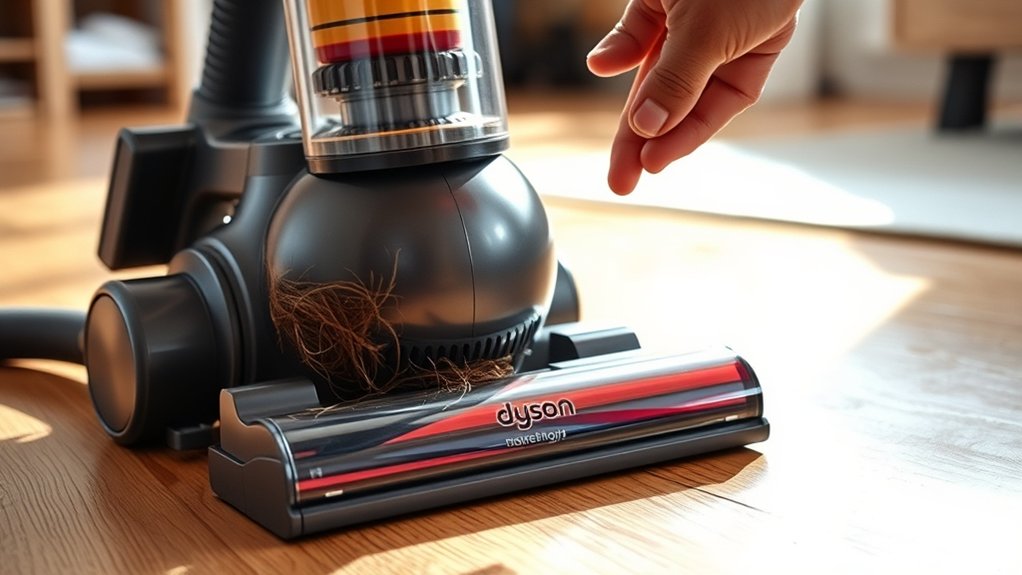
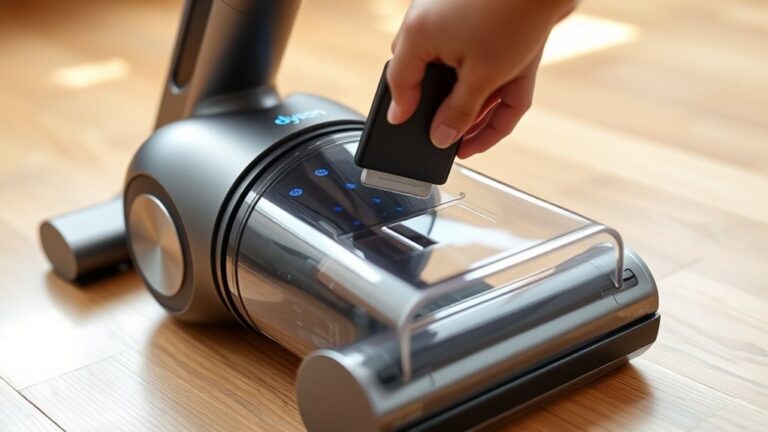
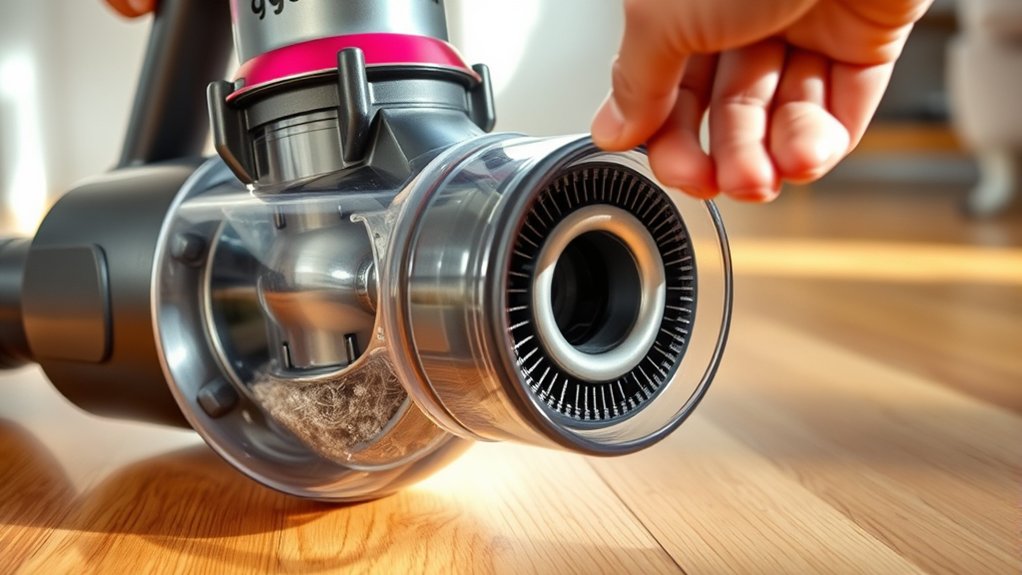
Although Dyson vacuums are designed for reliability, you might find yours stopping mid-cleaning due to a few common issues. One frequent cause is overheating—when the motor gets too hot, the vacuum automatically shuts off to prevent damage. Another reason could be a blocked brush bar or wand, which strains the motor and triggers a shutdown.
Your vacuum might also stop if the battery is low or faulty, especially with cordless models. Additionally, loose or damaged parts, like the power cord or connections, can interrupt power flow and cause sudden stops. Checking for these issues regularly can help you keep your Dyson running smoothly without unexpected interruptions during your cleaning sessions.
How Clogged Filters Cause Shutdowns

If you don’t clean or replace your Dyson’s filters regularly, they can become clogged with dust and debris, restricting airflow. This reduced airflow forces the motor to work harder, causing it to overheat and trigger an automatic shutdown to protect itself. When your vacuum stops suddenly, a clogged filter is often the culprit.
You might notice weaker suction or strange odors before it powers down. To prevent this, check your filters at least once a month. Wash washable filters with cold water and let them dry completely before reinstalling.
For non-washable filters, replace them according to Dyson’s guidelines. Keeping your filters clean assures proper airflow, prevents overheating, and keeps your Dyson running smoothly without unexpected shutdowns.
How a Blocked Brush Bar Causes Your Dyson to Stop
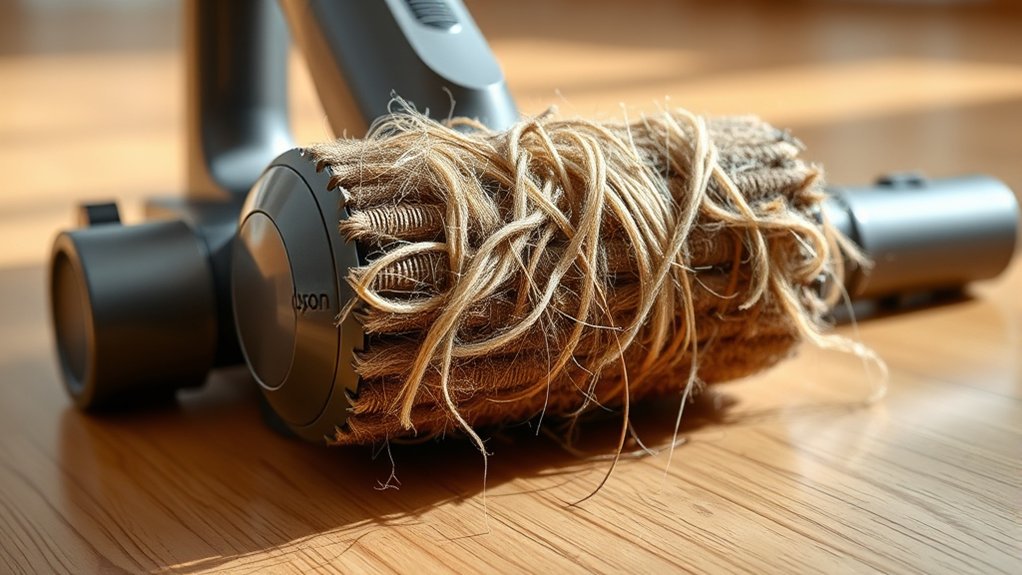
If your Dyson suddenly stops working, a blocked brush bar might be the culprit. You can usually spot blockages by checking for tangled hair or debris wrapped around the brush.
Clearing these obstructions carefully will help your vacuum run smoothly again.
Identifying Brush Bar Blockages
When your Dyson suddenly stops working, a blocked brush bar is often the culprit. You’ll want to check the brush bar regularly for tangled hair, threads, or debris wrapped tightly around it. Look for any visible obstructions that prevent the bar from spinning freely.
If the vacuum feels heavy or you notice reduced suction, these can also hint at a brush bar blockage. To inspect it, turn your vacuum off and unplug it, then flip it over and examine the brush bar area closely. Spin the bar manually—if it doesn’t rotate smoothly, something is likely stuck.
Identifying these blockages early helps prevent your Dyson from shutting off unexpectedly and keeps it running efficiently.
Clearing Debris Effectively
Why does a blocked brush bar cause your Dyson to stop working? When debris wraps tightly around the brush bar, it restricts its movement. This makes the motor work harder, triggering an automatic shutoff to prevent damage.
To clear debris effectively, first unplug your vacuum. Remove the brush bar by following your model’s instructions—usually, you’ll need to release a few clips or screws. Use scissors or a seam ripper to carefully cut away hair, thread, and fibers wrapped around the bar.
Don’t forget to check the brush bar cavity for trapped dirt or small objects. Once clear, reassemble everything securely. Regularly cleaning the brush bar helps maintain suction and prevents your Dyson from stopping unexpectedly.
Why Your Dyson Battery Can Cause Sudden Stops
Although your Dyson vacuum might seem to stop suddenly without warning, the battery is often the main culprit behind these interruptions. When the battery’s charge runs low or its performance degrades, your vacuum can lose power abruptly.
A low or failing battery often causes sudden power loss in your Dyson vacuum.
Here’s what you should watch out for:
- Battery not fully charged before use
- Old or worn-out battery cells causing inconsistent power
- Poor connection between the battery and vacuum terminals
- Using the vacuum in cold conditions, which can reduce battery efficiency
If your vacuum stops frequently, try charging the battery fully and checking the contacts for dirt or damage. Replacing an aging battery can also restore smooth operation.
Keeping these battery issues in check guarantees your Dyson runs continuously without those frustrating sudden stops.
Why Overheating Makes Your Dyson Vacuum Pause
How does your Dyson vacuum know when to take a break? It has built-in sensors that detect overheating to protect its motor and electronics. When your vacuum works hard, especially on thick carpets or clogged filters, heat builds up quickly.
If the temperature passes a safe threshold, the vacuum will automatically pause to cool down. This prevents permanent damage and extends its lifespan. You might notice it suddenly stops or struggles to restart until it cools.
Although this pause can be frustrating, it’s a safety feature designed to save you from costly repairs. So, when your Dyson pauses unexpectedly, it’s telling you it needs a cool-down break before you can continue cleaning efficiently.
How to Clean and Maintain Your Dyson Vacuum
To keep your Dyson vacuum running smoothly and efficiently, you need to clean and maintain it regularly. Neglecting this can lead to clogs, reduced suction, and frequent stops.
Here’s how you can keep it in top shape:
- Empty the bin after each use to prevent debris buildup and maintain suction power.
- Wash or replace filters monthly to ensure maximum airflow and performance.
- Check and clear the brush bar of hair and fibers that can tangle and slow the vacuum.
- Inspect the hose and wand for blockages to avoid airflow restrictions that cause the motor to overheat.
Tips to Troubleshoot and Fix Your Dyson Vacuum Quickly
When your Dyson vacuum isn’t working as expected, you can often resolve the issue quickly by identifying common problems like loss of suction, unusual noises, or the vacuum shutting off unexpectedly. First, check for blockages in the hose, wand, and brush bar, as clogs often cause performance issues.
Next, clean or replace filters regularly to maintain airflow. Inspect the brush bar for tangled hair or debris that might hinder spinning. Ensure the dust bin is emptied; a full bin reduces suction.
Also, verify your vacuum’s battery is charged if cordless. Listen for any unusual sounds that could indicate motor strain. By systematically checking these areas, you can often restore your Dyson’s performance without professional help, saving time and frustration.
When to Replace Dyson Parts to Stop Shutdowns
You’ll want to keep an eye on worn components to prevent unexpected shutdowns. Knowing the recommended replacement intervals helps you stay ahead of part failure.
Watch for signs like unusual noises or reduced suction that signal it’s time to replace key parts.
Identifying Worn Components
Although Dyson vacuums are built to last, worn components can cause unexpected shutdowns that interrupt your cleaning. Identifying these parts early helps you avoid frustration and maintain peak performance. Keep an eye out for signs like:
- Reduced suction power despite a clean filter
- Strange noises or grinding sounds during operation
- Overheating or frequent automatic shutdowns
- Visible wear or damage on brushes and belts
If you notice any of these issues, it’s time to inspect and possibly replace the affected parts. Catching wear early prevents further damage and keeps your vacuum running smoothly.
Regularly checking these components ensures your Dyson won’t stop when you need it most.
Recommended Replacement Intervals
To keep your Dyson vacuum running without unexpected shutdowns, replace key components at regular intervals based on usage and model recommendations. Filters generally need changing every 3 to 6 months, especially if you vacuum frequently or have pets. Brush bars and belts should be inspected and replaced roughly every 6 to 12 months to maintain proper function and prevent motor strain.
Batteries in cordless models typically last 2 to 3 years before losing charge capacity, so plan replacements accordingly. Also, check the bin seals and hoses annually to avoid blockages and loss of suction that can cause the vacuum to stop. Following these intervals ensures your Dyson runs smoothly and helps you avoid inconvenient shutdowns caused by worn parts.
Signs of Part Failure
Regularly replacing parts based on recommended intervals helps prevent unexpected shutdowns, but knowing the signs of part failure can save you from downtime before scheduled maintenance.
If you notice your Dyson vacuum keeps stopping, it might be time to check specific components. Watch out for these signs:
- Unusual noises like grinding or rattling, indicating worn-out motor parts
- Overheating or a burning smell, signaling clogged filters or faulty wiring
- Reduced suction power that doesn’t improve after cleaning filters or emptying the bin
- Brush bar not spinning properly, which could mean a broken belt or jammed bearings
Frequently Asked Questions
Can Using the Wrong Vacuum Attachments Cause My Dyson to Stop?
Yes, using the wrong vacuum attachments can cause your Dyson to stop by blocking airflow or overworking the motor.
Make sure you use compatible attachments and regularly check for clogs to keep it running smoothly.
Does Vacuuming Wet Debris Affect Dyson Vacuum Performance?
Yes, vacuuming wet debris clogs filters, damages motors, and reduces suction. You’ll risk overheating, shorten your Dyson’s lifespan, and face costly repairs.
Always avoid wet messes to keep your vacuum running strong and efficient.
How Does Carpet Type Influence My Dyson Vacuum’s Stopping Issue?
Carpet type affects your Dyson’s stopping because thick or high-pile carpets can clog the brush bar or motor. If your vacuum struggles, switch to a lower setting or clear blockages to keep it running smoothly.
Thick carpets require more power, which can cause the vacuum to stop if it overheats. Adjusting the height or using a different mode can help prevent this issue. Regularly checking for debris will also maintain performance.
Can Firmware Updates Impact Dyson Vacuum Functionality?
Ever wonder if your vacuum’s brain needs a boost? Yes, firmware updates can impact Dyson’s functionality by fixing bugs and improving performance.
You should regularly update to keep your vacuum running smoothly and avoid unexpected stoppages.
Are There Specific Dyson Models Prone to Frequent Stopping?
Some Dyson models, like the V6 or older DC series, can be prone to frequent stopping due to battery or filter issues.
You’ll want to check maintenance regularly and make sure firmware is updated to keep it running smoothly.
Conclusion
Did you know that 80% of Dyson vacuum issues come from simple blockages or dirty filters? Don’t let small problems stop your cleaning flow. By regularly checking for clogs, cleaning filters, and maintaining your vacuum, you can avoid frustrating shutdowns and keep your Dyson running smoothly.
Remember, quick troubleshooting saves time and stress, so take a few minutes today to give your vacuum the care it needs! Proper maintenance and addressing common causes like blockages and dirty filters are key to preventing your Dyson vacuum from stopping. Keep your Dyson vacuum running efficiently by staying proactive with these simple steps.

Hi, I’m Everett Callahan, a home improvement enthusiast with a strong interest in plumbing, home repairs, and practical renovation projects. I enjoy exploring plumbing fixtures, water systems, repair tools, and simple ways to make homes more functional and comfortable. Through my writing, I share useful guidance, maintenance tips, and helpful ideas to assist homeowners with everyday plumbing challenges and home improvement decisions. My goal is to make home maintenance easier to understand and help readers approach their projects with greater confidence.