How to Clean Your Shark Rocket Vacuum With Cord in 7 Easy Steps
To clean your Shark Rocket vacuum with cord effectively, follow these simple steps to maintain its performance and extend its lifespan. Regular cleaning ensures your vacuum operates efficiently by removing debris and preventing clogs.
By properly caring for your Shark Rocket, you can enjoy consistent suction power and cleaner floors.
Start by unplugging the vacuum and detaching the dust cup to empty all debris completely. Next, remove the filter and rinse it thoroughly under cold water, then let it air dry completely before reinserting.
Carefully cut away any hair or threads tangled around the brush roll. Check the hose and attachments for blockages and clear them out to maintain airflow.
Wipe down the vacuum’s exterior with a damp cloth to remove dust and dirt.
Finally, reassemble all parts securely, then plug in and test the vacuum to ensure it runs smoothly.
Following these steps regularly will help keep your Shark Rocket vacuum in top condition.
Key Takeaways
- Unplug the vacuum and detach the wand and motorized brush for safe, easy access to all parts.
- Remove and empty the dust cup, then rinse the filter under cold water and let it air dry for 24 hours.
- Use scissors to carefully cut and remove hair tangled around the brush roll, then securely reattach the brush roll.
- Wipe the vacuum’s exterior with a damp cloth, avoid harsh chemicals, and dry thoroughly before reassembling.
- Test the vacuum by plugging it in, checking for strong suction, smooth brush rotation, and unusual noises.
Get Your Shark Rocket Ready for Cleaning
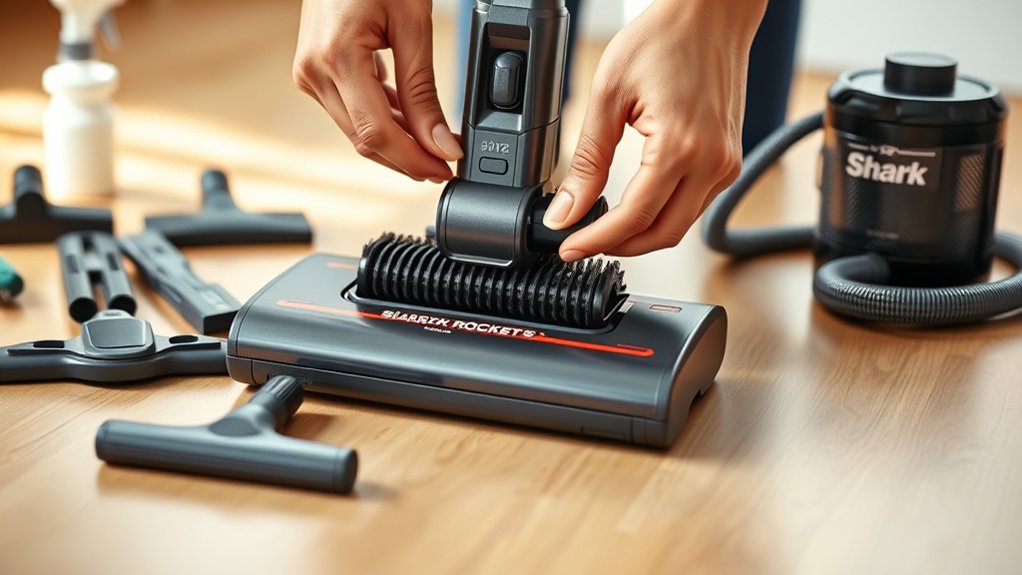
Before you begin cleaning your Shark Rocket, make sure it’s unplugged and switched off to guarantee your safety. Next, find a well-lit workspace where you can easily access all parts of your vacuum. Detach the wand and any removable attachments, such as the motorized brush or crevice tool, so you can clean each piece thoroughly.
Check the vacuum’s exterior for any visible dirt or debris and wipe it down with a damp cloth. Inspect the brush roll and remove any tangled hair or fibers that could hinder performance. Take a moment to review your user manual for any model-specific instructions or warnings.
Preparing your Shark Rocket this way assures you’ll clean it effectively without damaging any components or risking injury.
Remove and Empty the Shark Rocket Dust Cup
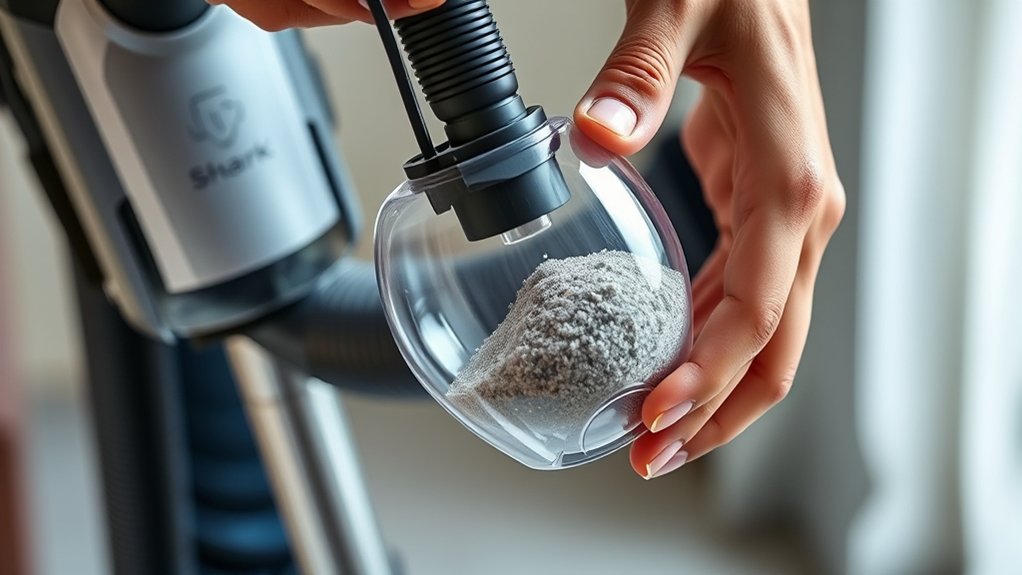
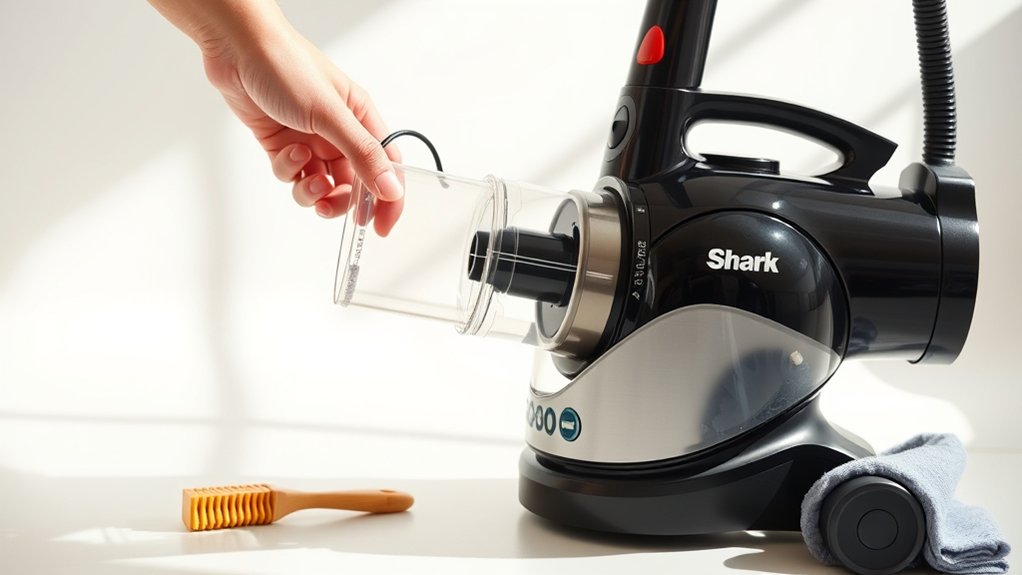
To remove and empty the Shark Rocket dust cup, start by locating the release button near the top of the dust cup. Press it firmly to detach the dust cup from the vacuum.
Hold the dust cup over a trash bin, then press the bottom release latch to open it and empty the debris. Make sure all dirt and dust are removed before closing the latch securely.
Reattach the dust cup by aligning it with the vacuum and clicking it back into place.
| Step | Action | Tip |
|---|---|---|
| 1 | Locate release button | Near the dust cup top |
| 2 | Press release button | Detaches dust cup |
| 3 | Open dust cup bottom latch | Hold over trash bin |
| 4 | Empty debris | Confirm all dirt removed |
| 5 | Reattach dust cup | Click firmly in place |
Clean or Replace the Shark Rocket Vacuum Filter
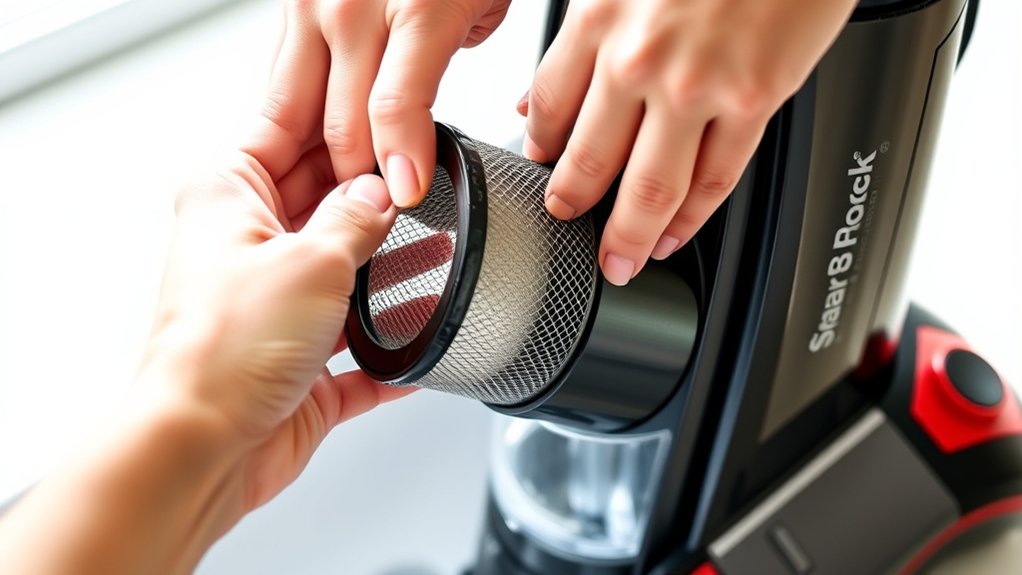
Now, you’ll want to identify which type of filter your Shark Rocket uses to clean it correctly. Make sure to follow the proper cleaning method to avoid damaging the filter.
If your filter looks worn or doesn’t hold suction, it’s time to replace it.
Identifying Filter Types
Although Shark Rocket vacuums come with different filter types, you can easily identify whether yours needs cleaning or replacing by checking its appearance and condition. Most models use either foam or felt filters, sometimes combined with HEPA filters. Foam filters are usually blue or gray and feel soft and porous.
Felt filters are denser with a fibrous texture. HEPA filters are typically white and tightly woven. If your filter looks clogged with dust, dirt, or hair, it needs cleaning.
However, if you notice tears, holes, or a significant color change to brown or black, it’s time to swap it out. Regularly inspecting the filter ensures your vacuum runs efficiently and maintains strong suction. Keep these signs in mind to decide when to clean or swap your Shark Rocket filter.
Cleaning Filter Properly
Checking your Shark Rocket filter for damage or clogging is only the first step; maintaining its performance means cleaning or replacing it regularly. To clean the filter properly, first remove it from the vacuum according to your model’s instructions. Tap it gently to dislodge loose dirt and dust.
Then, rinse the filter under cold water without using soap or detergents. Avoid wringing or scrubbing, as this can damage the filter fibers. Let it air dry completely—usually 24 hours—before putting it back to prevent mold or damage.
Never use a wet filter in the vacuum. Regular cleaning, typically every month or after heavy use, keeps suction strong and prolongs filter life. Following these steps ensures your Shark Rocket runs smoothly and efficiently.
When To Replace
How often should you replace your Shark Rocket vacuum filter? Generally, you should replace it every 3 to 6 months, depending on how frequently you use your vacuum and the environment you clean. If you notice a decrease in suction power or persistent odors even after cleaning the filter, it’s time for a replacement.
Also, if the filter shows visible damage, such as tears or excessive wear, don’t hesitate to swap it out. Regularly replacing the filter ensures your vacuum performs efficiently and maintains good air quality in your home. Keep an eye on your filter’s condition, and set reminders to check it every few months.
This simple step helps extend your vacuum’s lifespan and keeps your cleaning routine effective.
Detangle Hair From the Shark Rocket Brush Roll
When hair wraps around the Shark Rocket’s brush roll, it can reduce the vacuum’s effectiveness and cause wear over time. To detangle hair, first unplug your vacuum for safety. Lay it flat and locate the brush roll beneath the floor nozzle.
Use scissors or a seam ripper to carefully cut through the hair wrapped around the bristles, being cautious not to damage the brush roll or belt. Pull away the loosened hair with your fingers or tweezers. If the brush roll is removable, take it out for easier cleaning.
Regularly removing hair buildup helps maintain suction power and prolongs the life of your vacuum. Once done, reassemble the parts securely before plugging the vacuum back in and resuming cleaning.
Remove Blockages From Hose and Attachments
You’ll want to check common blockage spots like the hose and attachment openings. Use a long, flexible tool or a straightened wire hanger to gently clear any obstructions.
Make sure the vacuum is unplugged before you start to keep things safe.
Identify Common Blockage Areas
Since blockages often reduce your Shark Rocket vacuum’s performance, identifying common trouble spots is essential. You want to pinpoint where debris tends to get stuck so you can keep your vacuum running smoothly.
Here are four areas to check regularly:
- Hose interior – Hair, dust, and small objects often clog this narrow passage.
- Brush roll – Tangled hair and fibers wrap around the brush, slowing it down.
- Attachment connections – Dirt can accumulate where attachments snap onto the hose or wand.
- Wand tube – This long tube can trap larger debris that didn’t get sucked up completely.
Safely Clear Hose Obstructions
Although it might seem tricky at first, clearing blockages from your Shark Rocket vacuum’s hose and attachments is straightforward with the right approach. First, unplug your vacuum for safety. Detach the hose and attachments carefully.
Use a long, flexible brush or a straightened wire hanger wrapped in cloth to gently push or pull out debris. Avoid sharp objects that could damage the hose. After clearing, reattach everything securely.
| Step | Emotion |
|---|---|
| Unplug Vacuum | Safety First |
| Detach Hose | Control |
| Remove Obstruction | Relief |
| Reassemble | Satisfaction |
Taking these steps guarantees your vacuum works efficiently and extends its life, giving you peace of mind.
Wipe Down the Shark Rocket Exterior and Handle
How often do you think about cleaning the exterior and handle of your Shark Rocket vacuum? Keeping these parts spotless not only improves its look but also keeps germs at bay. Grab a soft cloth slightly dampened with water or mild soap to gently wipe the surface.
Avoid harsh chemicals to prevent damage.
Follow these steps for a quick, effective clean:
- Unplug the vacuum to ensure safety.
- Wipe down the handle where your hands grip most.
- Clean the body, focusing on dust and smudges.
- Dry with a clean cloth to avoid streaks or moisture buildup.
This simple routine refreshes your vacuum’s appearance and keeps your cleaning tool hygienic and ready for action.
Put Your Shark Rocket Back Together and Test It
After cleaning each component, you’ll want to carefully reassemble your Shark Rocket vacuum to guarantee it functions properly. Begin by snapping the dust cup back into place, making sure it locks securely. Reattach the filter, ensuring it’s seated correctly to maintain suction power.
Next, reconnect the brush roll and cover, aligning the parts so the brushes spin freely without obstruction. Secure the handle and any other detachable parts firmly. Once everything is assembled, plug in your vacuum and turn it on.
Listen for any unusual noises and check that the suction feels strong. If it doesn’t run smoothly, double-check your assembly for any misaligned or loose components. Proper reassembly assures your vacuum performs efficiently and extends its lifespan.
Frequently Asked Questions
Can I Use Water to Clean the Shark Rocket Motor?
No, you shouldn’t use water to clean the Shark Rocket motor. Water can damage the electrical components and cause malfunctions.
Instead, use a dry cloth or compressed air to remove dust and debris safely.
How Often Should I Replace the Vacuum Filter?
Imagine a dusty cloud fading away—replace your vacuum filter every three months to keep that fresh breeze flowing.
If you spot visible dirt or reduced suction sooner, swap it out to maintain peak cleaning power.
Is It Safe to Wash the Brush Roll in a Dishwasher?
No, you shouldn’t wash the brush roll in a dishwasher. It can damage the bristles and bearings.
Instead, remove hair and debris manually, then wipe it with a damp cloth to keep it clean and functional.
What Should I Do if the Vacuum Loses Suction Power?
If your vacuum loses suction power, don’t panic—check for clogs first. While it feels like a minor setback, clearing debris from the brush roll and filters often restores powerful cleaning in no time.
Can I Use the Shark Rocket on Wet Surfaces?
You shouldn’t use the Shark Rocket on wet surfaces because it’s designed for dry debris only. Using it on wet areas can damage the vacuum and create electrical hazards, so stick to dry floors for safe cleaning.
Conclusion
Now that you’ve cleaned your Shark Rocket, you might notice it runs smoother—funny how a little maintenance can make it feel brand new! Just like when you finally untangle those stubborn headphone cords, this small effort pays off big time.
Keep up with these simple steps regularly, and your vacuum will thank you with top performance every time. Remember, a clean Shark Rocket means a cleaner home and less hassle for you!
By following these easy cleaning tips for your Shark Rocket Vacuum with Cord, you ensure it stays efficient and powerful. Regular care not only extends the life of your vacuum but also keeps your home spotless. A well-maintained Shark Rocket vacuum truly makes cleaning easier and more effective every day.

Hi, I’m Everett Callahan, a home improvement enthusiast with a strong interest in plumbing, home repairs, and practical renovation projects. I enjoy exploring plumbing fixtures, water systems, repair tools, and simple ways to make homes more functional and comfortable. Through my writing, I share useful guidance, maintenance tips, and helpful ideas to assist homeowners with everyday plumbing challenges and home improvement decisions. My goal is to make home maintenance easier to understand and help readers approach their projects with greater confidence.