Change Eufy 25C Vacuum Filters in 7 Easy Steps
To change your Eufy 25C vacuum filters in 7 easy steps, start by powering off and unplugging the vacuum for safety.
Regularly replacing the Eufy 25C vacuum filters is essential to maintain optimal suction power and extend the life of your device. This simple maintenance task will keep your vacuum running efficiently and improve air quality in your home.
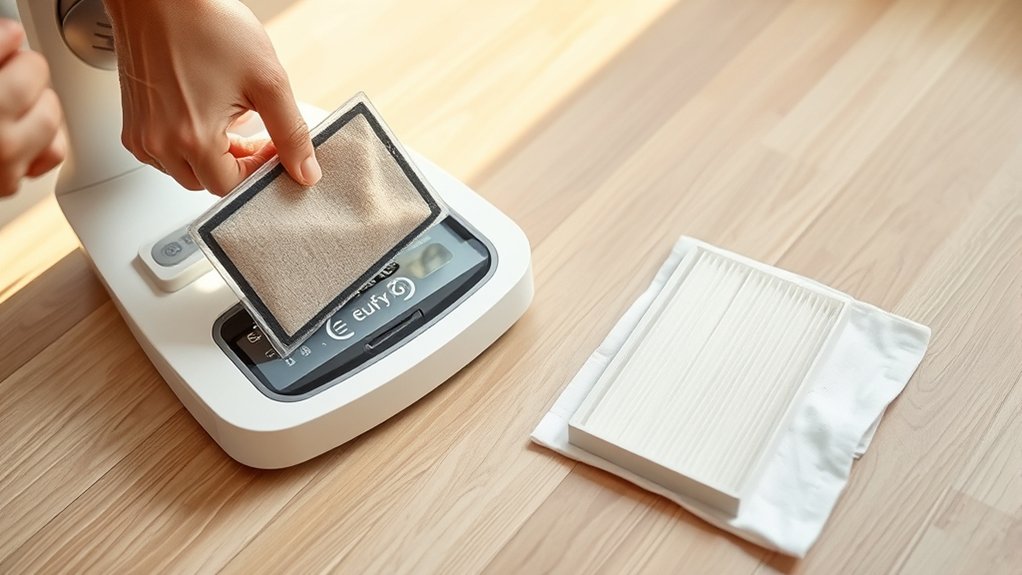
Flip the vacuum upside down and remove the dustbin carefully. Open the filter compartment to access the old filter. Gently pull out the used filter, making sure not to damage any components.
Next, clean the dustbin and filter housing thoroughly using a dry cloth to remove any residual dust.
Insert a new, properly matched filter into the compartment. Close the filter compartment securely, ensuring it clicks into place.
Finally, reset the vacuum according to the manufacturer’s instructions. Following these steps will help you maintain peak performance and get the most out of your Eufy 25C vacuum.
Key Takeaways
- Power off and unplug the Eufy 25C vacuum before removing the dustbin and accessing the filter compartment.
- Remove the old filter carefully, then clean the dustbin and filter housing with a dry cloth to prevent airflow obstruction.
- Ensure you have the correct replacement filter type and size specifically compatible with the Eufy 25C model.
- Insert the new filter snugly, close the compartment securely, and confirm proper alignment to avoid suction loss.
- Reset the vacuum by powering off and on after filter replacement to clear errors and recalibrate sensors.
Get Your Eufy 25C Ready for Filter Replacement
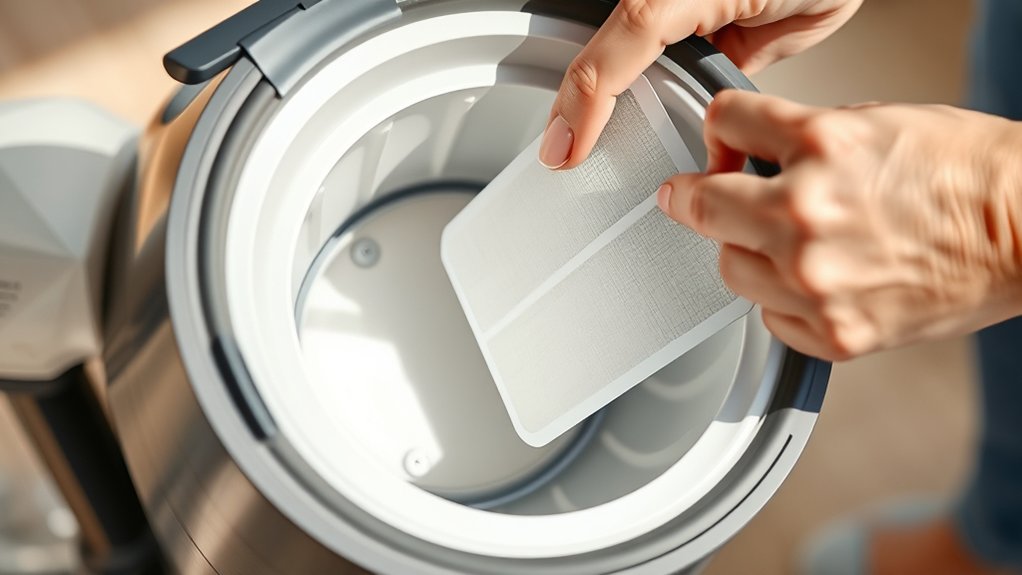
How do you prepare your Eufy 25C for a filter change? First, power off your vacuum and unplug it from the charging dock to guarantee safety. Next, find a clean, flat surface where you can work comfortably without losing small parts.
You’ll want to have a soft cloth or paper towel handy to wipe away any dust or debris around the filter area. Avoid shaking the vacuum to prevent dust from scattering. Check the vacuum’s dustbin and empty it if it’s full, so you have clear access to the filter compartment.
Finally, make sure your replacement filter is nearby and ready to install once you’ve completed these steps. Preparing your Eufy 25C this way guarantees a smooth, mess-free filter change.
How to Find and Remove Old Eufy 25C Filters
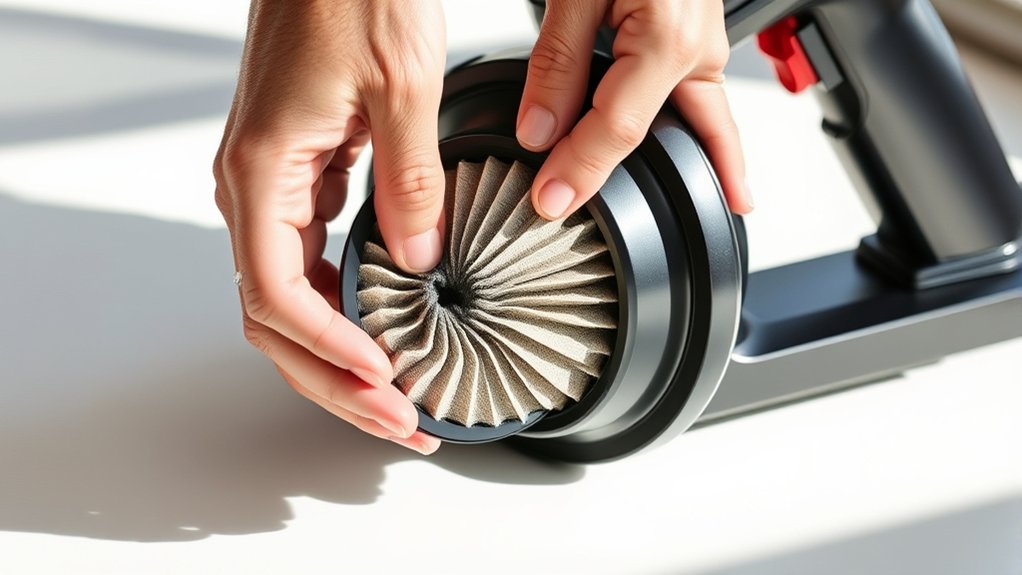
Once you’ve prepared your Eufy 25C, locating the old filters is straightforward. First, turn the vacuum upside down and find the dustbin release button. Press it to remove the dustbin, revealing the filter compartment.
Open the compartment cover by gently pulling it up or sliding it, depending on your model. Inside, you’ll see the main filter and sometimes a pre-filter. To remove the old filters, simply grasp the edges and pull them out carefully.
Avoid using sharp tools to prevent damage. If the filter feels stuck, wiggle it slightly while pulling. Once removed, inspect the filters for dirt buildup or damage.
This step guarantees you’re ready to replace them with fresh ones to maintain your vacuum’s performance.
How to Clean Your Eufy 25C Vacuum During Filter Replacement
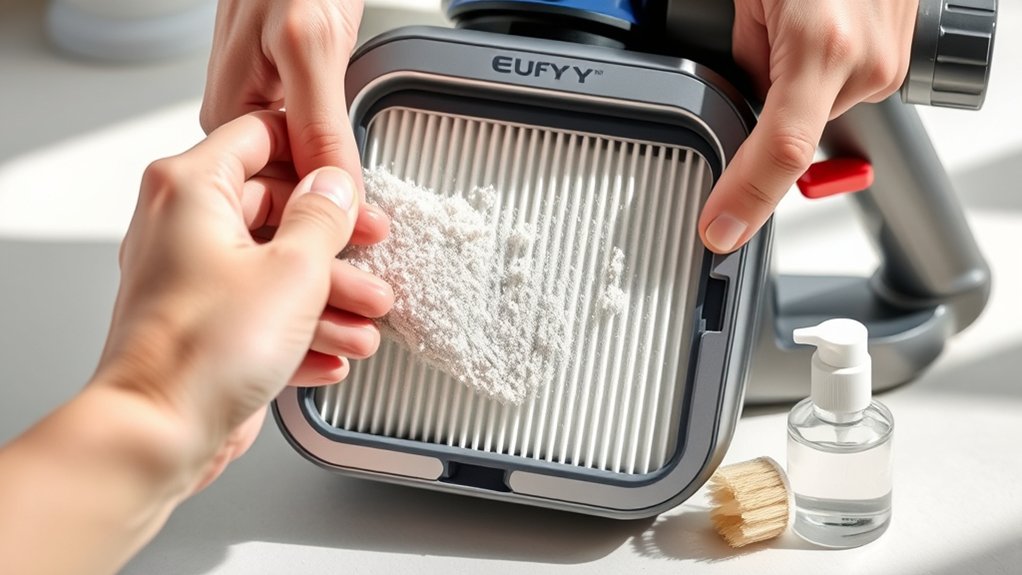
While replacing your Eufy 25C filters, take the opportunity to clean the vacuum thoroughly to guarantee ideal performance. Start by wiping down the dustbin and filter compartment with a dry cloth to remove any loose debris. Use a small brush or compressed air to clear dust from the filter housing and surrounding vents, preventing blockages.
Check the vacuum’s brushes and wheels for tangled hair or dirt, removing any buildup carefully. If your model has a removable brush roller, detach and clean it to maintain suction power. Avoid using water on electronic components; a dry or slightly damp cloth works best.
Cleaning during filter replacement keeps your vacuum running efficiently and extends its lifespan.
How to Choose Compatible Replacement Filters for Eufy 25C
When choosing replacement filters for your Eufy 25C, it’s important to know the different filter types and which ones fit your model. You’ll want to check compatibility factors like size and filter material to guarantee peak performance.
Plus, knowing where to buy genuine or high-quality filters can save you time and frustration.
Filter Types Overview
Although choosing the right filter might seem straightforward, understanding the different types available for your Eufy 25C guarantees ideal performance and longevity. You’ll mainly encounter two types: HEPA filters and standard foam filters. HEPA filters trap finer dust particles and allergens, making them perfect if you want cleaner air and reduced allergens.
Foam filters, on the other hand, capture larger debris and are easier to clean and reuse. Knowing which type suits your cleaning needs helps you maintain your vacuum’s suction power and efficiency. Both filter types need regular replacement, but HEPA filters typically require more frequent changes to keep your Eufy 25C working at its best.
Choosing the right filter type ensures your vacuum runs smoothly and extends its lifespan.
Compatibility Factors To Consider
To guarantee your Eufy 25C vacuum works effectively, you need to pick replacement filters that match its specific requirements. First, check the filter type—HEPA or standard—because using the wrong one can reduce suction and filtration quality.
Next, confirm the filter’s size fits your model; even slight differences can cause poor sealing and dust leakage. Also, consider the filter’s material; genuine or high-quality replacements trap allergens better and last longer. Pay attention to the filter’s shape and attachment method to ensure easy installation.
Avoid generic filters that don’t list Eufy 25C compatibility. Finally, check the manufacturer’s recommendations or user manual to avoid voiding your warranty or damaging your vacuum. Choosing the right filter keeps your Eufy 25C performing at its best.
Where To Buy Filters
Picking the right filter is only part of the process—you also need to know where to find genuine, compatible replacements for your Eufy 25C. Start by checking Eufy’s official website or authorized retailers; they guarantee authentic filters designed specifically for your model.
You can also explore trusted online marketplaces like Amazon or Best Buy, but verify the seller’s ratings and reviews to avoid counterfeit products. Specialty vacuum parts stores are another reliable option, often offering expert advice.
Avoid generic or unbranded filters, as they may not fit properly or perform well. By choosing reputable sources, you assure your vacuum maintains its efficiency and prolongs its lifespan without risking damage from incompatible parts.
How to Install New Filters on Your Eufy 25C
First, you’ll need to remove the old filters carefully to avoid damaging the vacuum. Once they’re out, you can install the new filters by aligning them properly in the filter compartment.
Make sure they fit snugly before closing the vacuum back up.
Removing Old Filters
Although replacing the filters on your Eufy 25C might seem tricky, you’ll find the process straightforward once you know where to start. First, make sure your vacuum is turned off and unplugged for safety. Locate the dustbin release button and detach the dustbin from the main unit.
Open the dustbin to access the filter compartment. Gently remove the old filter by pulling it straight out; avoid twisting or forcing it to prevent damage. If the filter is clogged, you might notice dust or debris stuck to it—this confirms it’s time for a replacement.
Dispose of the old filter properly. With the old filter out, the compartment is now ready for the new filter installation. Removing the old filter carefully ensures your vacuum keeps running efficiently.
Installing New Filters
Once you’ve removed the old filter, you can easily install the new one by aligning it properly with the filter compartment. Make certain the filter fits snugly without forcing it. Press it gently until you hear a click or feel it settle in place.
Close the filter cover securely to avoid any dust leaks.
Installing new filters ensures your Eufy 25C works at peak performance, keeping your home cleaner and air fresher. Here’s how this simple act feels:
| Step | Emotion |
|---|---|
| Insert new filter | Satisfaction |
| Secure the cover | Confidence |
| Start vacuuming | Relief |
| Breathe fresh air | Happiness |
Enjoy your refreshed vacuum experience!
When to Replace Your Eufy 25C Filters for Best Performance
To keep your Eufy 25C vacuum running efficiently, you need to replace its filters regularly. Check your filters every 2-3 months, or more often if you use the vacuum daily or have pets. A clogged filter reduces suction power and can cause your vacuum to overheat.
Replace the main filter when you notice visible dirt buildup or if the vacuum’s performance drops. Don’t wait for a warning light; proactive replacement prevents damage and keeps your cleaning effective. Also, swap out HEPA filters every 6 months to maintain air quality.
Keep an eye on these timeframes and your vacuum will perform at its best, saving you time and effort with every clean.
Fixing Common Problems After Changing Eufy 25C Filters
Regularly replacing your Eufy 25C filters helps maintain strong suction and prevents overheating, but sometimes issues can arise right after a filter change. If you notice reduced suction or error messages, don’t worry. Here’s how to fix common problems quickly:
Replacing your Eufy 25C filter may cause suction issues, but simple fixes can quickly resolve them.
- Check filter placement: Ensure the new filter fits snugly without gaps; improper installation often causes suction loss.
- Clean filter housing: Dust or debris in the compartment can block airflow, so wipe it clean before inserting the filter.
- Reset your vacuum: After changing the filter, power off your Eufy 25C, wait a few seconds, then restart it to clear errors and recalibrate sensors.
Following these steps should restore your vacuum’s performance and keep it running smoothly right after a filter replace.
Frequently Asked Questions
Can I Wash and Reuse Eufy 25C Vacuum Filters?
You can’t wash and reuse Eufy 25C vacuum filters because they’re designed to be disposable. Washing them might damage the filter material, reducing effectiveness.
It’s best to replace them regularly for peak performance and air quality.
Where Can I Buy Official Eufy 25C Replacement Filters?
You can buy official Eufy 25C replacement filters directly from the Eufy website, Amazon, or authorized retailers. Make certain you check for genuine products to guarantee your vacuum runs efficiently and lasts longer.
How Long Does the Filter Replacement Process Usually Take?
The filter replacement process usually takes about 5 to 10 minutes. You’ll just remove the old filter, insert the new one, and secure it in place—quick and straightforward, so you’ll be back to cleaning in no time.
Will Changing Filters Affect My Eufy 25c’s Warranty?
No, changing filters won’t void your Eufy 25C’s warranty as long as you use official replacement parts and follow the manufacturer’s guidelines.
Always keep your receipts and records to avoid any warranty issues.
Can Using Non-Compatible Filters Damage the Eufy 25C Vacuum?
Using non-compatible filters is like putting the wrong key in a lock; it can jam your Eufy 25C’s system, reduce suction, and even cause damage.
Always stick to recommended filters to keep it running smoothly.
Conclusion
Now that you’ve changed your Eufy 25C filters, you’ll likely notice improved suction and cleaner air. Some think frequent filter changes don’t matter much, but in reality, replacing them on time keeps your vacuum working efficiently and extends its life.
By following these simple steps, you’re not just maintaining your vacuum—you’re investing in a healthier home environment. Keep an eye on your filters, and your Eufy will reward you with top performance every time.
Regular filter replacement is key to maximizing your Eufy 25C vacuum’s efficiency. Consistent maintenance ensures powerful suction and cleaner air, making your home healthier. Stay proactive with Eufy 25C vacuum filter changes for the best results.