Why Is My Dyson Vacuum Pulsing and How Do I Fix It
Your Dyson vacuum pulses because airflow is blocked or restricted, causing the motor to cut power to avoid overheating. This pulsing is a common issue that can disrupt cleaning efficiency and may indicate underlying blockages or filter problems.
Understanding why your Dyson vacuum pulses and how to fix it is essential for maintaining optimal performance.
You can fix this by checking for blockages in the hose, wand, brush bar, and filters, then cleaning or replacing parts as needed. Make sure the bin isn’t full and reset the vacuum after clearing debris.
Proper maintenance helps prevent pulsing and keeps your vacuum working smoothly.
There are more ways you can troubleshoot and maintain your Dyson for peak performance. Regular inspection and timely cleaning extend the life of your vacuum and ensure it runs without interruptions.
Key Takeaways
- Pulsing usually indicates airflow blockages or filter clogs causing the motor to shut off intermittently to prevent overheating.
- Check and clear blockages in the hose, wand, brush bar, and bin inlet to restore proper suction and airflow.
- Clean or replace dirty or worn filters regularly to maintain suction and prevent pulsing.
- Reset the vacuum by unplugging, cleaning components, and waiting 10 minutes if overheated before restarting.
- Inspect and replace worn brush bars, belts, or motor parts if pulsing persists despite cleaning and resetting.
What Does Pulsing Mean on a Dyson Vacuum?
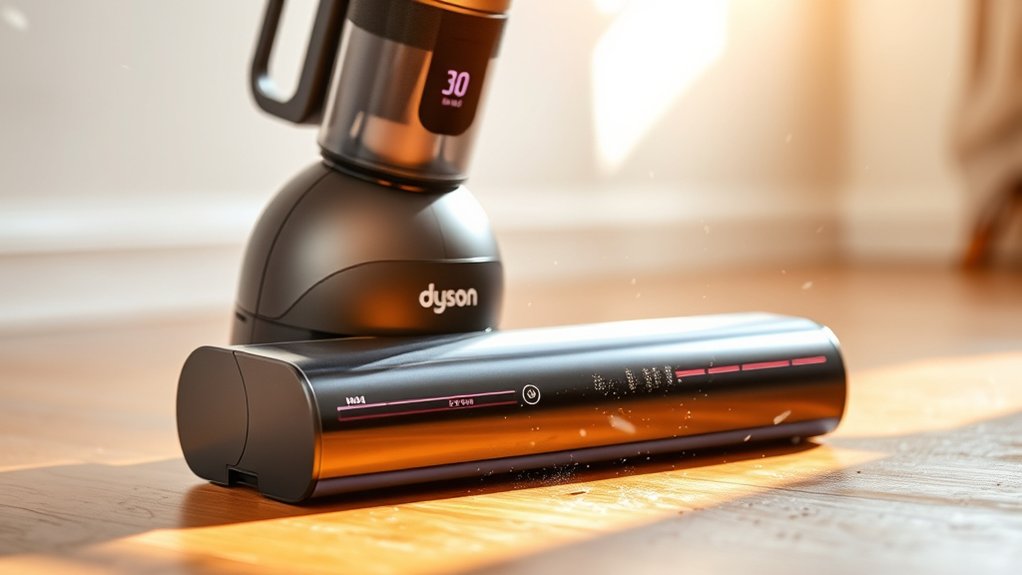
Although it can be confusing at first, pulsing on a Dyson vacuum usually means the machine is experiencing a blockage or an issue with airflow. When your vacuum pulses, it’s fundamentally a warning signal. The vacuum’s motor detects resistance, causing it to shut off temporarily to prevent overheating or damage.
You’ll notice the vacuum’s power cutting in and out, which can feel like a pulsing sensation. This behavior helps protect the internal components and maintain peak performance. It’s important to address pulsing quickly because it indicates the vacuum isn’t working efficiently.
Why Blockages Make Your Dyson Vacuum Pulse
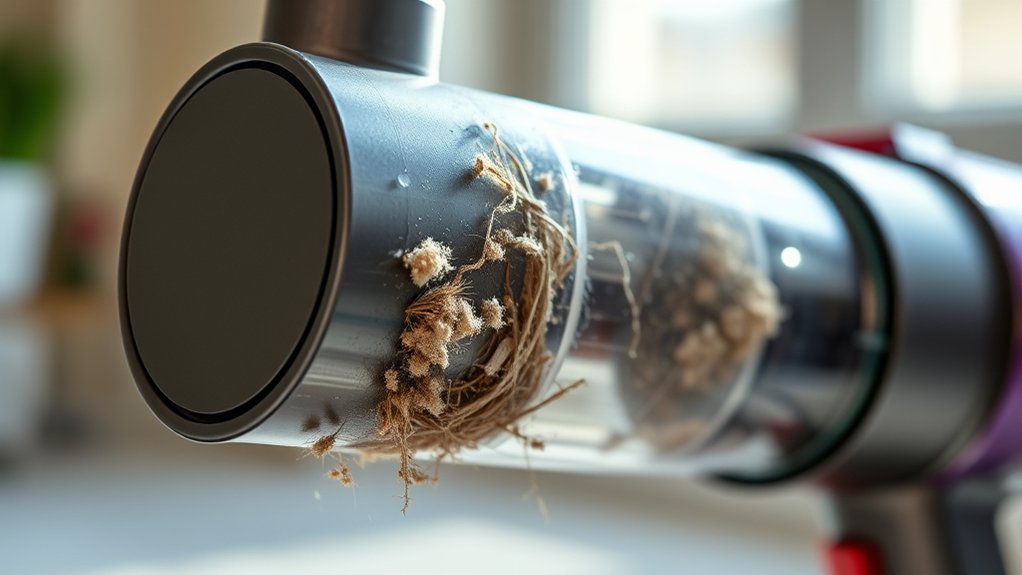
If your Dyson vacuum is pulsing, it’s often because of blockages in common spots like the wand, brush bar, or hose. These blockages reduce suction power and cause the motor to cycle on and off.
You can fix this by checking these areas and clearing any debris that’s stuck.
Common Blockage Locations
Where does your Dyson usually get clogged? Common blockage spots include the wand, brush bar, and bin inlet. Hair, strings, and debris often wrap around the brush bar, restricting movement.
The wand can trap larger objects like small toys or clumps of dirt, blocking airflow. Check the bin inlet where dirt enters—dust buildup here can cause pulsing. Don’t forget the filter; a clogged filter can mimic blockage symptoms.
Regularly inspecting these areas helps you spot and clear obstructions quickly. Use a long, flexible tool or a straightened wire hanger to remove stubborn clogs. Keeping these parts clean prevents pulsing and guarantees your vacuum runs smoothly.
Identifying where blockages occur is the first step toward a fix.
Effects On Suction Power
When blockages build up inside your Dyson vacuum, they disrupt the airflow that powers its suction. This interference forces the motor to work harder, causing the vacuum to pulse as it struggles to maintain consistent suction. You’ll notice the vacuum’s performance drop, making it harder to pick up dirt and debris effectively.
The pulsing is a protective response, preventing the motor from overheating due to restricted airflow. As suction weakens, cleaning becomes less efficient, and the vacuum may make unusual noises or vibrations. Recognizing these effects early helps you understand why your Dyson isn’t performing as it should.
Addressing blockages promptly is key to restoring strong, steady suction and preventing further damage to your vacuum’s motor.
How To Clear Blockages
Why does your Dyson vacuum pulse when blockages occur? When debris clogs the airflow, the motor struggles to maintain consistent suction, causing the vacuum to pulse as it tries to adjust.
To fix this, first unplug your vacuum. Check the wand, hose, and brush bar for blockages by detaching and inspecting each part. Use a long, flexible brush or a straightened wire hanger to carefully remove any clogs.
Don’t forget to clear the bin and filters, as trapped dust can also restrict airflow. After clearing blockages, reassemble everything securely. Restart your vacuum and notice the difference.
Regularly cleaning these components prevents pulsing, ensuring your Dyson runs smoothly and maintains strong suction every time you clean.
Checking and Cleaning the Dyson Vacuum Filter
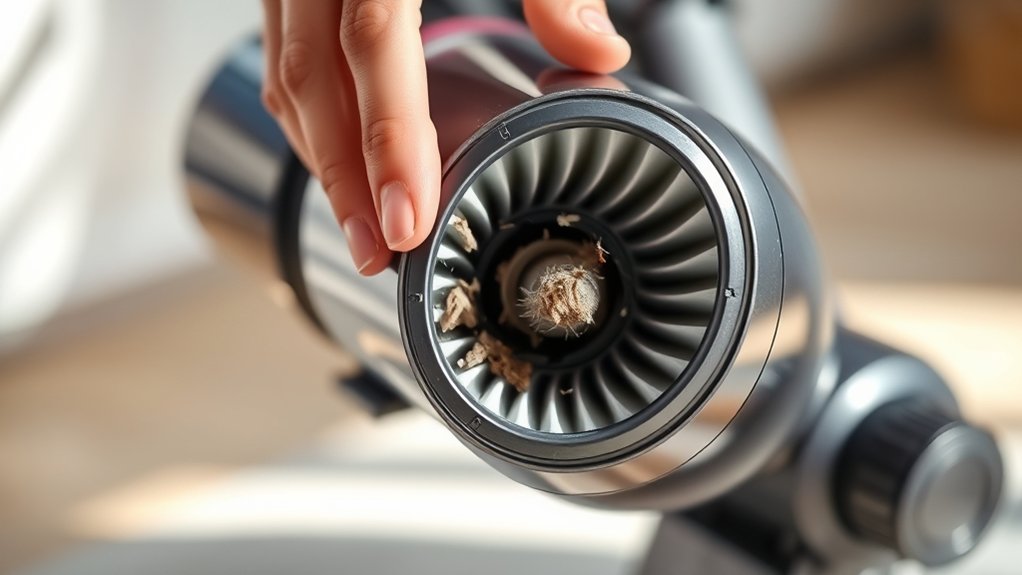
Since a clogged filter can cause your Dyson vacuum to pulse or lose suction, you should check and clean it regularly. Start by turning off and unplugging your vacuum. Locate the filter—usually inside the bin or near the cyclone.
Remove it carefully, then tap it gently to dislodge dust and debris. Rinse the filter under cold water until the water runs clear; avoid using detergents or scrubbing. Let it air dry completely for at least 24 hours before reinserting it—never put a damp filter back in, as this can damage your vacuum.
Regularly cleaning the filter, about once a month or as recommended, ensures your vacuum maintains peak suction and prevents pulsing caused by airflow restrictions. It’s a simple step that keeps your Dyson working efficiently.
Inspecting the Hose and Wand for Dyson Clogs
Now it’s time to check the hose and wand for any blockages that might be causing the pulsing. You’ll want to examine the wand attachments carefully and look inside the hose for debris that could be obstructing airflow.
Clearing these clogs can help restore your Dyson’s proper suction.
Checking Hose Blockages
How can you quickly determine if your Dyson vacuum’s hose or wand is clogged? Start by detaching the hose and inspecting it with a flashlight. Look for visible debris or blockages.
Next, try blowing air through the hose to feel for resistance. If air doesn’t flow freely, a clog is likely present. Use a flexible brush or a long object to carefully dislodge the blockage.
Remember to check both ends of the hose and the wand for any trapped debris.
| Step | What to Do |
|---|---|
| Detach Hose | Remove hose from the vacuum |
| Visual Inspection | Shine flashlight inside hose |
| Airflow Check | Blow air through hose |
| Clear Blockage | Use brush or object to clear |
Examining Wand Attachments
Although you’ve checked the hose for blockages, it’s equally important to inspect the wand attachments closely. These parts can easily trap debris, causing your Dyson vacuum to pulse. Start by detaching the wand and visually examining it for any visible clogs or damage.
Use a flashlight to look inside the wand and hose connection points. Check for:
- Twisted or kinked sections restricting airflow
- Accumulated dust or hair stuck inside the wand
- Cracks or breaks affecting suction
- Loose connections between wand and hose
- Any foreign objects lodged deep inside
Regularly inspecting these components guarantees proper airflow and prevents pulsing issues. If you spot damage or stubborn blockages, addressing them quickly will help restore your vacuum’s consistent performance.
Clearing Debris Obstructions
After checking your wand attachments, turn your attention to the hose itself. Disconnect it from the vacuum and carefully inspect both ends for visible debris or clogs. Shine a flashlight through the hose to spot any blockages that might be restricting airflow.
If you see something stuck, use a long, flexible brush or a straightened wire hanger to gently push the debris out. Don’t forget to check the hose’s interior walls for sticky buildup or hair that might reduce suction. Once clear, reattach the hose securely to the wand and vacuum body.
Regularly inspecting and clearing these obstructions can stop your Dyson from pulsing and restore consistent suction, ensuring your vacuum works efficiently every time you use it.
Clearing the Dyson Brush Bar and Cleaner Head
Before you plunge into more complex repairs, you’ll want to clear any debris wrapped around the Dyson brush bar and inside the cleaner head. These parts often accumulate hair, threads, and dust, which can cause the vacuum to pulse or lose suction. Begin by switching off and unplugging your vacuum for safety.
Always unplug your Dyson before clearing hair and debris from the brush bar to maintain suction and prevent pulsing.
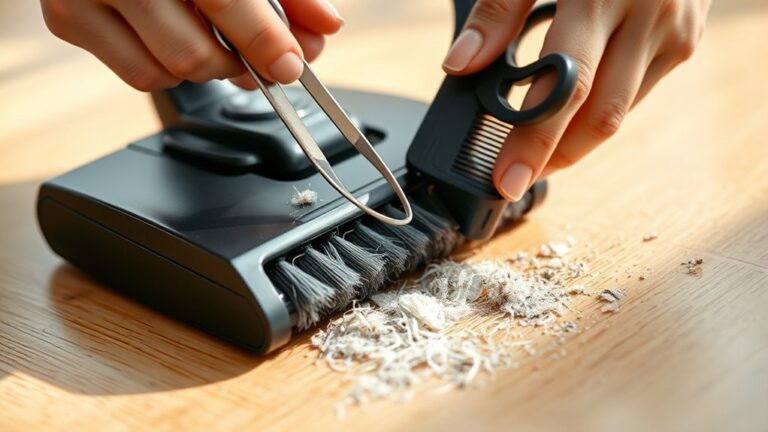
Then, remove the cleaner head to access the brush bar. Carefully cut away tangled hair and fibers using scissors or a seam ripper. Don’t forget to check:
- The brush bar ends for trapped debris
- The cleaner head’s air pathways
- The brush bar bearings for smooth rotation
- Any buildup inside the cleaner head housing
- The brush bar’s bristles for damage or wear
Regularly cleaning these areas helps maintain steady suction and prevents pulsing.
How a Full Bin Causes Dyson Suction Loss and Pulsing
When your Dyson bin fills up, it can considerably reduce suction power and cause the vacuum to pulse. As dirt and debris accumulate, airflow becomes restricted, forcing the motor to work harder. This extra strain triggers the vacuum’s pulsing behavior, signaling that it’s struggling to maintain steady suction.
You might notice the vacuum losing its cleaning effectiveness, leaving debris behind. To prevent this, empty the bin regularly before it reaches maximum capacity. Keeping the bin clear guarantees ideal airflow and consistent suction, allowing your Dyson to perform at its best.
Regular maintenance like this also helps avoid unnecessary wear on the motor, extending the vacuum’s lifespan and improving overall cleaning efficiency.
Resetting Your Dyson Vacuum After Clearing Blockages
How do you get your Dyson vacuum back to full power once you’ve cleared a blockage? Resetting it properly ensures the motor runs smoothly without pulsing. First, unplug the vacuum for safety.
Then, follow these steps to reset your Dyson:
- Check the bin and filters are clean and dry before reassembling.
- Reattach all parts securely to avoid air leaks.
- Press the power button after reassembly to confirm it starts normally.
- If your model has a reset button, hold it for several seconds.
- Let the vacuum rest for 10 minutes if it overheated during blockage.
These steps help restore normal function, preventing pulsing caused by residual blockages or sensor errors. Always reset after clearing debris to keep your Dyson running efficiently.
When to Replace Dyson Parts to Fix Pulsing
Although resetting your Dyson often resolves pulsing issues, persistent problems may indicate worn or damaged parts need replacement. If you notice the pulsing continues despite clearing blockages and resetting, check key components like the filter, brush bar, or motor. A clogged or degraded filter can cause airflow restrictions, leading to pulsing.
Similarly, a worn brush bar or damaged belt may disrupt suction and trigger the vacuum’s safety response. Inspect these parts regularly, and replace them if you see visible wear, cracks, or stiffness. Also, if the motor sounds strained or you detect unusual vibrations, it might be time to replace internal motor components or seek professional repair.
Replacing faulty parts promptly keeps your Dyson running smoothly and prevents further damage.
Preventing Dyson Vacuum Pulsing: Maintenance Tips
To keep your Dyson vacuum from pulsing, you’ll want to stick to a regular maintenance routine that targets common causes like blockages and worn parts. Consistent care prevents airflow restrictions and ensures your vacuum runs smoothly.
Here are some key tips to help you avoid pulsing issues:
- Check and clear the hose and wand for blockages regularly.
- Clean or replace filters every 1-3 months, depending on usage.
- Inspect the brush bar for tangled hair or debris and clean it often.
- Empty the bin before it gets too full to maintain proper suction.
- Examine seals and gaskets for wear and replace them if they’re damaged.
Frequently Asked Questions
Can Firmware Updates Affect Dyson Vacuum Pulsing?
Yes, firmware updates can affect your Dyson vacuum pulsing by improving performance or fixing bugs. You should regularly check for updates and install them to guarantee your vacuum runs smoothly and reduces pulsing issues.
Does Battery Health Influence Pulsing in Cordless Dyson Vacuums?
Think of your Dyson’s battery as your phone’s heart—when it weakens, pulsing starts. You’ve got to check battery health and replace it if needed to stop those interruptions and keep your vacuum running smoothly.
How Do Different Floor Types Impact Dyson Vacuum Pulsing?
Different floor types affect your Dyson’s pulsing because harder surfaces like hardwood cause less resistance, while carpets increase suction demand, making the vacuum pulse.
Adjust settings or use appropriate attachments to reduce pulsing on various floors.
Is Dyson Vacuum Pulsing Covered Under Warranty?
Think of your Dyson like a smartphone; its warranty covers unexpected glitches, including pulsing issues. If your vacuum pulses, you’re likely covered for repairs or replacement—just check your warranty terms and contact Dyson support to get it sorted.
Can Using Non-Dyson Accessories Cause Vacuum Pulsing?
Yes, using non-Dyson accessories can cause your vacuum to pulse because they might not fit properly or restrict airflow. Stick to Dyson parts to guarantee ideal performance and avoid triggering the pulsing issue.
Conclusion
Did you know that over 60% of Dyson vacuum issues stem from simple blockages or dirty filters? By regularly checking your vacuum’s filter, hose, brush bar, and bin, you can keep it pulsing smoothly and maintain strong suction.
Don’t forget to reset your vacuum after clearing clogs and replace worn parts when needed. With a little maintenance, you’ll extend your Dyson’s lifespan and enjoy hassle-free cleaning every time.
Regular care is key to fixing a Dyson vacuum pulsing problem and ensuring your vacuum works efficiently.

Hi, I’m Everett Callahan, a home improvement enthusiast with a strong interest in plumbing, home repairs, and practical renovation projects. I enjoy exploring plumbing fixtures, water systems, repair tools, and simple ways to make homes more functional and comfortable. Through my writing, I share useful guidance, maintenance tips, and helpful ideas to assist homeowners with everyday plumbing challenges and home improvement decisions. My goal is to make home maintenance easier to understand and help readers approach their projects with greater confidence.