What Does DC Mean on Samsung Washing Machine and How to Fix It
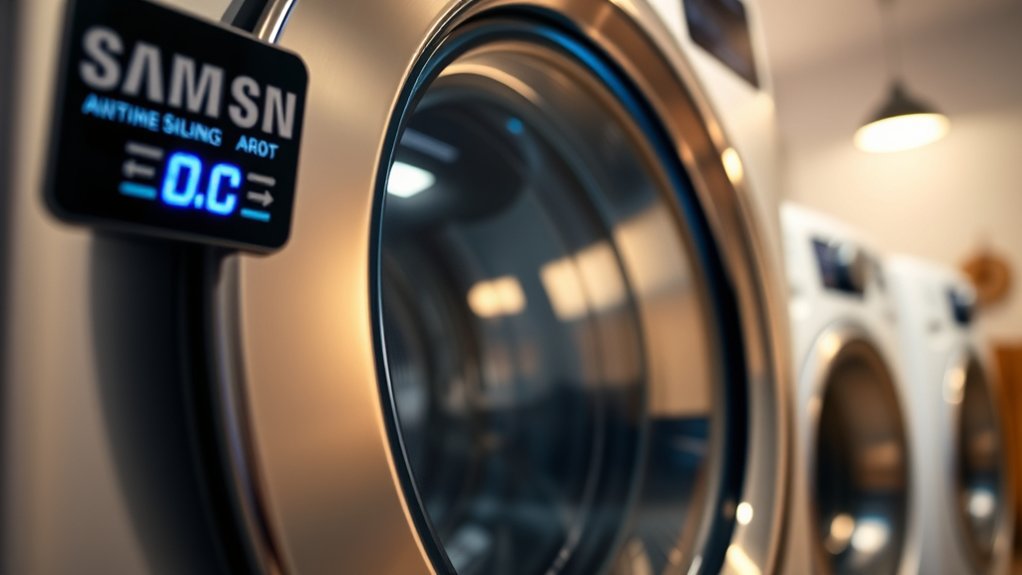
The DC error on your Samsung washing machine indicates that the door isn’t locking properly, which prevents the washer from starting or continuing to run for safety reasons. This issue is commonly caused by dirt, damage, or misalignment in the door lock or latch.
Understanding what DC means on a Samsung washing machine can help you troubleshoot and fix the problem quickly.
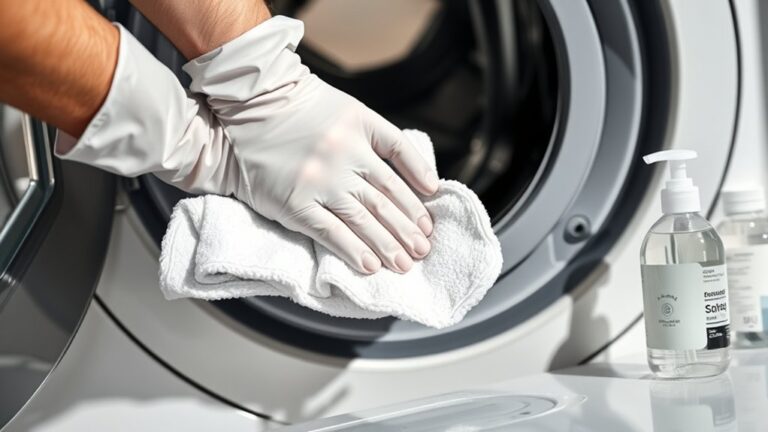
To resolve the DC error, start by unplugging the machine and cleaning the door lock area thoroughly. Check for any obstructions that might be preventing the door from locking securely. After cleaning, reset the washer to see if the error clears.
If the DC error persists, additional steps may be necessary to ensure your Samsung washer operates smoothly. These might include inspecting the door latch for damage or consulting a professional technician.
Key Takeaways
- The DC error on Samsung washers indicates a door communication problem, meaning the door isn’t properly locked or detected. Common causes include dirty or damaged door locks, misaligned latches, wiring issues, or faulty lock sensors.
- Inspect the door lock assembly for cracks, debris, or misalignment, and ensure the lock switch clicks smoothly when closing. Fix the DC error by cleaning the door lock and latch, removing obstructions, and resetting the washer by unplugging it for 5 minutes.
- If the error persists after cleaning and resetting, contact Samsung support for professional repair to avoid further damage.
What Does the DC Code Mean on Samsung Washing Machines?
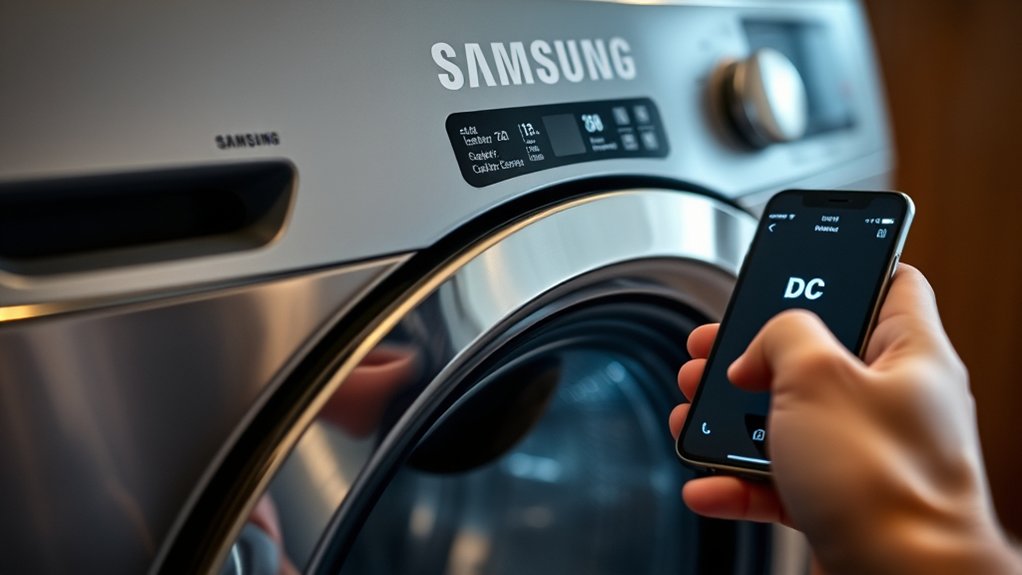
The DC code on Samsung washing machines signals a door communication error. When this code appears, it means your washer isn’t detecting that the door is properly closed or locked. The machine relies on this signal to start or continue a cycle safely.
If the door lock or latch doesn’t communicate correctly with the control board, the washer won’t operate. You might notice the washer won’t spin or agitate, and the cycle may stop abruptly. This error helps prevent water leaks or safety issues by ensuring the door stays securely shut during operation.
Understanding this code is important because it points directly to a problem with the door’s locking mechanism or its communication with the washer’s electronics.
Why Does the Samsung Washer Show the DC Error?
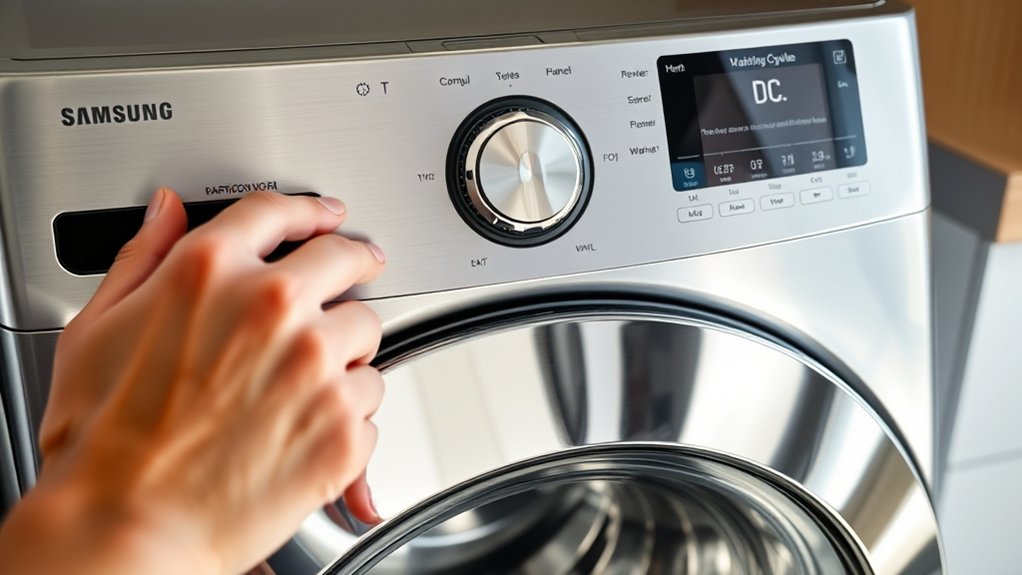
You’ll see the DC error when your Samsung washer detects an unbalanced load during the spin cycle. This error can happen if clothes are unevenly distributed or if the drum is overloaded.
When the DC code appears, your washer won’t spin properly until the issue is fixed.
Causes of DC Error
Although the DC error code can be frustrating, it usually signals that your Samsung washer is having trouble detecting or maintaining the proper door lock status. This often happens because the door latch is dirty, damaged, or misaligned, preventing it from locking securely.
Sometimes, the door lock sensor itself malfunctions or wears out over time. Wiring issues, like loose or damaged connections between the control board and the door lock assembly, can also trigger the DC error. Additionally, a software glitch in the washer’s control board might cause it to misread the door lock status.
Understanding these causes helps you pinpoint why your washer shows the DC error and guides you toward the right fix, ensuring your machine operates smoothly again.
Impact on Washer Operation
When your Samsung washer shows the DC error, it’s signaling that the door lock mechanism isn’t functioning properly, which directly affects the washer’s ability to start or continue a cycle. This error prevents the machine from locking the door securely, so it won’t initiate washing or spinning to avoid water leakage and safety hazards.
You might notice the washer stops mid-cycle or doesn’t respond when you press start. Ignoring the DC error can lead to incomplete washes or damage to internal components. To keep your washer running smoothly, you need to address the door lock issue promptly.
Fixing the DC error ensures the washer operates safely and efficiently, letting you complete laundry cycles without interruptions.
How to Check If Your Washer Door Is Properly Closed
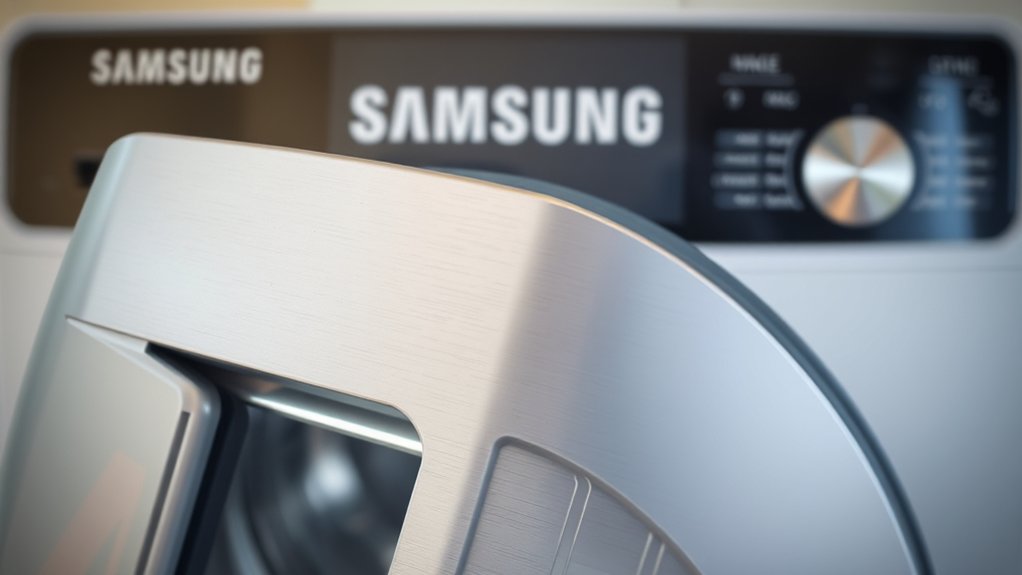
How can you tell if your Samsung washer door is properly closed? First, give the door a firm push until you hear a distinct click, which signals the latch has engaged.
Next, visually inspect the door seal to ensure it sits evenly against the frame without gaps or wrinkles. Finally, check the washer’s display panel for any door-related error messages; if none appear, the door is likely secure.
Here’s a quick checklist:
- Push the door firmly until it clicks.
- Inspect the door seal for even contact and no gaps.
- Look at the control panel for door error warnings.
Following these steps helps prevent the DC error caused by an improperly closed door, guaranteeing your washer runs smoothly.
How to Unlock and Secure Your Washer Door
To open your Samsung washer door, you first need to identify how the lock mechanism works. You can manually release the door by following a few simple steps, especially if it’s stuck after a cycle.
Taking precautions to keep the lock in good condition will help prevent future issues.
Identifying Door Lock Mechanism
Although it might seem straightforward, understanding the door lock mechanism on your Samsung washing machine is essential for both unfastening and securing the door properly. The mechanism guarantees safety by preventing the door from opening mid-cycle and helps avoid leaks.
To identify it, focus on these key components:
- Latch Assembly – This part physically locks the door when the cycle starts, engaging securely with the catch on the washer’s frame.
- Door Lock Switch – It sends signals to the control board confirming the door is locked, allowing the wash cycle to proceed.
- Manual Release – Some models include a hidden lever or pull cord for emergency unlocking.
Recognizing these parts helps you troubleshoot issues related to the door locking system effectively.
Steps To Manually Unlock
Wondering what to do when your Samsung washing machine door won’t open? First, unplug the washer to ensure safety. Then, locate the manual release mechanism—usually a small, plastic tab or cord near the door lock or at the bottom front panel.
Pull this tab gently; it disengages the lock and frees the door. If you can’t find it, check your model’s manual for exact location details. After unlocking, open the door carefully.
To secure it afterward, close the door firmly until you hear a click, indicating it’s locked. Finally, plug the machine back in and reset the cycle if needed. Following these steps helps you safely unlock and secure your washer door without professional assistance.
Preventing Door Lock Issues
Even if you’ve successfully released your washer door, preventing future lock issues requires regular care and attention. To keep your Samsung washing machine’s door functioning smoothly, follow these steps:
- Clean the Door Lock Mechanism: Remove dirt and detergent residue regularly to prevent buildup that can cause jamming.
- Avoid Overloading the Washer: Excess weight strains the door lock and can cause it to malfunction or stay locked.
- Inspect the Door Seal: Check for damage or debris that might interfere with the door locking properly and replace if necessary.
How to Reset Your Samsung Washing Machine After a DC Error
When your Samsung washing machine displays a DC error, resetting the device can often resolve the issue quickly. Start by unplugging your washer from the power outlet to cut off the electricity supply. Leave it unplugged for about 5 minutes—this allows the machine’s internal systems to fully reset.
After the wait, plug the washer back in and press the Power button to turn it on. Next, select a simple cycle, like “Cotton” or “Quick Wash,” and press Start to check if the error has cleared. If the DC error disappears, your reset worked.
However, if the error persists or returns frequently, you might need to explore other solutions or contact Samsung support for further assistance.
Common Causes of Recurring DC Errors on Samsung Washers
Although a DC error can sometimes be fixed with a simple reset, recurring issues usually point to underlying problems with your washer’s door lock or sensor system. If you keep seeing this error, it’s important to evaluate these common causes:
Recurring DC errors often signal deeper issues with your washer’s door lock or sensor system that need evaluation.
- Faulty Door Lock Assembly – If the lock doesn’t engage properly, the washer can’t detect the door’s status, triggering the DC error repeatedly.
- Worn or Damaged Door Sensor – The sensor might fail to send accurate signals, causing the machine to believe the door is open when it’s not.
- Electrical Connection Issues – Loose or corroded wiring between the door lock and control board can disrupt communication, resulting in persistent DC errors.
Identifying these causes early helps you know what to check next and avoid frequent disruptions.
How to Inspect the Door Lock Mechanism for Damage
If you’ve ruled out simple causes for the DC error, it’s time to take a closer look at the door lock mechanism itself. Start by unplugging your washer for safety, then open the door and examine the lock assembly carefully. Check for any visible cracks, broken parts, or signs of wear on the latch and strike plate.
Make sure the lock engages properly when you close the door. Inspect the locking hooks and the plastic casing for damage or misalignment. Also, look for debris or residue that might be preventing the mechanism from securing fully.
Finally, gently test the locking switch with your fingers to ensure it clicks and moves smoothly. Any sign of physical damage here could be the root cause of the DC error.
How to Fix Door Lock Issues Without Calling a Technician
Since door lock issues often cause the DC error on your Samsung washing machine, you can usually fix them yourself without calling a technician. First, unplug the machine to ensure safety before you start any repairs.
Then, follow these steps:
- Clean the Door Lock and Latch: Dirt and detergent buildup can prevent proper locking. Use a damp cloth to wipe both the lock and latch thoroughly.
- Check for Obstructions: Inspect the door seal and locking mechanism for any objects or debris blocking closure. Remove anything found.
- Reset the Machine: Plug the washer back in and run a short cycle to see if the DC error clears.
These simple fixes often resolve door lock issues and get your washer running smoothly again.
When to Contact Samsung Support for DC Errors
If the DC error keeps appearing despite your troubleshooting efforts, it’s time to contact Samsung support. You shouldn’t ignore persistent issues that won’t resolve on their own.
Getting professional help ensures your washing machine gets the proper fix.
Persistent DC Error
When your Samsung washing machine continues to show the DC error despite your troubleshooting efforts, it’s time to contemplate professional help. Persistent DC errors often signal an underlying mechanical or electrical problem that requires expert diagnosis.
Here’s when you should contact Samsung support:
- Repeated Error Codes: If the DC error reappears after multiple resets and checks, it indicates a deeper issue.
- Unusual Noises or Smells: Strange sounds or burning smells alongside the error suggest internal damage.
- Failed Self-Diagnosis: When the machine’s built-in diagnostic tests can’t resolve or pinpoint the malfunction.
Reaching out to Samsung support ensures you get authorized service technicians who can safely repair your washing machine and prevent further damage.
Don’t delay professional intervention if the problem persists.
Unresolved Troubleshooting Steps
Although you might have tried several fixes, some DC errors on your Samsung washing machine require professional attention. If the error persists after checking for unbalanced loads, cleaning the filter, and resetting the machine, it’s time to contact Samsung Support.
Persistent DC errors might indicate internal issues like a faulty drain pump, wiring problems, or a malfunctioning control board that need expert diagnosis. Avoid attempting complex repairs yourself, as this could void your warranty or cause further damage.
When you reach out to Samsung Support, provide details about the troubleshooting steps you’ve already taken and any error codes displayed. This information helps technicians identify the problem faster and recommend the best solution, ensuring your washing machine is safely and efficiently repaired.
Tips to Prevent DC Errors on Samsung Washing Machines
To keep your Samsung washing machine running smoothly and avoid DC errors, you should regularly check the load balance and avoid overloading the drum.
Here are three essential tips to help prevent DC errors:
- Distribute Clothes Evenly: Make sure your laundry is spread evenly around the drum to maintain balance during spin cycles. Uneven loads cause the washer to stop and display the DC error.
- Limit Load Size: Avoid stuffing the drum beyond its capacity. Overloading strains the motor and sensors, increasing the chances of imbalance detection.
- Check the Floor Level: Place your washing machine on a flat, stable surface. Use a level to adjust the feet if necessary, preventing excessive vibration that triggers the DC error code.
Frequently Asked Questions
What Other Error Codes Commonly Appear on Samsung Washing Machines?
You’ll often see error codes like 5E for drainage issues, UE for unbalanced loads, and OE for water overflow. When these pop up, you’ll want to check hoses, redistribute clothes, or clean filters to fix them quickly.
Can a Firmware Update Fix DC Errors on Samsung Washers?
You can’t put all your eggs in one basket with firmware updates fixing DC errors on Samsung washers. Sometimes, updates help, but often you’ll need to check wiring or sensors to truly solve the issue.
How Long Is the Warranty on Samsung Washing Machine Door Locks?
Samsung washing machine door locks typically come with a one-year warranty.
You should check your specific model’s warranty details, but if the lock fails within that period, Samsung usually covers repair or replacement costs.
Are DC Errors Specific to Certain Samsung Washer Models?
Yes, DC errors are more common in certain Samsung washer models, especially front-loaders. You’ll find variations depending on the model and year, so checking your specific washer’s manual or support site helps you pinpoint the issue quickly.
What Are the Energy Efficiency Ratings of Samsung Washing Machines?
You’ll find Samsung washing machines usually boast high energy efficiency ratings, often A+++ or better. This means you’ll save on bills and help the planet, all while enjoying powerful, eco-friendly cleaning performance.
Conclusion
Dealing with the DC error on your Samsung washer is like opening a stubborn treasure chest—once you secure the door properly and reset the machine, you’re back in the clear.
By checking the door lock and ensuring everything’s in place, you can often fix the issue yourself without hassle. Keep your washer’s door mechanism clean and well-maintained to prevent future errors.
If all else fails, don’t hesitate to reach out for professional help. Remember, understanding what DC means on a Samsung washing machine and knowing how to fix it can save you time and frustration.
Hi, I’m Everett Callahan, a home improvement enthusiast with a strong interest in plumbing, home repairs, and practical renovation projects. I enjoy exploring plumbing fixtures, water systems, repair tools, and simple ways to make homes more functional and comfortable. Through my writing, I share useful guidance, maintenance tips, and helpful ideas to assist homeowners with everyday plumbing challenges and home improvement decisions. My goal is to make home maintenance easier to understand and help readers approach their projects with greater confidence.