How to Reset Your Hotpoint Washing Machine in 7 Easy Steps
If your Hotpoint washing machine freezes, displays error codes, or becomes unresponsive, knowing how to reset your Hotpoint washing machine can save you time and hassle. Resetting the machine often resolves common issues and helps restore normal operation quickly.
Start by turning off your Hotpoint washing machine and unplugging it from the power source. Wait for five minutes to allow any residual power to dissipate completely.
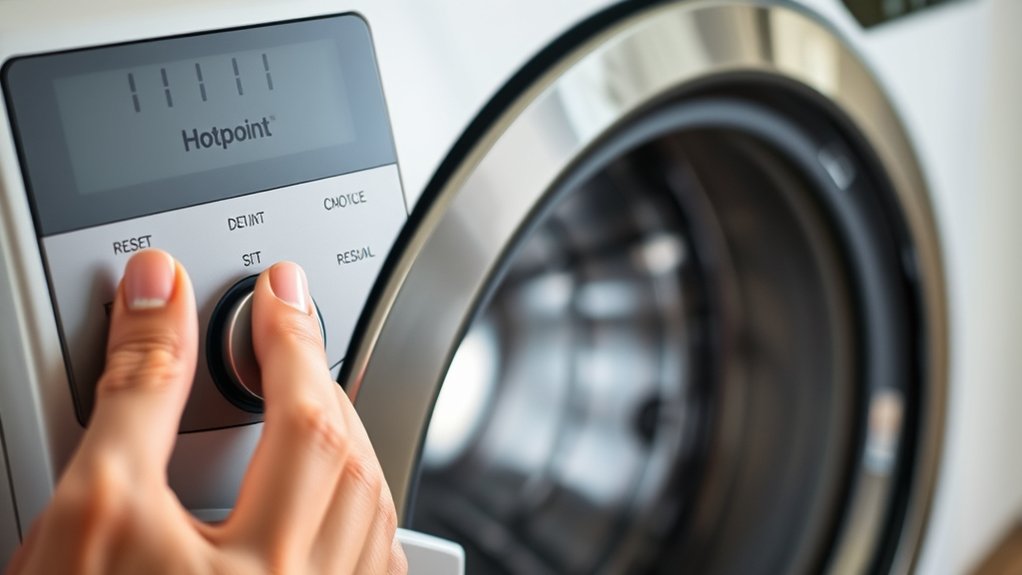
Next, if your model includes a reset button, press and hold it for a few seconds. After that, plug the machine back in and power it on.
Finally, run a short test cycle to ensure the reset was successful.
Following these simple safety steps and reset procedures will get your Hotpoint washing machine running smoothly again. There are also additional troubleshooting and maintenance tips you can follow to keep it in optimal condition.
Key Takeaways
- Turn off the Hotpoint washing machine and unplug it from the power source.
- Wait 5 minutes to allow residual power to dissipate before proceeding.
- Press and hold the reset or reset/stop button for several seconds to initiate the reset.
- Release the button once the machine displays a reset indicator or starts a reset cycle.
- Run a short rinse cycle to confirm the machine has successfully reset and is functioning normally.
How to Tell If Your Hotpoint Washing Machine Needs a Reset
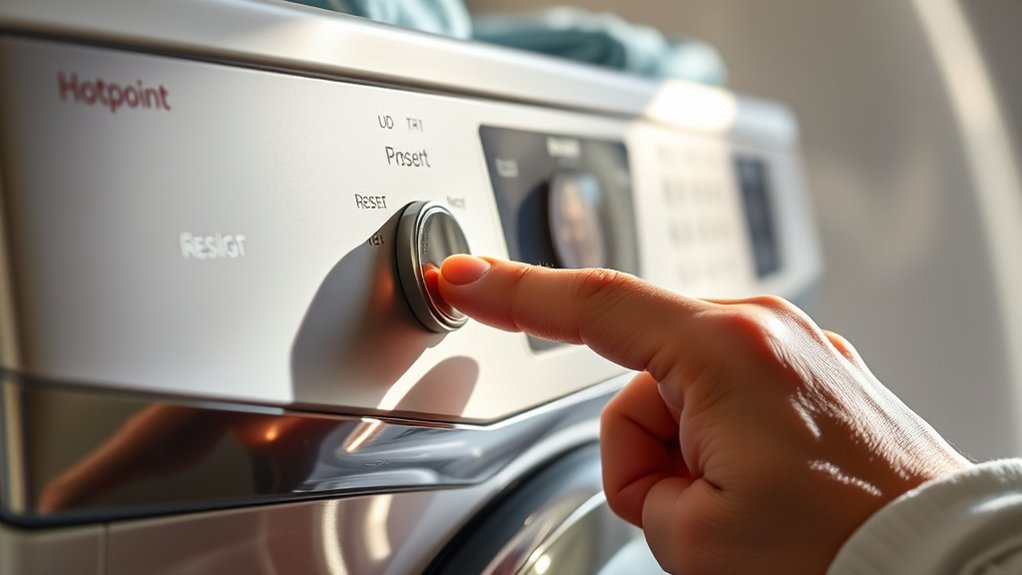
A Hotpoint washing machine usually needs a reset when it stops responding or displays error codes on the screen. You’ll notice the machine won’t start, pause mid-cycle, or the buttons won’t react when you press them. Sometimes, the drum doesn’t spin or drain properly, signaling a glitch.
If error codes like E10, E20, or F01 pop up, it’s a clear sign something’s off. You might also hear strange noises or smell burning, which can mean the system needs rebooting. If your washing machine behaves unusually after a power outage or sudden interruption, a reset often resolves the issue.
Safety Checks Before Resetting Your Hotpoint Washing Machine
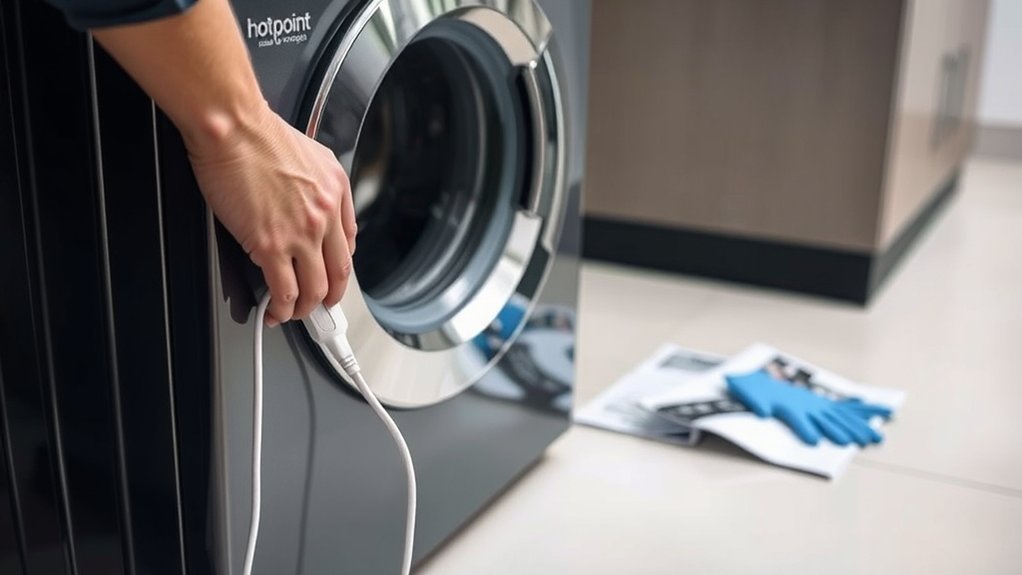
Before you reset your Hotpoint washing machine, make sure to check that the power supply is properly connected and working. Also, inspect the water connections for any leaks or blockages.
These simple safety checks can prevent further issues during the reset process.
Power Supply Verification
How can you be sure your Hotpoint washing machine is safe to reset? First, verify the power supply to avoid any electrical hazards. Start by unplugging the machine from the outlet to confirm no current flows during inspection.
Check the power cord for any visible damage like frays or cuts. If you spot any issues, don’t proceed; replace the cord or call a professional. Next, inspect the wall socket by plugging in another device to confirm it’s working properly.
Also, make sure the circuit breaker linked to your washing machine hasn’t tripped. If it has, reset it before continuing. By thoroughly verifying the power supply, you reduce risks and prepare your machine for a safe and effective reset.
Water Connection Inspection
Once you’ve confirmed the power supply is safe, turn your attention to the water connection. Check both the hot and cold water hoses for any signs of wear, leaks, or kinks. Make sure the taps are fully open so water flows freely into the machine.
A blocked or damaged hose can prevent your Hotpoint washer from filling properly, causing errors.
Here’s a quick checklist to guide you:
| Inspection Point | What to Look For |
|---|---|
| Hose Condition | Cracks, leaks, or bulges |
| Hose Connection | Tight and secure fittings |
| Water Tap Position | Fully open |
| Water Pressure | Adequate and consistent |
Perform these checks before resetting your machine to avoid potential issues and ensure smooth operation.
Step 1: Turn Off and Unplug Your Hotpoint Washing Machine
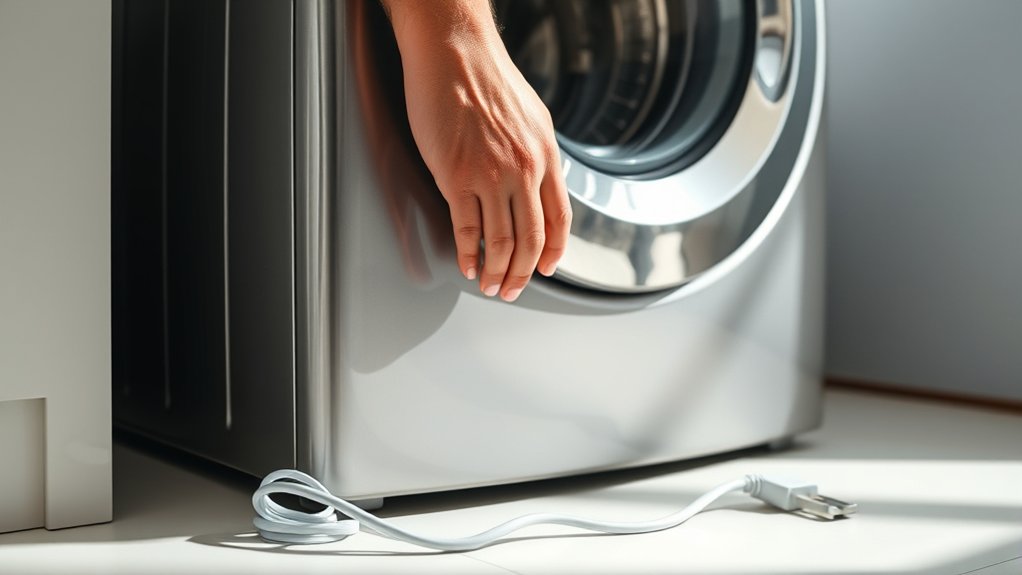
First, make sure your Hotpoint washing machine is completely turned off to avoid any electrical hazards. Next, locate the power cord at the back of the machine and firmly unplug it from the outlet.
Confirm that the machine has no power before you proceed to the next step.
Power Safety Precautions
Before you start resetting your Hotpoint washing machine, make sure you turn it off and unplug it from the power source. This step is vital for your safety and prevents electrical shock or damage to your machine. Avoid touching any internal parts while the appliance is still connected to power.
If you need to handle the machine, confirm your hands are dry and you’re standing on a dry surface. Always check for any frayed cords or visible damage before proceeding, and never attempt repairs if you notice electrical issues. Taking these precautions helps protect you from injury and safeguards your washing machine’s components during the reset process.
Locate The Power Cord
Although it might seem obvious, you need to locate the power cord of your Hotpoint washing machine to safely turn it off and unplug it. Start by moving any items or laundry near the machine to give yourself clear access. The power cord is usually found at the back of the machine, near the bottom.
Carefully reach behind the unit, feeling for the cord and its plug. Make sure you don’t pull or tug on the cord itself; instead, grasp the plug firmly. This step is essential to prevent any electrical hazards or damage to the cord.
Once you’ve found the power cord and have a secure grip on the plug, you’re ready to safely unplug your Hotpoint washing machine.
Confirm Machine Is Off
After unplugging your Hotpoint washing machine, make sure the machine is completely off. Check that the display panel is dark and no lights are blinking. If you see any lights, press the power button to turn the machine off.
Sometimes, the machine enters a standby mode, so it’s important to verify it’s fully powered down. Also, listen for any sounds like humming or water draining, which indicate the machine is still running. If you hear anything, wait a few minutes or press the cancel button to stop the cycle.
Confirming the machine is off prevents electrical issues and ensures a safe reset process. Only proceed once you’re certain the machine is completely shut down and unplugged from the power source.
Step 2: Wait 5 Minutes to Clear Residual Power
Once you unplug your Hotpoint washing machine, wait for five minutes to let any residual power dissipate completely. This pause guarantees the internal circuits reset properly, preventing any glitches when you restart. It’s a vital step for effective troubleshooting.
During this wait, avoid plugging the machine back in or pressing any buttons. Use this time to check the power source or review your machine’s manual.
| Reason for Waiting | What Happens | Tip |
|---|---|---|
| Clears residual power | Resets circuits | Use a timer to track |
| Prevents errors | Avoids malfunctions | Don’t rush restarting |
| Prepares for reset | Stabilizes electronics | Check power supply |
| Protects components | Reduces risk of damage | Keep the door closed |
Step 3: Press and Hold the Reset Button (If Your Model Has One)
If your Hotpoint washing machine includes a reset button, pressing and holding it is the next step to clear any error codes and restart the system. Locate the reset button, which is usually small and may be labeled clearly or embedded within the control panel. Press and hold this button firmly for about 3 to 5 seconds.
You might notice the machine’s lights blinking or hear a beep, indicating the reset process has started. Releasing the button too soon may prevent the reset from completing, so keep it pressed for the full duration. If your model doesn’t have a reset button, don’t worry—other reset methods usually apply.
This step effectively clears minor faults, preparing your washer for a fresh start without lingering error messages.
Step 4: Plug In and Power On Your Hotpoint Washing Machine
Although you’ve completed the reset steps, you still need to plug in your Hotpoint washing machine and power it on to confirm the reset took effect. First, make sure the power cord is securely connected to a working electrical outlet. Avoid using extension cords, as they can cause power fluctuations.
Once plugged in, press the power button to turn on the machine. You might notice the display panel light up or the control dial reset to its default position—that’s a good sign the reset was successful. If your model has indicator lights, watch for any error codes disappearing.
Step 5: Run a Test Cycle to Confirm the Reset Worked
Before you finish, you should run a test cycle to verify the reset worked correctly. Select a quick wash or rinse cycle on your Hotpoint washing machine and start it. Pay attention to any error codes or unusual noises during the cycle.
If the machine runs smoothly without interruptions, the reset was successful. If you notice the same issues or error messages, you might need to repeat the reset process or consult the user manual for further troubleshooting. Running this test cycle assures your washing machine is back to normal operation and helps avoid future problems.
Once the cycle completes without issues, you can confidently resume your regular laundry without worries about lingering faults.
Frequently Asked Questions
How Often Should I Reset My Hotpoint Washing Machine?
You should only reset your Hotpoint washing machine when it’s malfunctioning or displaying error codes. Frequent resets aren’t necessary and won’t improve performance, so use it as a troubleshooting step, not routine maintenance.
Can Resetting Fix All Error Codes on My Washer?
You can’t fix all error codes by resetting your washer; about 60% of errors need professional repair. Resetting clears minor glitches, but persistent issues usually require diagnosing specific faults or replacing parts to get it running smoothly again.
Will Resetting Erase My Custom Wash Settings?
No, resetting your Hotpoint washer usually won’t erase custom wash settings. It just clears temporary errors or glitches.
However, if you’ve saved personalized programs, double-check the manual to be sure before resetting.
How Do I Find the Reset Button if Missing?
If you can’t find a reset button, don’t panic—most Hotpoint models use a combination of dial turns or button presses instead.
Check your manual or try holding the Start/Pause button for several seconds to reset the machine.
Is It Safe to Reset the Machine During a Cycle?
No, you shouldn’t reset your machine during a cycle because it can interrupt the process and potentially damage the appliance.
Wait until the cycle finishes or pauses before performing a reset to keep everything safe and functional.
Conclusion
Resetting your Hotpoint washing machine is simple and can save you a service call. Did you know that nearly 30% of appliance issues can be fixed with a quick reset? By following these easy steps, you’ll often get your machine running smoothly again without hassle.
Just remember to perform safety checks first and run a test cycle afterward to ensure everything’s working perfectly. A quick reset might just be the solution you need! Using a proper reset method for your Hotpoint washing machine can extend its lifespan and improve performance.
Hi, I’m Everett Callahan, a home improvement enthusiast with a strong interest in plumbing, home repairs, and practical renovation projects. I enjoy exploring plumbing fixtures, water systems, repair tools, and simple ways to make homes more functional and comfortable. Through my writing, I share useful guidance, maintenance tips, and helpful ideas to assist homeowners with everyday plumbing challenges and home improvement decisions. My goal is to make home maintenance easier to understand and help readers approach their projects with greater confidence.