How to Charge Your Dyson Vacuum in 7 Easy Steps
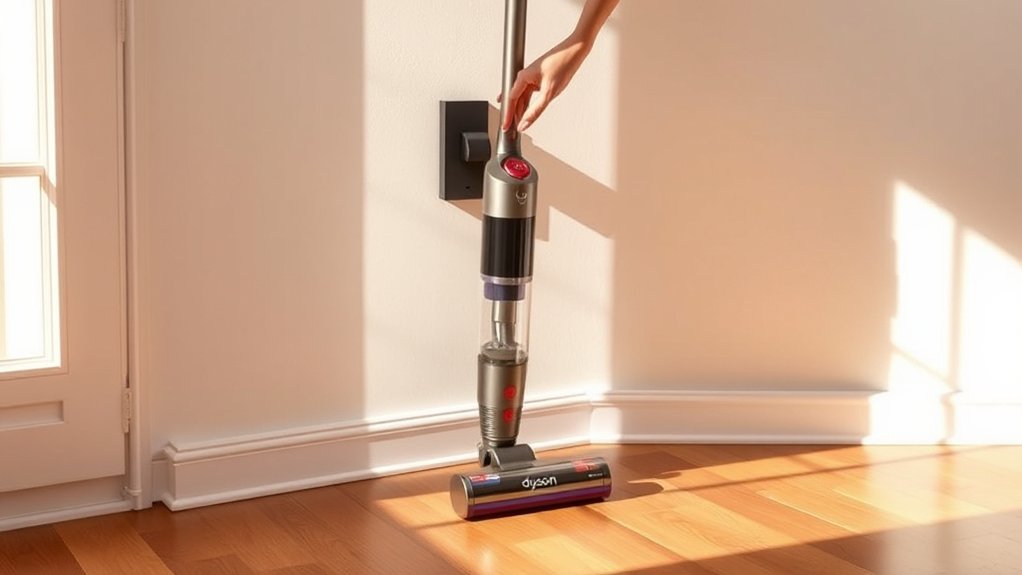
To charge your Dyson vacuum in 7 easy steps, start by finding the proper charger that matches your specific Dyson model. Charging your Dyson vacuum correctly ensures optimal performance and extends the battery life.
Proper maintenance and careful handling during charging are essential for keeping your vacuum running efficiently.
Prepare your vacuum by emptying the bin, wiping the charging port clean, and powering off the device. Connect the charger carefully to avoid damaging the port, then plug it into a suitable electrical outlet.
Monitor the indicator lights on your vacuum to confirm it is charging properly. Typically, charging takes between 3.5 to 5 hours.
Once fully charged, unplug the vacuum from the charger to prevent overcharging.
Store and maintain the battery well by keeping it in a cool, dry place. Regularly following these steps will help extend the life of your Dyson vacuum’s battery.
Keep using these tips to get the best performance from your device.
Key Takeaways
- Identify your Dyson model and use the official or compatible charger to ensure safe and efficient charging.
- Prepare the vacuum by emptying the dust bin, cleaning the charging port, and powering it off before charging.
- Connect the charger securely to the clean charging port without forcing, and confirm the connection via indicator lights.
- Plug the charger into a suitable, grounded power outlet matching the charger’s voltage requirements.
- Monitor charging status through indicator lights and unplug once fully charged to avoid overcharging and battery damage.
Find the Right Charger for Your Dyson Vacuum
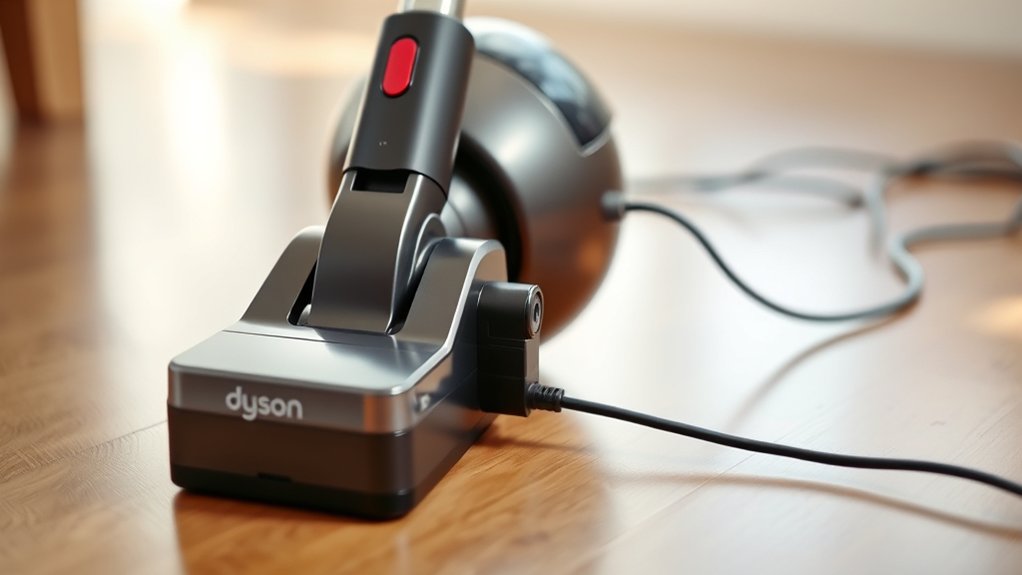
Before you start charging your Dyson vacuum, make sure you have the right charger. Different Dyson models require specific chargers designed to match their battery type and voltage. Using the wrong charger can damage your vacuum or prevent it from charging properly.
Check your vacuum’s model number, usually found on a label near the battery or handle, then look for a charger compatible with that model. Official Dyson chargers are recommended because they ensure safe and efficient charging. If you can’t find an official charger, opt for a high-quality third-party charger that explicitly supports your Dyson model.
Avoid generic chargers, as they might not deliver the correct power output. Having the correct charger is the first step to keeping your vacuum ready and functioning effectively.
Get Your Dyson Ready for Charging: Cleaning and Powering Off
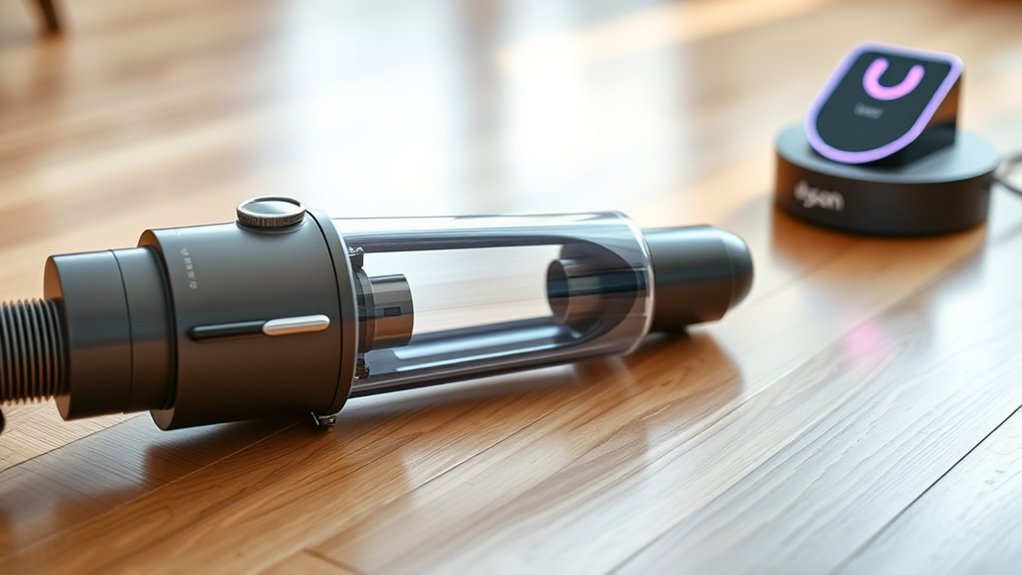
Once you’ve secured the right charger, make sure to clean your Dyson vacuum and power it off completely before plugging it in. This step guarantees your vacuum charges efficiently and stays in good condition. Start by removing dust and debris that might block vents or connectors.
Then, fully power down the device to avoid short circuits or battery issues.
Here’s what you should do before charging:
- Empty the dust bin to prevent clogging
- Wipe down the charging port with a dry cloth
- Check for any visible damage or loose parts
- Remove attachments to allow better airflow
- Power off your vacuum using the main switch or button
Taking these precautions helps maintain your vacuum’s performance and prolongs battery life.
Connect the Charger to Your Dyson Vacuum Safely
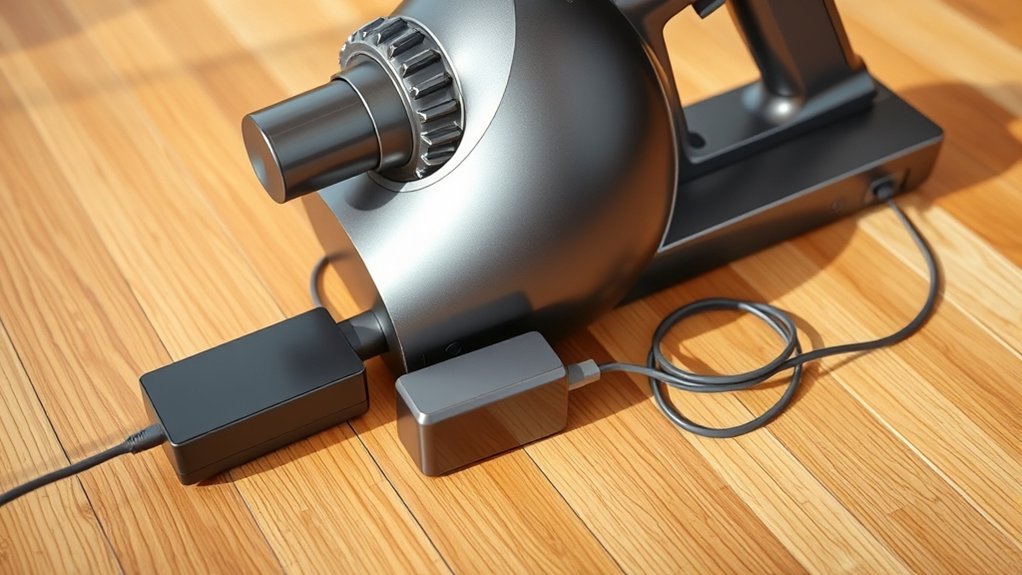
First, find the charging port on your Dyson vacuum, usually located near the handle or base. Make certain the charger’s connector aligns properly with the port.
Then, firmly plug in the charger to ensure a secure connection for safe charging.
Locate Charging Port
Where can you find the charging port on your Dyson vacuum? It’s usually located in one of a few common spots, depending on your model. Knowing where to look helps you connect the charger quickly and avoid any damage.
Here’s where to check:
- Near the handle base for cordless stick models
- On the underside of the main body
- Behind a small, hinged port cover
- Close to the dustbin area
- On the charging dock for station-based vacuums
Make sure the port is clean and free from debris before plugging in. Identifying the exact location on your model ensures a smooth charging process every time.
Secure Charger Connection
How exactly do you guarantee a secure charger connection to your Dyson vacuum? First, make sure the charging port is clean and free of dust or debris. Dirt can block the connection and prevent proper charging.
Next, align the charger plug carefully with the charging port—don’t force it. You should feel it click or fit snugly, indicating a proper connection. Once connected, check the indicator light on your vacuum or charger to confirm it’s charging.
If the light doesn’t turn on, disconnect and try again. Always use the original charger that came with your Dyson vacuum to avoid compatibility issues. Finally, keep the charger cable untangled and avoid pulling on it roughly to maintain a secure, long-lasting connection every time you charge.
Plug the Charger Into a Suitable Power Outlet
Make certain you plug your Dyson charger into a compatible power outlet. Check that the outlet’s voltage matches the charger’s requirements to avoid damage. Using the right outlet ensures safe and efficient charging.
Choose Compatible Power Outlet
Why does choosing the right power outlet matter when charging your Dyson vacuum? Selecting a compatible outlet guarantees safe, efficient charging and prevents damage to your vacuum or charger. Here’s what you should consider:
- Use an outlet that’s easily accessible to avoid strain on the charger cable.
- Avoid outlets that share circuits with heavy appliances to prevent power surges.
- Choose outlets that are dry and free from dust or debris.
- Confirm the outlet is stable and firmly mounted to avoid loose connections.
- Prefer outlets in well-ventilated areas to prevent overheating during charging.
Ensure Outlet Voltage Match
Before plugging in your Dyson vacuum charger, make sure the outlet’s voltage matches the charger’s requirements to avoid damaging your device or creating safety hazards. Check the charger label or user manual for the specified voltage, typically 100-240V for most Dyson models. Using an outlet with a different voltage can cause the charger to overheat, fail, or even pose a fire risk.
If you’re unsure about your home’s outlet voltage, use a voltage tester or consult an electrician. Avoid using incompatible power sources like generators or unregulated adapters. Always plug the charger directly into a properly grounded outlet to verify stable power flow, protecting both your vacuum and your home’s electrical system.
Taking these precautions helps your Dyson vacuum charge safely and efficiently every time.
Keep an Eye on the Charging Lights and Troubleshoot Issues
Although charging your Dyson vacuum is usually straightforward, paying close attention to the charging lights can help you spot any issues early. These lights indicate the vacuum’s charging status and can alert you if something’s wrong. If you notice unusual behavior, take action quickly to avoid battery damage or charging failures.
Watch out for these signs:
- No light at all when plugged in
- Flashing red light indicating a fault
- Green light not turning on after extended charging
- Light rapidly blinking or changing colors
- Vacuum not holding a charge despite light indicators
If you see any of these, unplug the charger, check connections, and consult your user manual or Dyson support for troubleshooting steps.
How Long Should You Charge Your Dyson Vacuum?
Since proper charging guarantees ideal battery life and performance, knowing how long to charge your Dyson vacuum is essential. Typically, you should charge your Dyson vacuum for about 3.5 to 5 hours to reach a full battery. Charging times vary slightly depending on the model, so always check your user manual for exact recommendations.
Avoid overcharging by unplugging the vacuum once the indicator light shows it’s fully charged. If your vacuum uses removable batteries, charge each battery fully before swapping them out. Remember, charging it fully before the first use helps condition the battery for best lifespan.
Store and Maintain Your Dyson Vacuum Battery for Longevity
Proper charging helps keep your Dyson vacuum ready, but how you store and maintain the battery also plays a big role in its lifespan. To guarantee your battery lasts as long as possible, you need to treat it with care even when not in use. Here’s how you can do that:
- Store the vacuum in a cool, dry place away from direct sunlight.
- Avoid leaving the battery completely drained for long periods.
- Charge the battery to about 50% if you’re storing it for weeks or months.
- Remove the battery from the vacuum if it’s removable and you won’t use it for an extended time.
- Clean the contacts periodically to prevent dust buildup and ensure good connection.
Following these steps will help you maximize your Dyson vacuum battery’s longevity.
Frequently Asked Questions
Can I Use Third-Party Chargers for My Dyson Vacuum?
You shouldn’t use third-party chargers for your Dyson vacuum because they might not match the correct voltage or safety standards. Using official chargers guarantees ideal performance and prevents potential damage or safety risks to your device and yourself.
How Do I Reset My Dyson Vacuum’s Battery Indicator?
You can’t just wave a magic wand to reset your Dyson’s battery indicator!
But you can try unplugging the vacuum, waiting 10 seconds, then plugging it back in to reset the battery indicator light.
Simple!
What Should I Do if My Vacuum Overheats During Charging?
If your vacuum overheats during charging, unplug it immediately and let it cool down completely. Check for blockages or dirty filters, then restart charging.
If overheating continues, contact Dyson support for further assistance.
Can I Charge My Dyson Vacuum in Cold Weather?
You shouldn’t charge your Dyson vacuum in cold weather because low temperatures can affect battery performance and charging efficiency.
Instead, bring it indoors to a room-temperature environment before plugging it in to guarantee proper charging and battery health.
Is It Safe to Leave My Dyson Vacuum Charging Overnight?
Yes, you can safely leave your Dyson vacuum charging overnight. The charger has built-in protection to prevent overcharging, so it won’t damage the battery.
Just make sure you use the original charger and a proper outlet.
Conclusion
Charging your Dyson vacuum is simple and hassle-free when you follow these steps. You might worry the process takes too long, but imagine your vacuum fully powered, ready to tackle every mess without pause.
By using the right charger, keeping an eye on the lights, and storing your battery properly, you’ll extend its life and keep your cleaning routine smooth. Just a little care goes a long way in keeping your Dyson running strong!
In conclusion, proper charging, storage, and maintenance are key to prolonging your Dyson vacuum battery life. Follow these simple steps to ensure your vacuum stays efficient and ready for every cleaning session.

Hi, I’m Everett Callahan, a home improvement enthusiast with a strong interest in plumbing, home repairs, and practical renovation projects. I enjoy exploring plumbing fixtures, water systems, repair tools, and simple ways to make homes more functional and comfortable. Through my writing, I share useful guidance, maintenance tips, and helpful ideas to assist homeowners with everyday plumbing challenges and home improvement decisions. My goal is to make home maintenance easier to understand and help readers approach their projects with greater confidence.