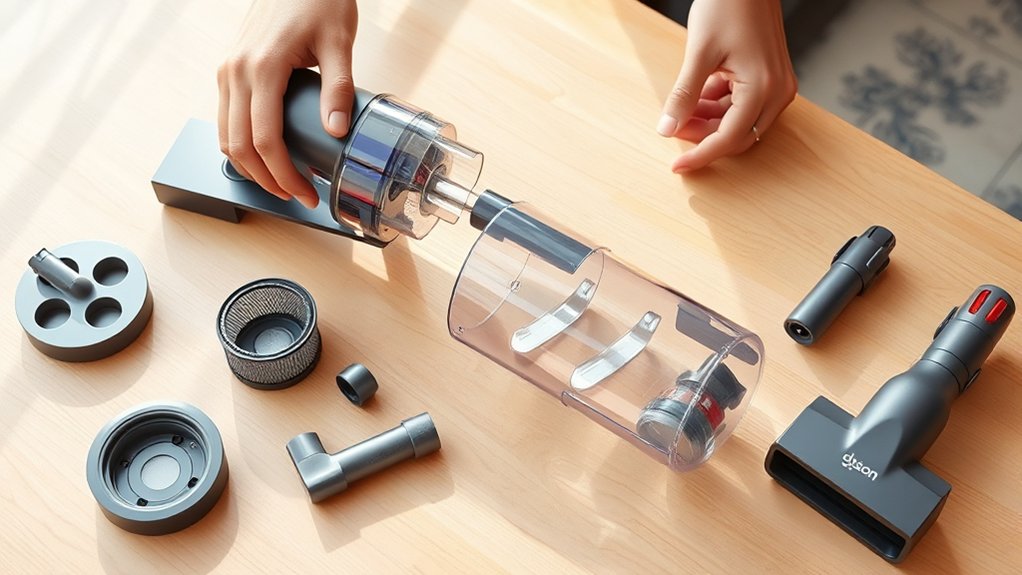
How to Unclog a Dyson Vacuum in 7 Easy Steps
Start by unplugging your Dyson vacuum and preparing a clean, well-lit workspace. When you notice a drop in suction or unusual noise, it’s time to check for blockages that could be affecting performance.
Inspect key areas like the hose, wand, brush bar, and bin inlet for any debris or clogs.
Remove the hose carefully and use a flexible tool to clear any blockages inside.
Next, clean the brush bar by cutting away tangled hair and dirt to ensure it spins freely.
Empty and wipe down the dust bin thoroughly to remove built-up dust and dirt.
Don’t forget to clean the cyclone to maintain strong suction power.
Once everything is clear, reassemble your Dyson vacuum securely.
Regular maintenance like this helps prevent future clogs and keeps your vacuum running at peak performance.
Key Takeaways
- Always unplug the Dyson vacuum and prepare a clean workspace before starting the unclogging process.
- Check for blockages in the hose, wand, and brush bar by inspecting for hair, dust, and debris.
- Detach the hose carefully, then use a flexible brush or straightened wire to clear any visible clogs.
- Remove and clean the brush bar by cutting away tangled fibers and empty the dust bin thoroughly.
- Reassemble all parts securely, clean or replace filters regularly, and avoid vacuuming large debris or liquids.
Prepare Your Dyson Vacuum for Unclogging
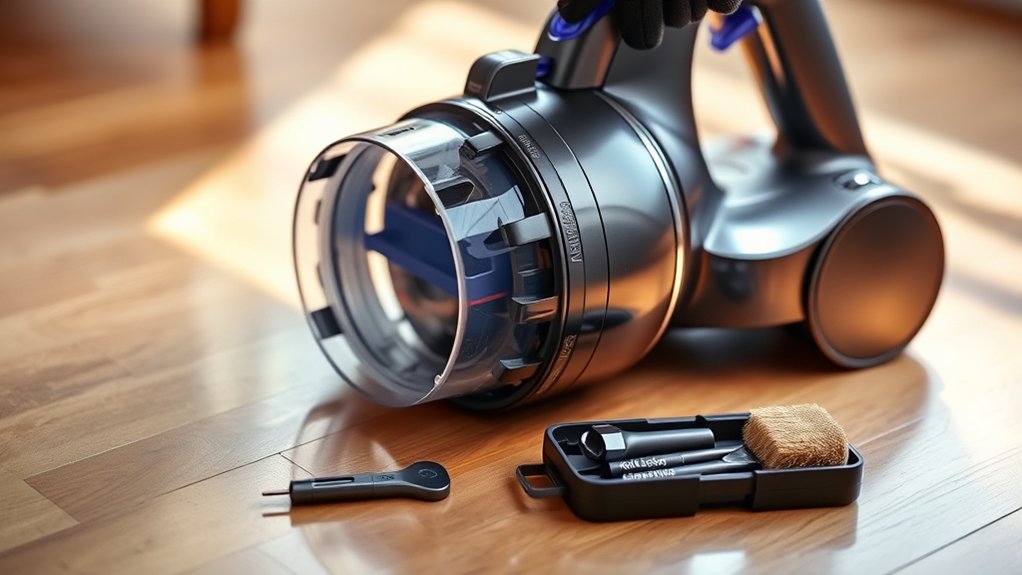
Before you begin unclogging your Dyson vacuum, make sure it’s unplugged and powered off to avoid any accidents. Next, find a clean, well-lit workspace where you can comfortably access your vacuum. Gather necessary tools like a screwdriver, a straightened paperclip, or a pair of tweezers, which can help remove stubborn debris.
Detach the wand or hose from the main unit carefully, following your model’s instructions to avoid damage. Place a trash bin nearby to dispose of any dirt and dust you remove. Finally, check the vacuum’s bin and empty it if it’s full.
Preparing your Dyson this way guarantees a smooth unclogging process without risking damage or injury. Now, you’re ready to move on to spotting blockages.
Spot Common Dyson Vacuum Blockages and Symptoms
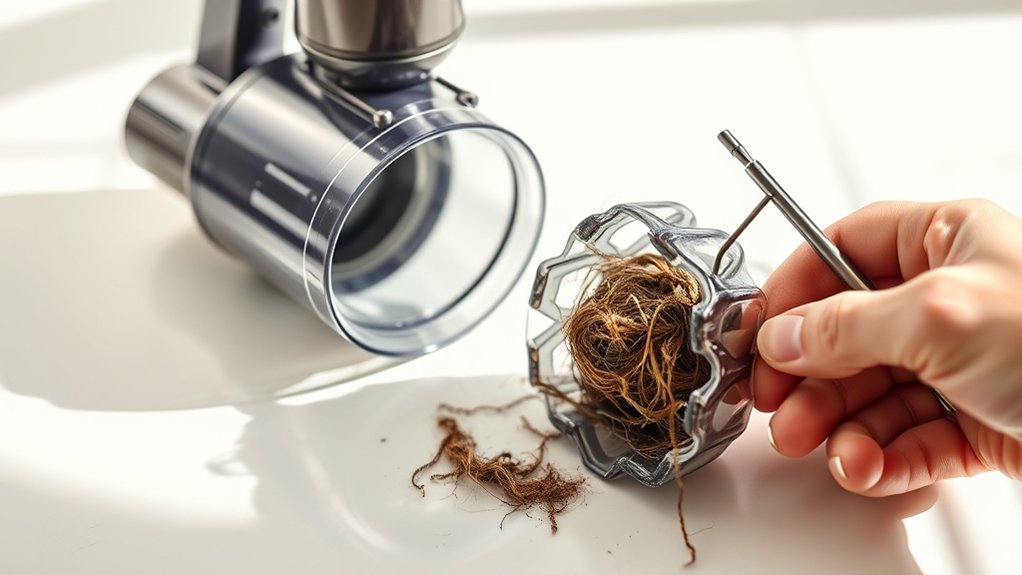
When your Dyson vacuum starts losing suction or making unusual noises, it’s a clear sign that blockages might be present. You’ll want to spot these common clog points quickly to keep your vacuum working efficiently.
Check these usual suspects:
Keep an eye on these common clog points to maintain your Dyson’s performance.
- Hose and wand: Hair, dust, or debris can get stuck, restricting airflow.
- Brush bar: Tangled hair or fibers can slow or stop the brush from spinning.
- Bin inlet: Dirt buildup here can prevent dirt from entering the bin properly.
- Filters: Clogged filters reduce suction and can cause overheating.
If you notice any of these symptoms—reduced suction, strange sounds, or a brush bar that won’t spin—it’s time to inspect for blockages. Catching these early helps avoid bigger problems down the line.
How to Remove and Clear Your Dyson Vacuum Hose
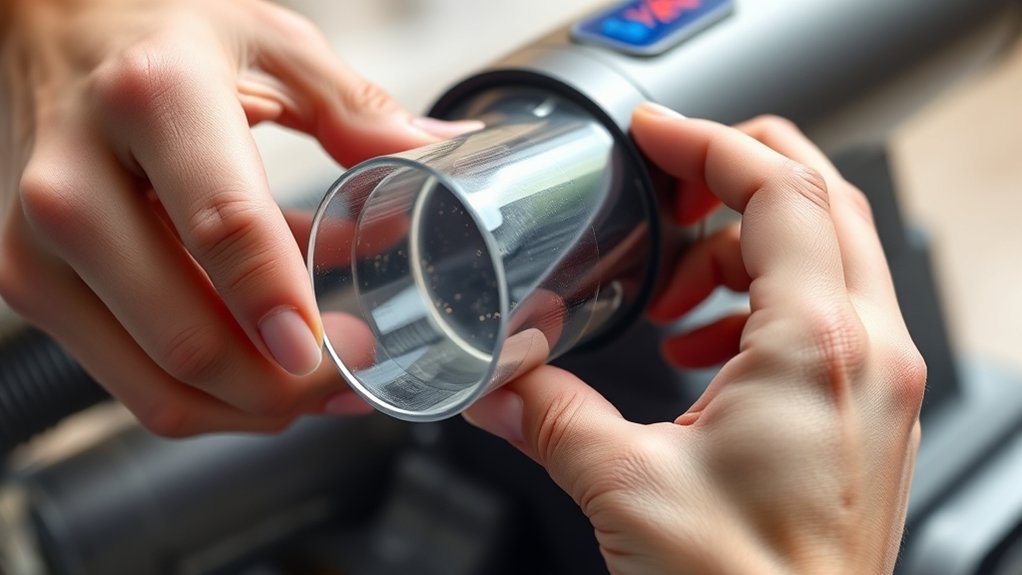
To clear a blockage in your Dyson vacuum hose, start by detaching the hose carefully from the main unit. Once removed, inspect the hose for any debris or clogs that might be restricting airflow. Use a flexible brush or a long object to push out any blockages and restore proper suction.
Detaching The Vacuum Hose
Although detaching the vacuum hose might seem tricky at first, you can easily remove it by locating the release button or clip on your Dyson model. Start by turning off and unplugging your vacuum for safety. Then, follow these simple steps to detach the hose:
- Find the release button or clip near where the hose connects to the main body.
- Press or unclip it gently while pulling the hose away from the vacuum.
- If it’s stuck, wiggle the hose slightly to loosen the connection.
- Avoid using excessive force to prevent damage.
Once detached, you’ll have better access to inspect and clean the hose. This step is essential before moving on to clearing any blockages inside.
Clearing Blockages Effectively
After detaching the vacuum hose, you’re ready to tackle any blockages inside. First, visually inspect the hose for debris or buildup. Use a flexible brush or a straightened wire hanger to gently push or pull out any clogs.
Avoid sharp objects that might damage the hose. After clearing, flush the hose with warm water and let it dry completely before reattaching.
| Step | Tool Needed | Tip |
|---|---|---|
| Inspect Hose | Flashlight | Look for visible blockages |
| Remove Debris | Flexible Brush | Avoid damaging the hose wall |
| Flush & Dry | Warm Water, Towel | Make certain hose is fully dry |
Following these steps keeps your Dyson running smoothly and improves suction efficiency.
How to Clean the Brush Bar and Remove Tangled Hair
How often do you check your Dyson vacuum’s brush bar for tangled hair and debris? Keeping it clean ensures your vacuum works efficiently.
To clean the brush bar and remove tangled hair, follow these steps:
- Turn off and unplug your vacuum for safety.
- Locate the brush bar, usually underneath the cleaner head.
- Use scissors or a seam ripper to carefully cut away hair and fibers wrapped around the brush.
- Remove loose debris by hand or with a dry cloth.
Regularly cleaning the brush bar prevents blockages and improves suction. Don’t forget to reassemble the parts securely before using your vacuum again.
This simple maintenance step saves you time and keeps your Dyson running smoothly.
How to Clear Dust From the Cyclone and Bin
Start by emptying the dust bin to prevent buildup and maintain suction power.
Next, gently clean the cyclone to remove trapped dust and debris.
Keeping these parts clear guarantees your Dyson vacuum works efficiently.
Removing Dust From Cyclone
Where does the dust go once it’s trapped in your Dyson? It collects in the cyclone, where powerful centrifugal forces separate dust and debris from the air. Over time, dust can build up inside the cyclone, reducing suction and performance.
To clear it, follow these steps:
- Detach the cyclone unit from the vacuum carefully.
- Use a soft brush or compressed air to dislodge dust stuck inside.
- Avoid using water or cleaning solutions inside the cyclone to prevent damage.
- Check for any blockages in the small holes or mesh filters within the cyclone.
Regularly removing dust from the cyclone keeps your Dyson running efficiently and prolongs its lifespan. Make this part of your cleaning routine to maintain strong suction and ideal performance.
Cleaning The Dust Bin
Although the cyclone traps most of the dust, the dust bin still collects a significant amount of debris that needs regular emptying to maintain your Dyson’s performance. To clean it, detach the bin from the vacuum, then press the release button to empty the contents into a trash can.
Use a dry cloth or brush to remove any remaining dust inside the bin. Avoid washing the bin with water unless specified by your model’s manual.
| Step | Action |
|---|---|
| 1 | Remove the dust bin from vacuum |
| 2 | Press release button to empty |
| 3 | Brush out stuck debris |
| 4 | Wipe with dry cloth if needed |
Regular cleaning prevents clogs and keeps suction strong.
How to Reassemble Your Dyson Vacuum Properly
Once you’ve cleaned and inspected each part, you’ll want to carefully reassemble your Dyson vacuum to guarantee it works correctly. Start by aligning the cyclone assembly back onto the dust bin, ensuring it clicks into place securely.
Next, reattach the dust bin to the main body, pushing it until you hear a snap. Don’t forget to reinstall the filter, making sure it fits snugly in its compartment. Finally, reconnect any hoses or attachments you removed.
Here’s a quick checklist to keep you on track:
- Align parts carefully to avoid damage
- Listen for secure clicks or snaps
- Double-check filter placement
- Make certain all attachments are reconnected
Taking these steps ensures your vacuum runs smoothly after unclogging.
Tips to Prevent Dyson Vacuum Clogs and Keep It Running Smoothly
After you’ve reassembled your Dyson vacuum properly, taking steps to prevent future clogs will save you time and hassle. Regularly empty the bin before it’s full, check for blockages in the wand and brush bar, and clean filters monthly.
Avoid vacuuming large debris or liquids, which can cause serious blockages. Use your vacuum on appropriate surfaces to prevent damage and buildup.
| Tip | Why It Helps | How Often |
|---|---|---|
| Empty bin early | Prevents suction loss | After each use |
| Clean filters | Maintains airflow | Monthly |
| Avoid large debris/liquids | Prevents major blockages | Always |
Following these tips keeps your Dyson running smoothly and extends its lifespan.
Frequently Asked Questions
How Often Should I Replace My Dyson Vacuum Filter?
You should replace your Dyson vacuum filter every 6 to 12 months, depending on usage. If you notice reduced suction or a bad smell, it’s a good idea to check and replace it sooner to keep performance strong.
Can I Use My Dyson Vacuum on Wet Surfaces?
Of course, you can use your Dyson on wet surfaces—if you want to ruin it. Dyson vacuums aren’t designed for wet messes; using them that way risks damage.
Stick to dry debris to keep it happy and working.
What Warranty Options Are Available for Dyson Vacuums?
You get a standard two-year warranty covering parts and labor for Dyson vacuums. If you register your product, you might access extended coverage or promotions, so be sure to check Dyson’s website for the latest warranty options.
How Do I Reset My Dyson Vacuum After a Clog?
You unplug it, you clear the blockage, you reassemble the parts, and you plug it back in.
Then, press the power button to reset your Dyson vacuum and get it running smoothly again.
Are There Specific Cleaning Products Safe for Dyson Vacuum Parts?
You should only use mild detergents or water to clean your Dyson vacuum parts. Avoid harsh chemicals or solvents, as they can damage the components.
Always check your user manual for specific cleaning recommendations to keep it safe.
Conclusion
Unclogging your Dyson vacuum is like giving it a refresh of fresh air—clear away blockages, tangled hair, and dust to let it roar back to life. By following these simple steps, you’ll keep your vacuum running smoothly, ready to tackle any mess.
Remember, a little regular care goes a long way in preventing clogs. This way, your Dyson stays as reliable as the day you brought it home.
Maintaining your Dyson vacuum with these unclogging tips ensures optimal performance and longevity. Keeping the vacuum clean and clog-free helps it operate efficiently and prolongs its lifespan.

Hi, I’m Everett Callahan, a home improvement enthusiast with a strong interest in plumbing, home repairs, and practical renovation projects. I enjoy exploring plumbing fixtures, water systems, repair tools, and simple ways to make homes more functional and comfortable. Through my writing, I share useful guidance, maintenance tips, and helpful ideas to assist homeowners with everyday plumbing challenges and home improvement decisions. My goal is to make home maintenance easier to understand and help readers approach their projects with greater confidence.