How Does My Hoover Upright Electric Vacuum Leave Residue and How to Fix It
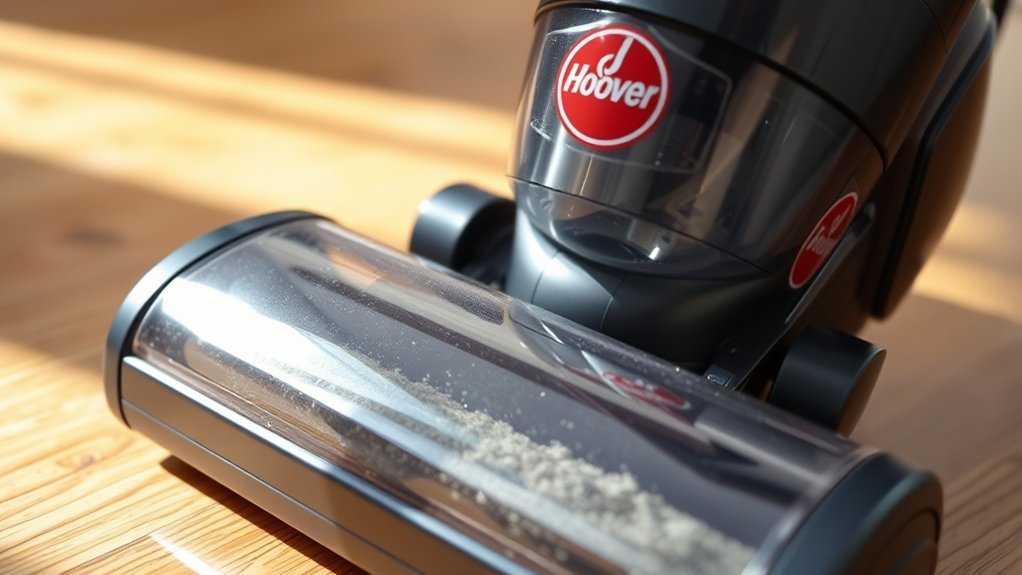
Your Hoover upright electric vacuum might leave residue due to several common issues that affect its cleaning performance. Dirty filters, worn brush rolls, and clogged hoses all reduce suction and airflow, preventing the vacuum from picking up dirt effectively.
When filters become blocked, dust and debris can escape back onto the floors, leaving behind unwanted residue.
Worn brush rolls may push dirt around instead of lifting it properly, which also contributes to residue on your carpets and floors.
Additionally, blocked or kinked hoses lower suction power, making it harder for the vacuum to collect dirt efficiently.
To fix these problems, regularly clean or replace the filters, inspect and maintain the brush roll, and clear any hose blockages.
Following these steps will help keep your vacuum performing like new and ensure your floors stay clean and residue-free.
Key Takeaways
- Dirty or clogged filters reduce suction and push dust back, causing residue; clean or replace filters regularly to restore airflow and performance.
- Worn brush roll bristles fail to lift debris effectively, spreading dirt; inspect and replace the brush roll as needed for thorough cleaning.
- Hose blockages restrict suction and leave dirt behind; clear clogs by detaching and gently removing debris with a flexible brush.
- Overfilled dustbins or bags reduce vacuum efficiency and cause residue; empty or replace them before full capacity is reached.
- Regularly clean and inspect all components, including vents and hoses, to maintain suction, prevent residue, and extend vacuum lifespan.
Why Does My Hoover Vacuum Leave Residue on Floors?
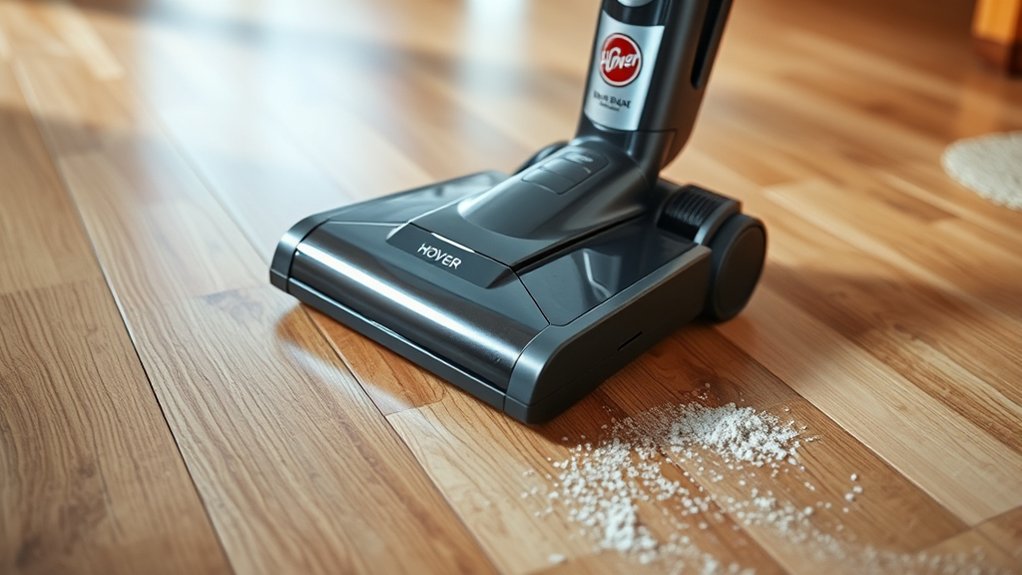
Although your Hoover vacuum is designed to clean thoroughly, it can sometimes leave residue on floors due to clogged filters, worn brush rolls, or using the wrong cleaning solution. When filters get blocked, suction weakens, making it harder to pick up dirt completely.
If the brush roll is worn or damaged, it won’t agitate the carpet fibers properly, leaving behind dust and debris. Also, using a cleaning solution not meant for your vacuum can leave a sticky film instead of lifting dirt.
Checking your vacuum’s settings matters too—using the wrong height or mode for your floor type can cause poor cleaning performance. By understanding these causes, you’re better equipped to keep your floors spotless and your Hoover working efficiently.
How Dirty Filters Make Your Hoover Vacuum Leave Residue
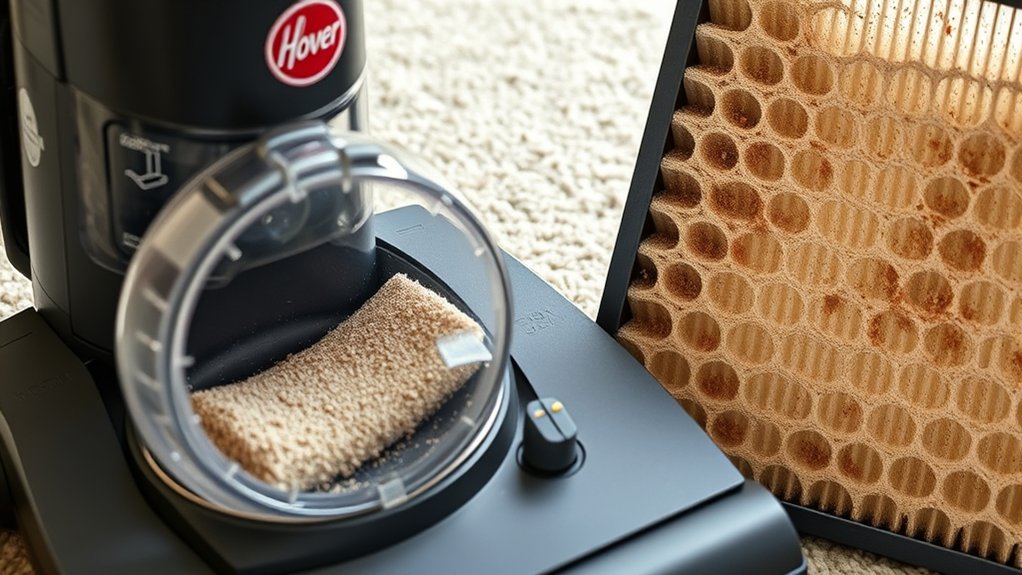
When your Hoover vacuum’s filters get clogged, it struggles to suck up dirt properly, leaving residue behind. You’ll notice better performance once you clean or replace the filters regularly.
Keeping them clear guarantees your vacuum picks up debris instead of spreading it around.
Filter Clogging Effects
If your Hoover upright vacuum leaves residue behind, dirty filters could be the main culprit. When filters clog, airflow decreases, reducing suction power. This means your vacuum can’t pick up dirt and debris effectively, leaving particles on your floors.
Clogged filters also cause the motor to work harder, risking overheating and damage. Additionally, trapped dust in filters can get pushed back into the air, settling as residue on surfaces. You might notice your vacuum struggling, making strange noises or losing efficiency.
Ignoring clogged filters only worsens residue problems and can shorten your vacuum’s lifespan. Recognizing these effects helps you identify when your Hoover needs attention before residue issues escalate or cause further damage to the machine.
Cleaning Filter Benefits
Because dirty filters block airflow, your Hoover vacuum can’t maintain strong suction, which causes it to leave residue behind. Cleaning your filter regularly restores proper airflow, letting your vacuum pick up dirt and debris efficiently.
When you keep the filter clean, you:
- Improve suction power, ensuring thorough dirt removal.
- Prevent dust from escaping back onto floors.
- Extend your vacuum’s lifespan by reducing motor strain.
- Maintain consistent cleaning performance every time you use it.
Neglecting this simple task leads to clogged filters, weak suction, and residue left on carpets. Make it a habit to check and clean your Hoover’s filter according to the manufacturer’s instructions.
This small step keeps your home cleaner and your vacuum running smoothly without leaving behind unwanted dirt.
Why a Worn Brush Roll Causes Residue on Your Floors
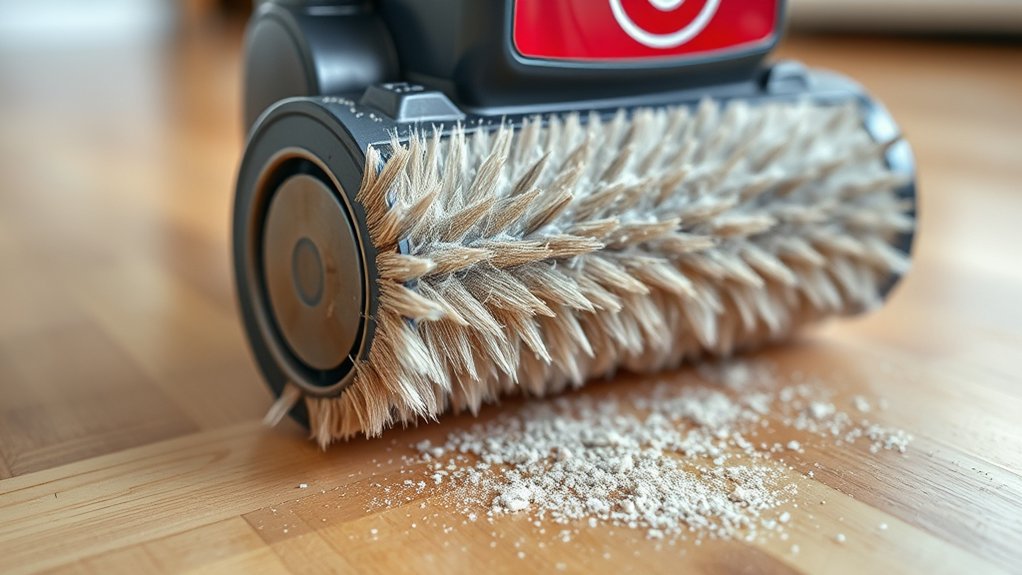
Though it might seem like a small part, your vacuum’s brush roll plays an essential role in keeping floors clean. It agitates carpet fibers and loosens dirt, allowing your Hoover upright vacuum to pick up debris effectively. When the brush roll wears down, its bristles become flattened or missing, reducing its ability to sweep dirt into the vacuum’s suction path.
As a result, you’ll notice residue left behind after vacuuming. Additionally, a worn brush roll can push dirt around rather than lift it, making your floors look dirtier. To avoid this, inspect the brush roll regularly and replace it when the bristles show signs of wear.
Maintaining a healthy brush roll ensures your vacuum cleans thoroughly and leaves no unwanted residue.
How Clogged Hoses Hurt Hoover Vacuum Performance
Along with a worn brush roll, clogged hoses can seriously reduce your Hoover vacuum’s ability to pick up dirt. When debris builds up inside the hoses, it restricts airflow, which lowers suction power. This means your vacuum can’t pull dirt and dust effectively, leaving residue behind.
Plus, the motor has to work harder, risking overheating and damage.
You might notice:
- Weak suction despite running the vacuum at full power
- Strange noises from the motor struggling to pull air
- Visible blockages or debris inside the hose
- Dust and dirt scattered rather than fully collected
Regularly checking and clearing your hoses guarantees strong suction and prevents residue on your floors.
Cleaning and Replacing Hoover Vacuum Filters
If your Hoover vacuum leaves residue despite a clear hose and brush roll, dirty or clogged filters might be the culprit. Filters trap fine dust and prevent it from blowing back onto your floors. Over time, these filters get clogged, reducing suction and causing residue buildup.
Start by locating your vacuum’s filters—usually near the dust bin or motor. Remove and gently tap them to dislodge dirt, then rinse under cold water if washable. Let them air dry completely before reinstalling to avoid damage.
If your filters look worn or don’t clean up well, replace them with genuine Hoover parts. Regularly maintaining filters guarantees your vacuum runs efficiently, preventing residue and keeping your floors spotless. Don’t skip this simple step in your cleaning routine.
Inspecting and Fixing the Hoover Vacuum Brush Roll
Now, check the brush roll for any wear or damage that might affect performance. Clear away tangled hair and debris to keep it spinning smoothly.
Finally, adjust the brush roll height to guarantee it contacts your floor properly.
Checking Brush Roll Condition
Why is your Hoover upright vacuum leaving residue behind? One common culprit is the brush roll condition. If the brush roll is worn, damaged, or not spinning properly, it won’t agitate dirt and debris effectively, leaving residue on your floors.
Make sure you verify the brush roll regularly by doing the following:
- Turn off and unplug your vacuum for safety.
- Remove the brush roll cover to expose the brush.
- Inspect the bristles for wear, fraying, or flattening.
- Spin the brush roll by hand to ensure it rotates freely without obstruction.
If you notice significant wear or the brush roll doesn’t spin smoothly, it’s time to replace it. A healthy brush roll is essential for thorough cleaning and preventing residue buildup.
Removing Debris and Hair
After checking the brush roll’s condition, the next step is to clear away any debris and hair tangled around it. Turn off and unplug your Hoover vacuum before you start. Use scissors or a seam ripper to carefully cut through the hair and threads wrapped tightly around the brush roll.
Pull out the loosened debris by hand or with tweezers. Make sure to clean both ends where the brush roll spins, as hair buildup can clog these areas too. Removing this buildup prevents the brush roll from spinning freely, which can cause residue to be left behind on your floors.
Once clean, spin the brush roll manually to check for smooth movement before reassembling your vacuum. Regularly removing debris guarantees peak performance and extends your vacuum’s lifespan.
Adjusting Brush Roll Height
Although it might seem minor, adjusting the brush roll height on your Hoover vacuum can markedly impact its cleaning effectiveness and prevent residue buildup. If the brush roll is set too low, it can push dirt around instead of picking it up. Too high, and it won’t agitate the carpet fibers properly, leaving debris behind.
Here’s how to adjust it:
- Locate the height adjustment lever or dial on your vacuum’s base.
- Choose the setting that matches your floor type—low for carpets, higher for hard floors.
- Test the vacuum on a small area to ensure it picks up dirt without scattering residue.
- Readjust if you notice leftover debris or brush roll marks.
Proper height conserves time and keeps your floors cleaner.
Clearing and Preventing Hoover Vacuum Hose Blockages
How can you tell if your Hoover vacuum hose is blocked? You’ll notice weak suction, strange noises, or residue left behind.
To clear blockages, first unplug the vacuum and detach the hose. Shine a flashlight through it to spot clogs. Use a long, flexible brush or a broomstick to gently push debris out.
Unplug and detach the hose, then use a flashlight and flexible brush to carefully clear blockages.
Avoid sharp objects that might damage the hose. After clearing, reconnect and test suction.
To prevent future blockages, avoid vacuuming large debris or sticky substances that can clog the hose. Regularly inspect the hose for cracks or buildup.
If you detect damage, replace the hose promptly to maintain proper airflow. Keeping the hose clear ensures your Hoover vacuum performs efficiently without leaving residue behind.
Maintenance Tips to Prevent Residue and Keep Your Hoover Vacuum Working
Keeping your Hoover vacuum hose clear plays a big role in preventing residue, but regular maintenance goes beyond just that. To keep your vacuum running smoothly and residue-free, you need to adopt a few simple habits. First, always empty the dustbin or replace the bag before it gets too full.
Second, clean or replace filters regularly to maintain proper airflow. Third, check the brush roll for tangled hair or debris that can affect suction and residue buildup. Fourth, inspect and clean the vacuum’s intake and exhaust vents to avoid clogs.
Following these steps consistently helps your Hoover vacuum perform at its best and prevents residue from being left behind on your floors. Regular care saves you time and frustration in the long run.
Frequently Asked Questions
Can Using the Wrong Vacuum Setting Cause Residue on My Floors?
Yes, using the wrong vacuum setting can leave residue on your floors. If the suction’s too low or brush roll spins too fast, dirt and debris won’t get fully picked up, causing leftover grime you’ll want to avoid.
Does the Type of Floor Surface Affect Residue Left by My Hoover Vacuum?
Imagine your hardwood shining but sticky—yes, your floor type affects residue. Carpets trap dirt differently, while tiles might show streaks. You’ve got to adjust settings and cleaning methods to match each surface perfectly.
How Often Should I Replace Vacuum Belts to Prevent Residue Buildup?
You should replace your vacuum belts every 6 to 12 months, depending on usage. Worn belts can reduce suction and cause residue buildup. Check them regularly for cracks or stretching, and swap them out promptly to keep your vacuum effective.
Can Vacuum Bag Issues Contribute to Residue on My Floors?
Yes, it’s no coincidence that a clogged or improperly sealed vacuum bag can cause residue on your floors.
You’ll want to check and replace the bag regularly to guarantee dirt stays trapped and doesn’t escape back onto surfaces.
Is Residue More Common With Older Hoover Vacuum Models?
Yes, residue is more common with older Hoover vacuum models because their filters and brush rolls wear out over time. You should regularly clean or replace parts to maintain strong suction and prevent residue buildup on your floors.
Regular maintenance helps keep your vacuum working efficiently. Neglecting to clean or replace worn components can lead to decreased performance. This often results in residue being left behind during cleaning.
Conclusion
If your Hoover vacuum leaves residue, it’s like a dust storm sneaking back onto your floors—frustrating, right? Don’t let dirty filters, worn brush rolls, or clogged hoses turn your cleaning routine into a messy circus.
By regularly inspecting, cleaning, and replacing parts, you’ll keep your vacuum roaring like a beast and your floors sparkling like a crystal palace. Stay on top of maintenance, and you’ll banish that pesky residue for good!
Remember, proper maintenance is key to fixing your Hoover upright electric vacuum leaving residue. Regular care ensures your vacuum performs efficiently and keeps your floors spotless every time.

Hi, I’m Everett Callahan, a home improvement enthusiast with a strong interest in plumbing, home repairs, and practical renovation projects. I enjoy exploring plumbing fixtures, water systems, repair tools, and simple ways to make homes more functional and comfortable. Through my writing, I share useful guidance, maintenance tips, and helpful ideas to assist homeowners with everyday plumbing challenges and home improvement decisions. My goal is to make home maintenance easier to understand and help readers approach their projects with greater confidence.