How to Reset Dyson Vacuum in 7 Easy Steps
To reset your Dyson vacuum in 7 easy steps, start by powering off and unplugging the device safely.
Proper maintenance, including checking for blockages and inspecting the brush bar for tangles, ensures optimal performance.
Regularly emptying the dust bin and cleaning the filters thoroughly can prevent common issues.
Next, locate and hold the reset button for 10 seconds until the indicator signals a reset.
Reassemble all parts securely, then plug the vacuum back in and turn it on.
Finally, test the suction to guarantee peak performance.
Keep going to uncover detailed tips for maintaining your vacuum’s best function and prolonging its lifespan.
Key Takeaways
- Turn off the Dyson vacuum and unplug it from the power source to ensure safety before resetting.
- Locate the reset button near the motor or under the dustbin and hold it for 10 seconds until a beep or light appears.
- Release the reset button, wait briefly, then plug the vacuum back in and power it on.
- Reassemble all parts securely, ensuring the dustbin and filters are correctly placed and locked.
- Test the vacuum’s suction and brush bar operation to confirm the reset was successful.
Power Off and Unplug Your Dyson Vacuum Safely
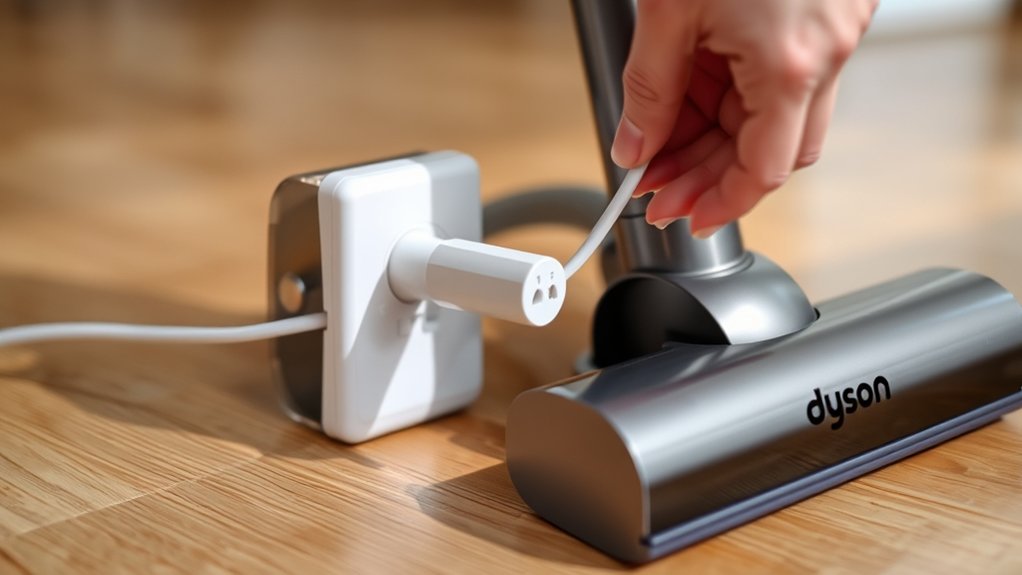
Before you begin resetting your Dyson vacuum, make sure you power it off completely and unplug it from the electrical outlet. This step is essential to avoid any electrical hazards and guarantee your safety. Locate the power switch, usually near the handle or base, and press it to turn off the vacuum.
Once it’s off, grasp the plug firmly and pull it from the socket—never yank the cord itself, as that can damage the wiring. Taking these precautions prevents accidental starts and protects both you and your device. After unplugging, wait a minute or two before proceeding with the reset.
This pause allows any residual charge to dissipate, guaranteeing a smoother reset process. Following these steps sets a solid foundation for effectively resetting your Dyson vacuum.
Diagnose Common Dyson Vacuum Problems
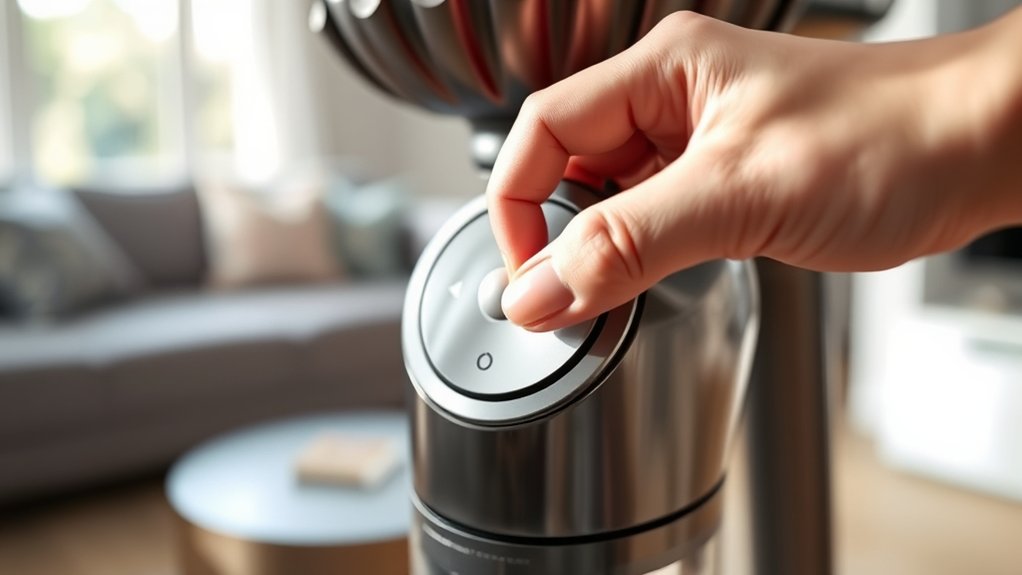
Although Dyson vacuums are built to last, you may occasionally encounter issues that affect their performance. If your vacuum isn’t suctioning properly, check for blockages in the wand or hose. A common problem is a clogged or tangled brush bar, which reduces cleaning efficiency.
If the vacuum suddenly powers off, it might be overheating—let it cool down before restarting. Sometimes, the battery may not hold a charge, signaling it needs replacement. If you notice unusual noises, inspect the brush bar and motor for debris.
Also, make certain the vacuum is correctly assembled, as misaligned parts can trigger error modes. By diagnosing these common problems, you can quickly decide if a reset or further maintenance is necessary.
Clear the Dust Bin and Clean the Filters
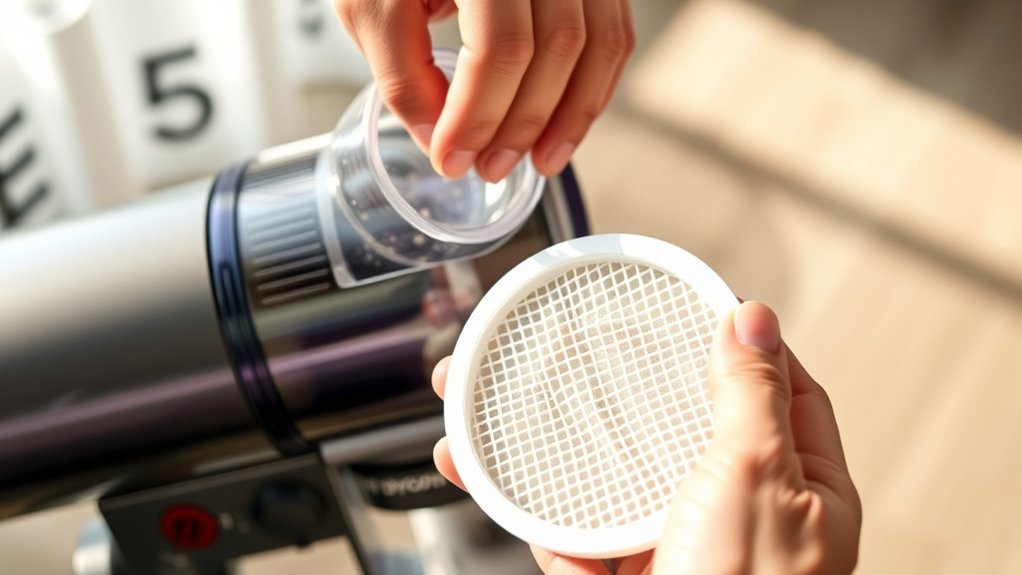
Start by emptying the dust bin to remove any debris blocking airflow. Then, take out the filters and wash them thoroughly with cold water.
Make sure the filters are completely dry before putting them back in to avoid damage.
Emptying The Dust Bin
How often should you empty the dust bin to keep your Dyson vacuum running efficiently? Ideally, you should empty it after every use or when it reaches the max fill line. This prevents loss of suction and keeps your vacuum performing at its best.
To empty the dust bin, first detach it from the main body by pressing the release button. Hold it over a trash can and press the bin release trigger to drop the debris out. Avoid banging or shaking the bin to prevent damage.
After emptying, check for any stuck debris inside and remove it carefully. Keeping the dust bin clean ensures smooth airflow and reduces strain on your vacuum’s motor, helping maintain peak function before you proceed with any reset steps.
Removing And Washing Filters
Once you’ve emptied the dust bin, the next step is to remove and wash the filters to keep your Dyson vacuum running smoothly. Here’s how you do it:
- Locate the filters—usually two: one inside the cyclone and another near the ball or base.
- Pull out the filters gently, following your model’s instructions.
- Rinse the filters under cold water. Avoid using any detergents or scrubbing brushes to prevent damage.
- Squeeze out excess water gently without wringing to protect the filter’s structure.
Cleaning your filters regularly prevents blockages and maintains suction power. Remember, never wash the filters in a dishwasher or washing machine.
This simple maintenance step guarantees your Dyson vacuum performs efficiently every time you use it.
Drying Filters Thoroughly
Although cleaning your Dyson vacuum’s filters is essential, drying them thoroughly is just as important to prevent damage and maintain performance. After washing the filters, shake off excess water and place them somewhere warm and well-ventilated. Avoid using direct heat sources like hair dryers or radiators, as they can warp or damage the filter material.
It typically takes at least 24 hours for the filters to dry completely. Don’t rush this step—using damp filters can cause mold growth and reduce suction power. While waiting, clear the dust bin and wipe it down to guarantee your vacuum stays clean inside.
Only reassemble your vacuum once the filters are fully dry to keep your Dyson running smoothly and extend its lifespan.
Reset Your Dyson Vacuum
Before you reset your Dyson vacuum, make sure it’s unplugged and cooled down to prevent any electrical issues. Once it’s safe, follow these steps to reset your vacuum efficiently:
Always unplug and let your Dyson cool down before starting the reset process to avoid electrical problems.
- Locate the reset button, usually near the motor or under the dustbin.
- Press and hold the reset button for about 10 seconds until you see a light indicator or hear a beep.
- Release the button and wait a few seconds to let the vacuum reboot.
- Plug your vacuum back in and turn it on to confirm the reset was successful.
Reassemble and Secure All Parts
After resetting your Dyson vacuum, you’ll want to carefully reassemble and secure all parts to guarantee it functions properly. Begin by aligning each component exactly as it was before disassembly. Snap or twist parts firmly into place, ensuring they lock securely without forcing them.
Check the dustbin, filters, and cyclone assembly for proper positioning. Attach the wand and any accessories tightly to prevent air leaks or malfunction. If your model has clips or screws, tighten them adequately but avoid overtightening, which can cause damage.
Take a moment to inspect all connections for stability. Proper reassembly not only ensures ideal performance but also prevents issues like reduced suction or parts detaching during use. With everything secured, your vacuum is set for the next step.
Power On Your Dyson Vacuum
Once you’ve reassembled your Dyson vacuum, you can power it on to confirm it’s working correctly. Here’s how to do it efficiently:
- Plug the vacuum into a power source, ensuring the connection is secure.
- Press the power button firmly; you should hear the motor start immediately.
- Observe any indicator lights on the vacuum—green usually means it’s ready.
- If the vacuum doesn’t power on, double-check the battery charge or cord connection.
Test Suction and Performance After Reset
To guarantee your Dyson vacuum functions properly following a reset, you need to test its suction and overall performance carefully. Start by turning it on and listening for any unusual sounds or vibrations. Next, check the suction by running the vacuum over a small area with visible debris or pet hair.
If the vacuum picks up dirt effectively, the suction is working well. Make sure to inspect the brush bar and airflow to confirm they’re operating smoothly. If you notice weak suction or strange noises, recheck the filter, bin, and hose for blockages or improper assembly.
Testing your vacuum thoroughly after a reset ensures it performs at its best, extending its lifespan and maintaining cleaning efficiency. Don’t skip this step to avoid future issues.
Frequently Asked Questions
How Often Should I Replace Dyson Vacuum Filters?
You should replace your Dyson vacuum filters every 6 to 12 months, depending on usage.
If you notice reduced suction or unusual smells, it’s time to swap them out to keep your vacuum working efficiently.
Can I Use Third-Party Replacement Parts for My Dyson Vacuum?
Using third-party parts is like sailing with a different map—you can, but risks exist. They might not fit perfectly or void warranties.
For best performance, stick to Dyson’s parts to keep your vacuum running smoothly and safely.
What Warranty Does Dyson Offer on Their Vacuum Cleaners?
Dyson offers a 2-year warranty on most vacuum cleaners, covering parts and labor. You’ll get repairs or replacements if defects occur.
Just keep your proof of purchase handy to make the process smooth and quick.
How Do I Troubleshoot Dyson Vacuum Battery Issues?
You should check the battery charge first and verify the charger works. Clean any debris from contacts, reset the vacuum if needed, and test with a full charge.
If problems persist, contact Dyson support for help.
Are Dyson Vacuum Cleaners Safe for Pet Hair Removal?
Yes, Dyson vacuum cleaners are safe and effective for pet hair removal. You’ll find their powerful suction and specialized tools easily capture pet hair from carpets, furniture, and hard floors without damaging surfaces or causing harm.
Conclusion
Resetting your Dyson vacuum is like giving it a fresh breath of life—simple, quick, and rewarding. By following these seven easy steps, you’ll tackle common issues, clear blockages, and restore peak performance in no time. Don’t let dirt win; take charge, reset, and watch your vacuum roar back to life.
Remember, a little maintenance goes a long way in keeping your home spotless and your Dyson running smoothly! Performing a Dyson vacuum reset regularly helps maintain optimal suction power and extends the life of your device. With these simple steps, you can ensure your vacuum cleaner stays efficient and effective every day.

Hi, I’m Everett Callahan, a home improvement enthusiast with a strong interest in plumbing, home repairs, and practical renovation projects. I enjoy exploring plumbing fixtures, water systems, repair tools, and simple ways to make homes more functional and comfortable. Through my writing, I share useful guidance, maintenance tips, and helpful ideas to assist homeowners with everyday plumbing challenges and home improvement decisions. My goal is to make home maintenance easier to understand and help readers approach their projects with greater confidence.